System Updates
This page highlights the main user-facing improvements, additions and feature releases to the system.
2026
October 2026
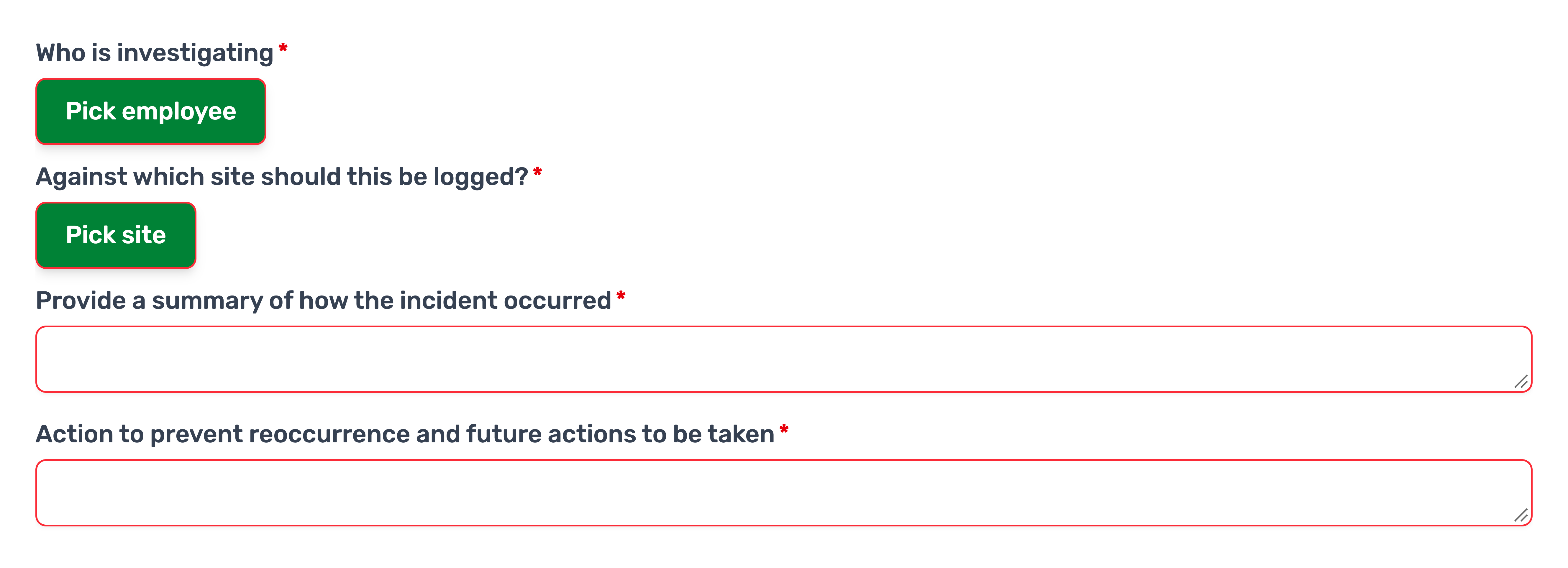
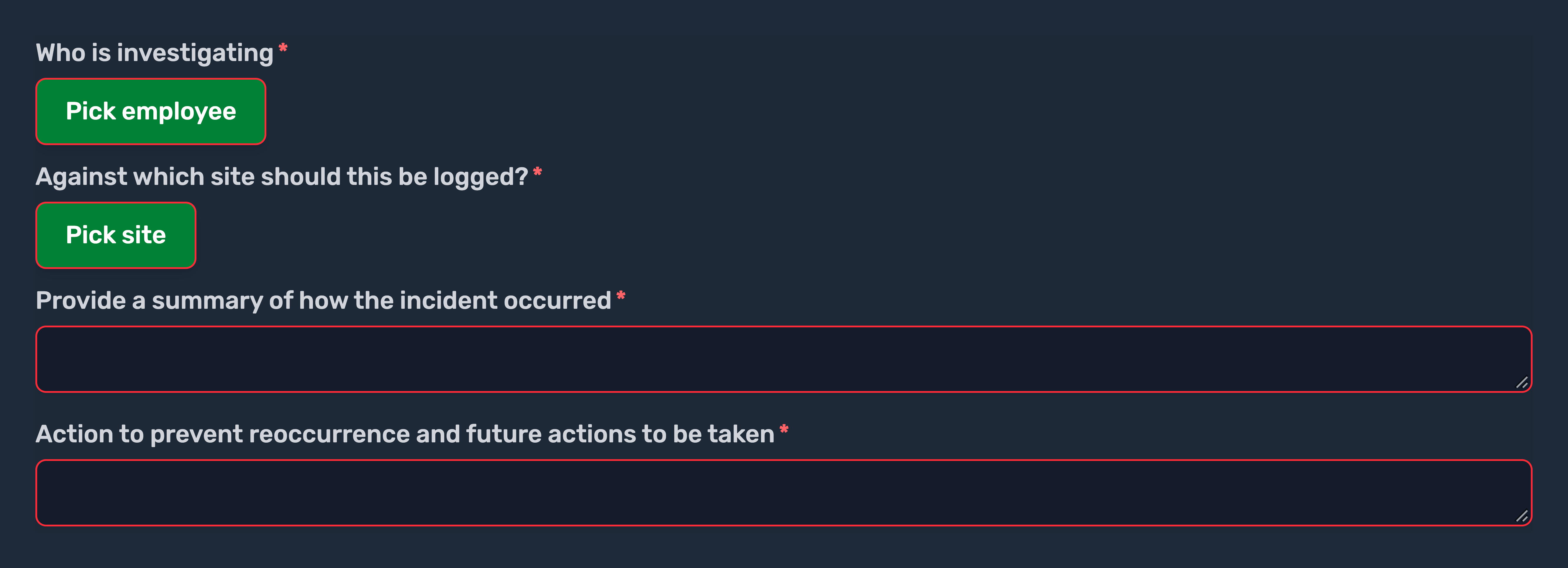
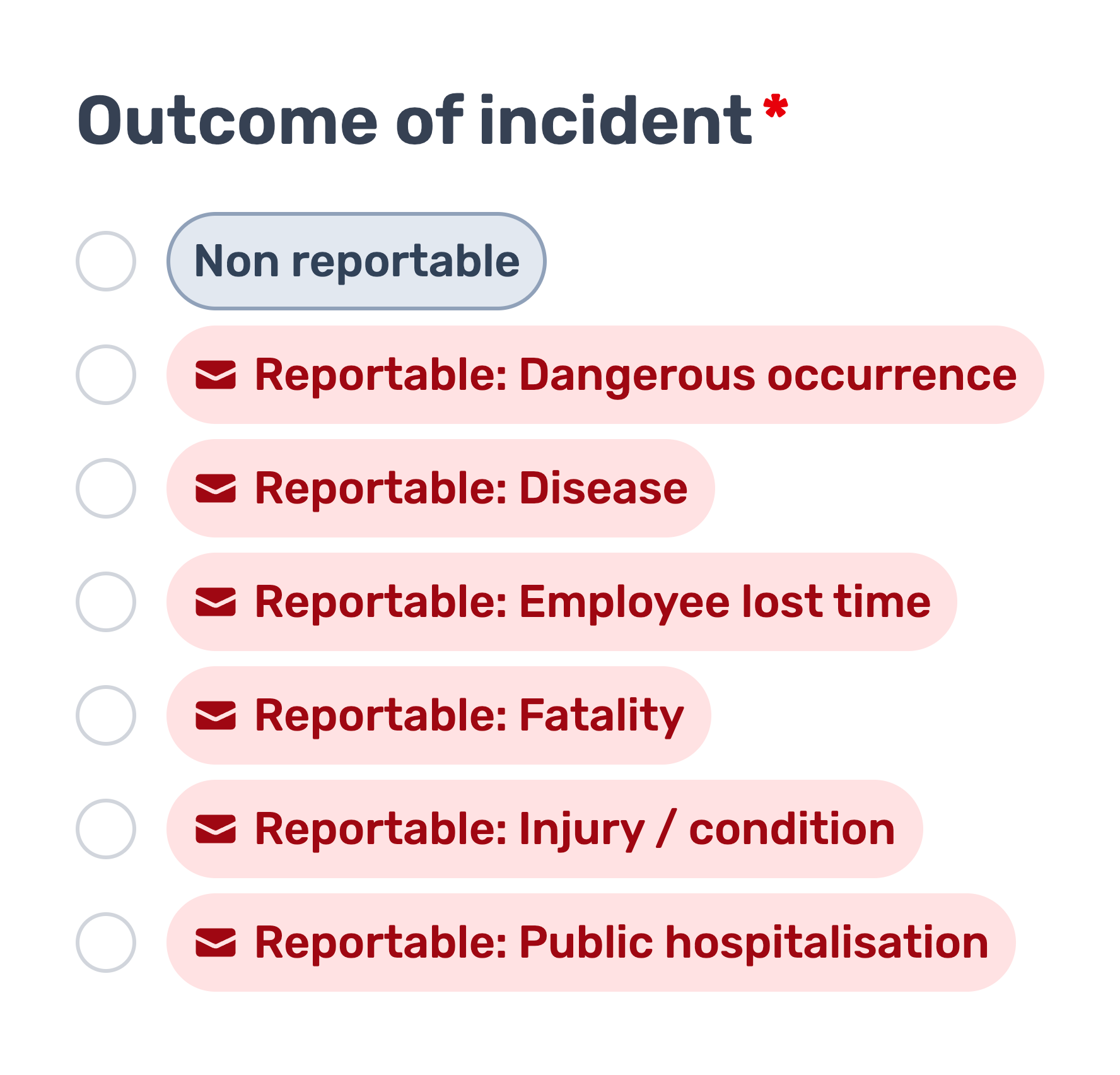
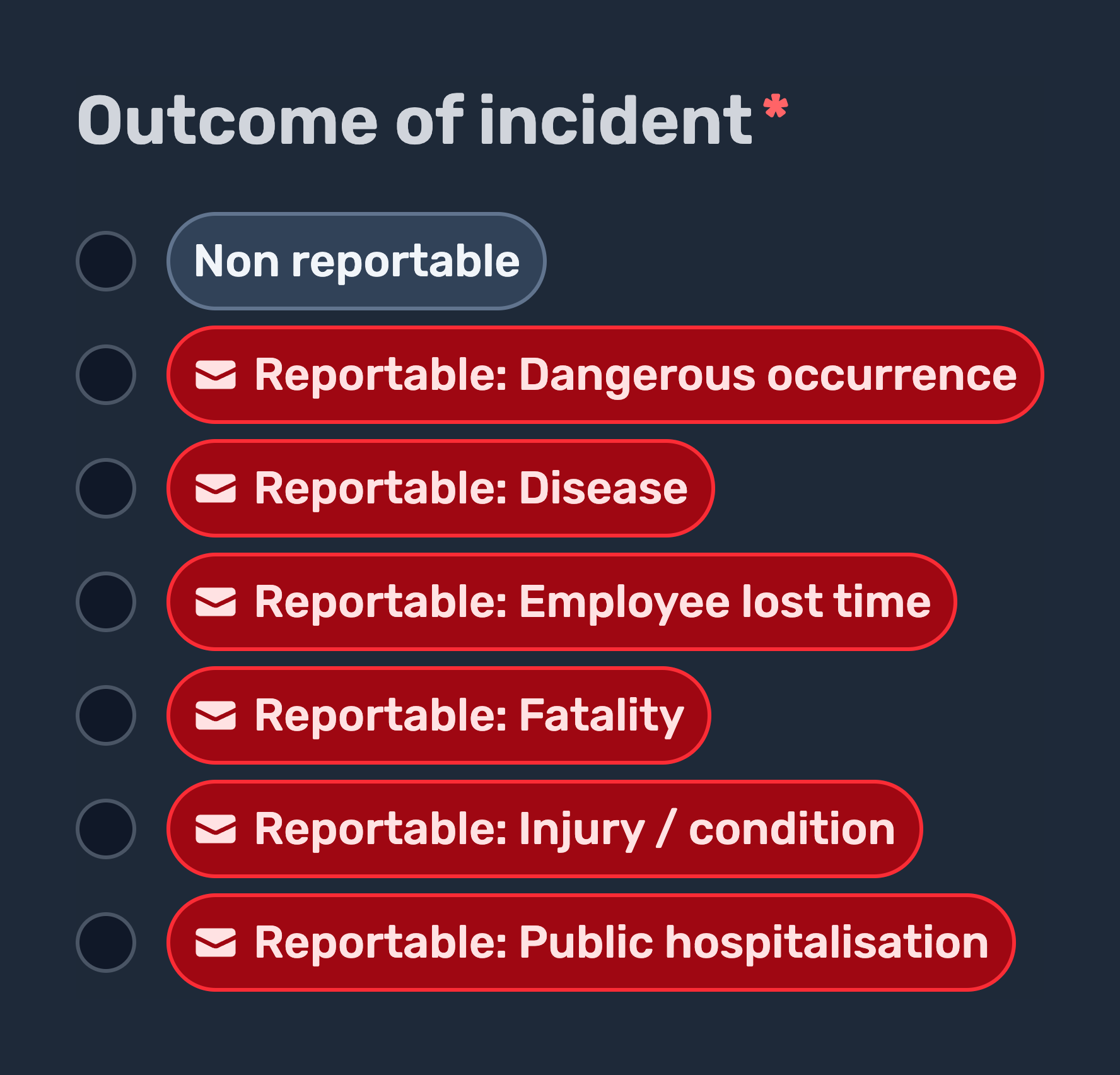
Improvement: Overhauled incident form
We have overhauled the incident form to include some of the new features released as part of the task update yesterday. See a summary of the main changes below.
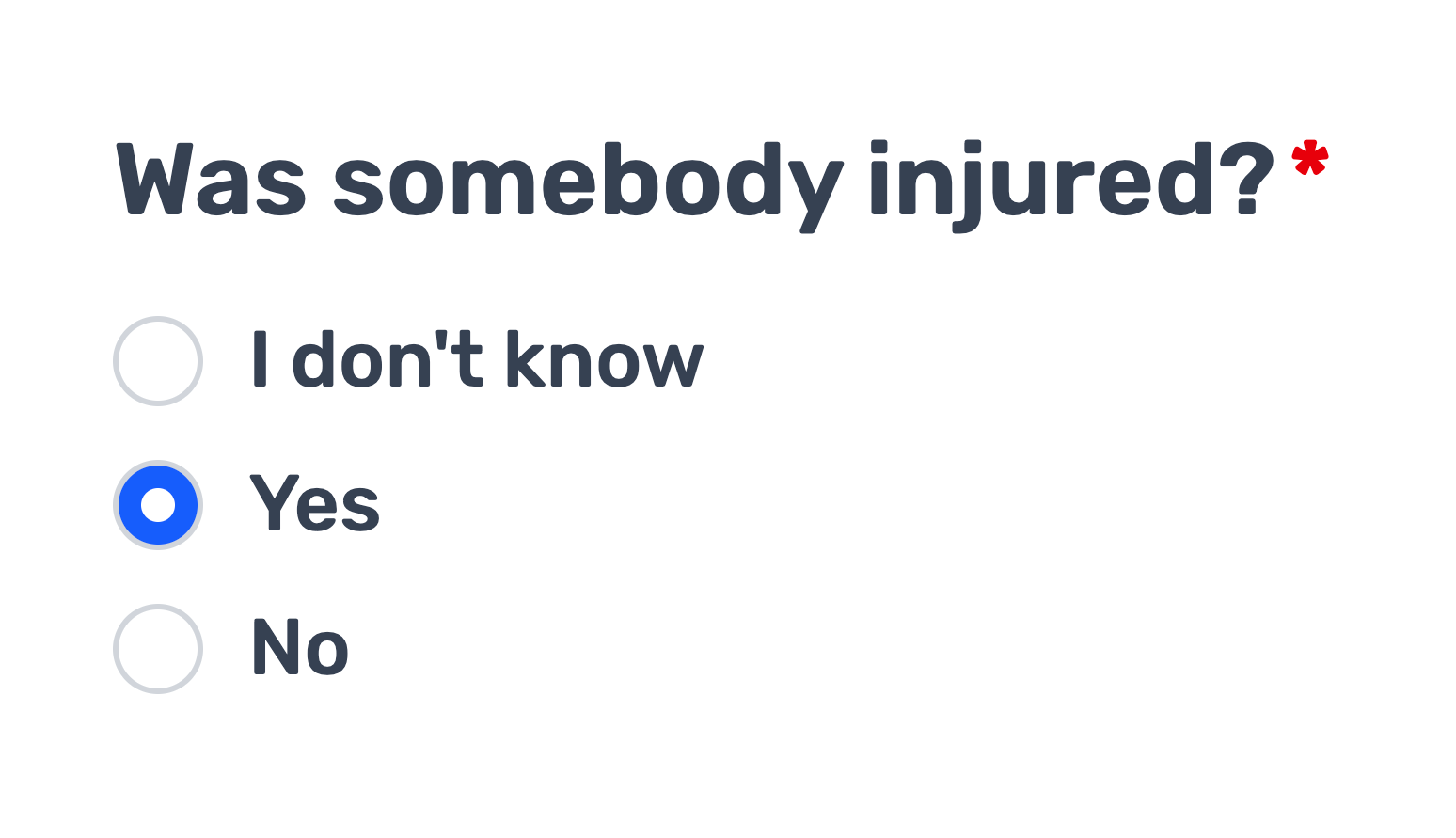
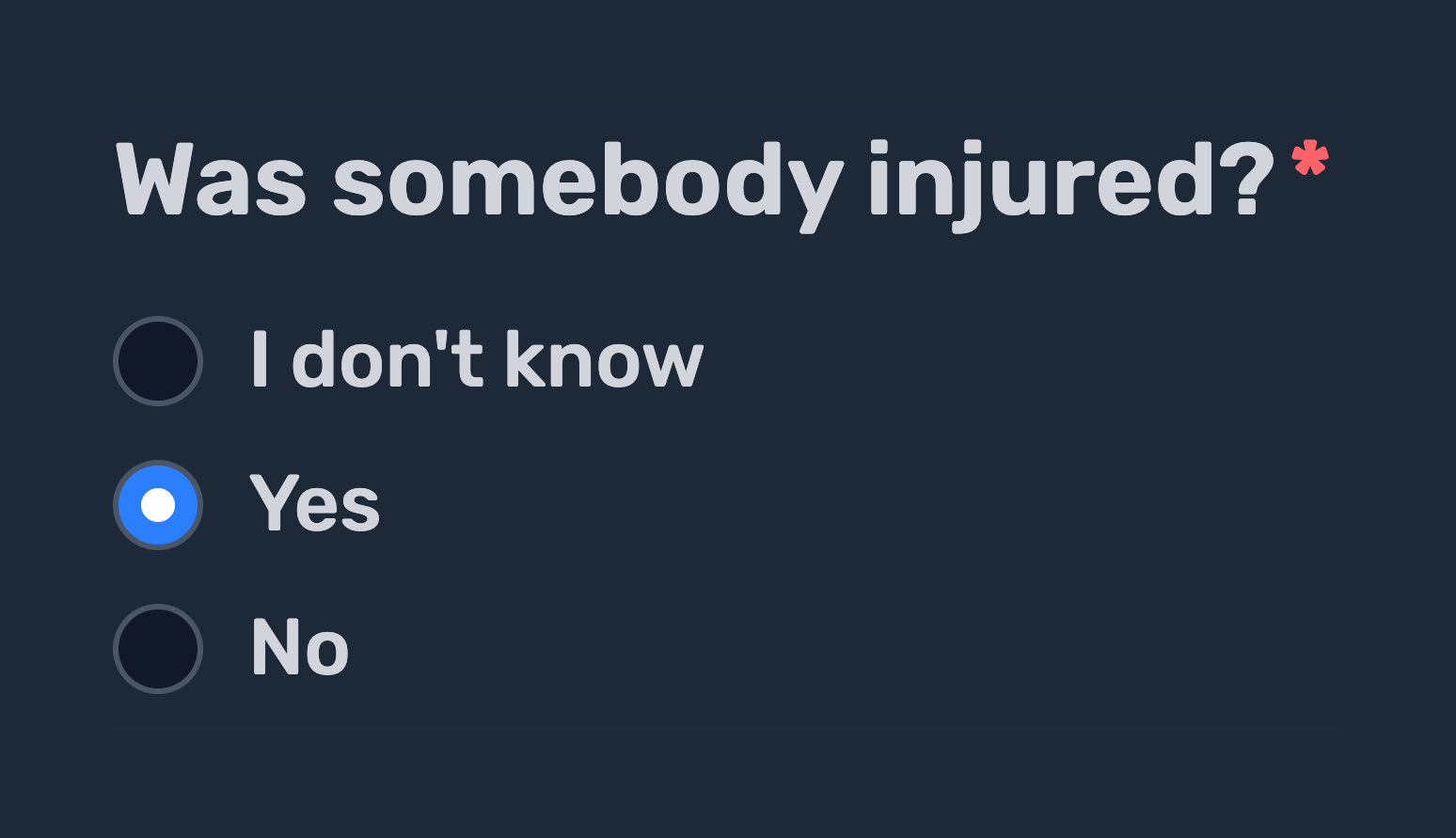
Better required field visibility
Required fields now have a red icon, making it easier to see what needs filling in.
New missing information flow
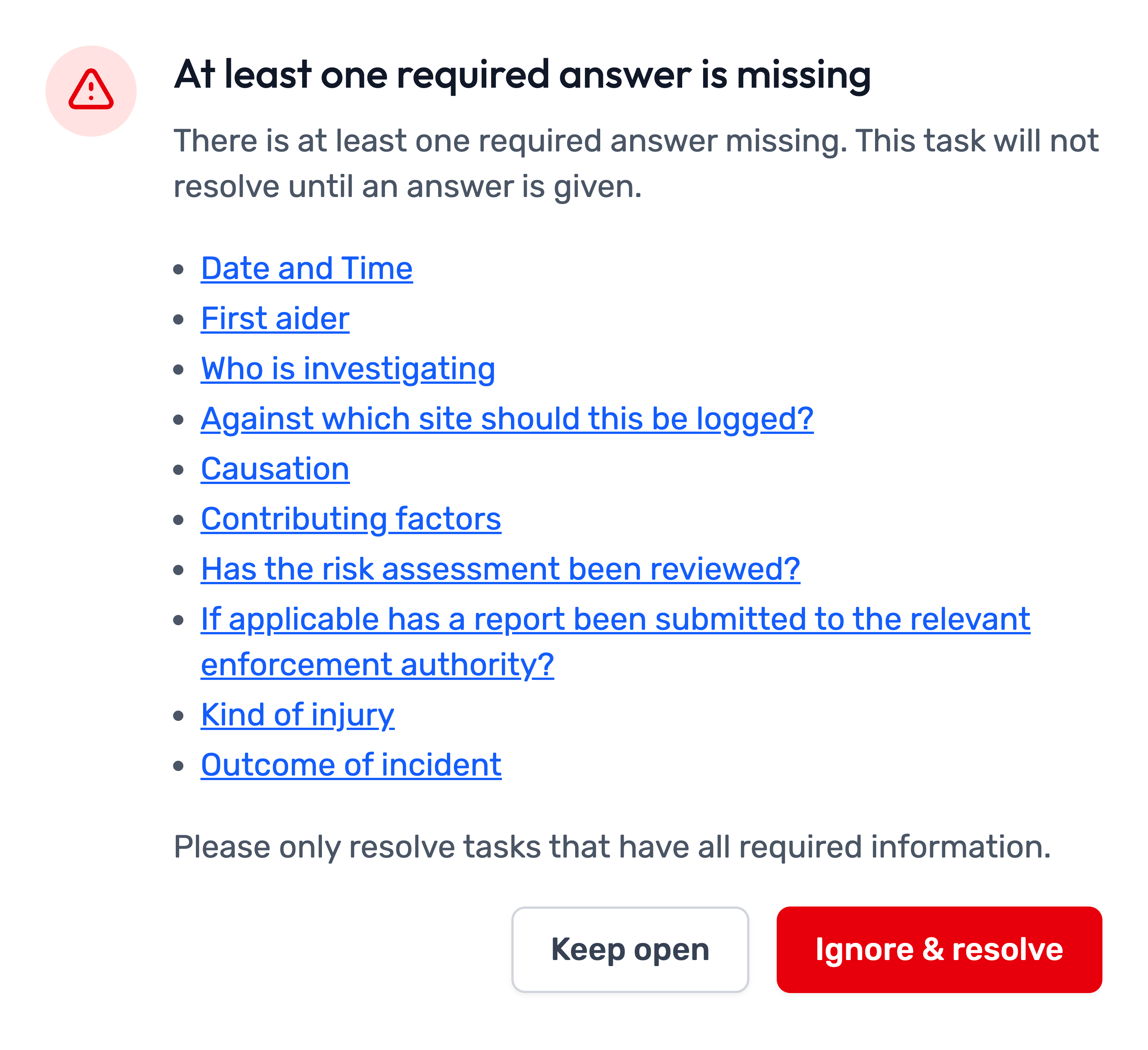
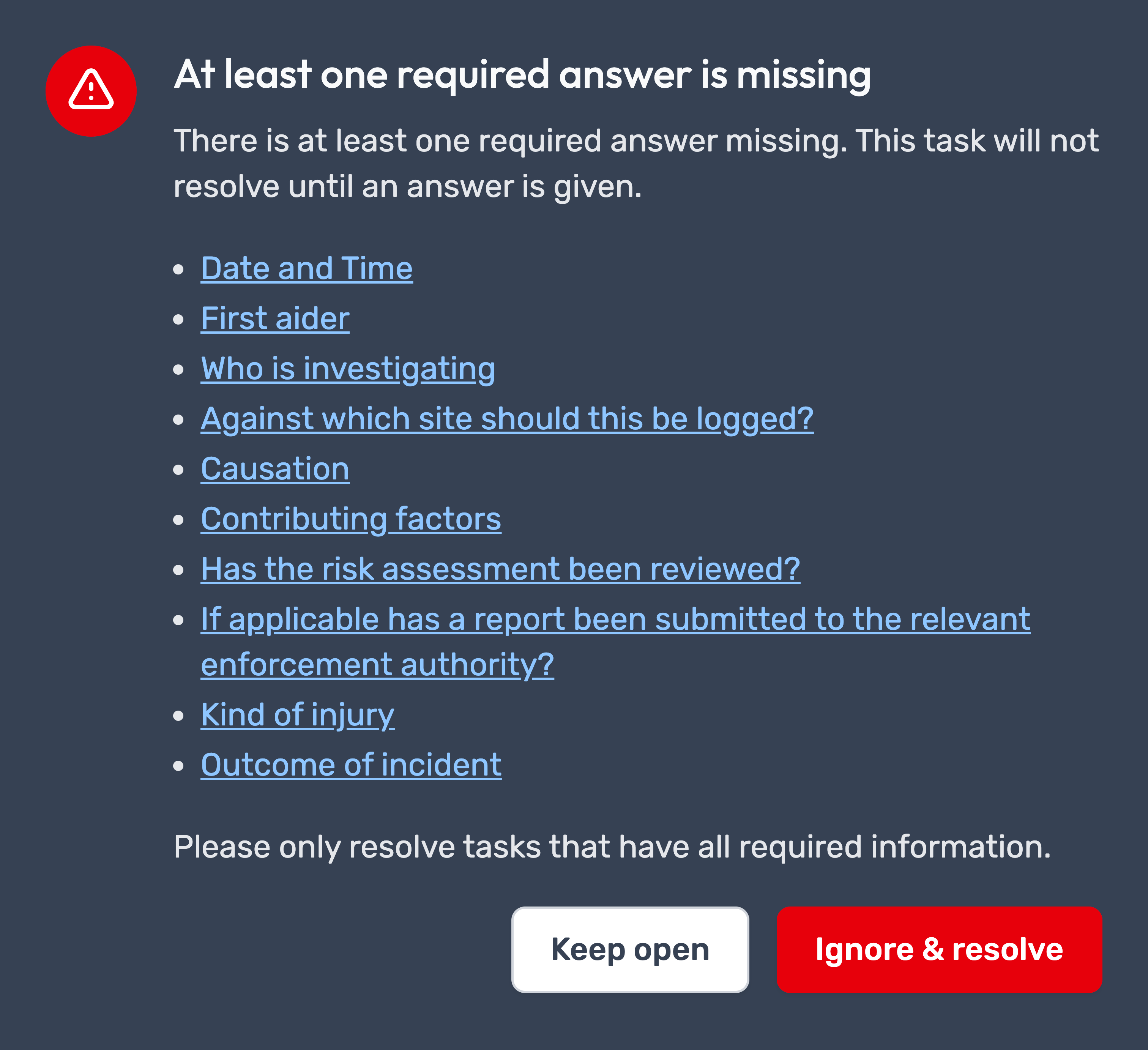
When attempting to resolve a task with missing required information, a warning popup will now appear. The warning lists links to all incomplete required fields. Clicking a link will automatically focus on and highlight the relevant field(s) in red.
Inline labels
Required labels are now selectable directly in the task! This should improve the flow of filling out the incident form.
Status banners
Tasks will now display helpful status banners to provide clearer feedback when specific actions are performed.




Other report types
Our Enforcement Officer Visit report type has already been updated with these improvements, and similar functionality will be introduced across most other report types in the system over time.
Feature release: New task features & improvements
Following on from the research and work carried out on redesigning the Manage side of Opus Compliance Cloud, we have now released a refreshed Task page.
Here are the highlights:
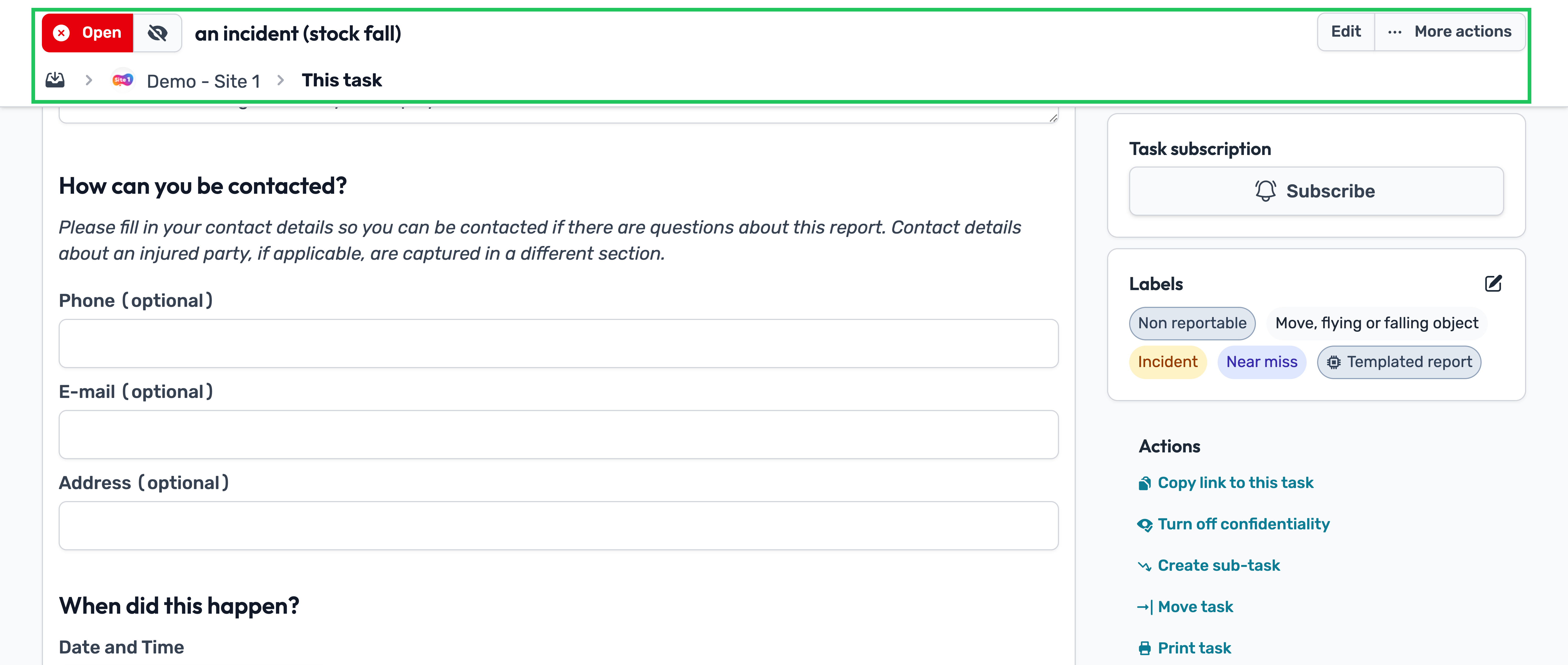
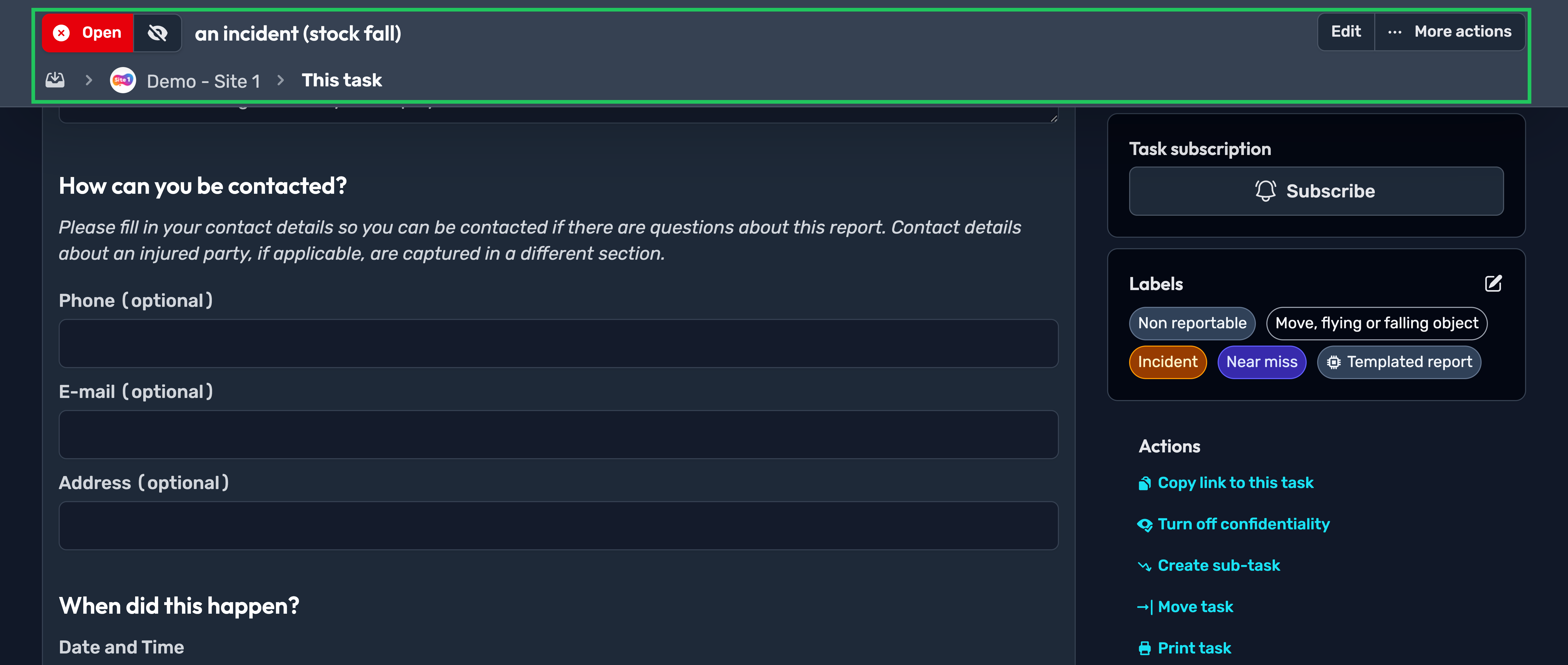
Redesigned layout and header
- The page header has been redesigned and now stays fixed at the top of the screen, so it remains visible as you scroll.
- Task actions, such as moving, printing and creating subtasks, can now be accessed via the new More options button in the top right.
- The breadcrumb has also been improved to provide a more consistent experience with the design used in Manage mode.
Improved assigning
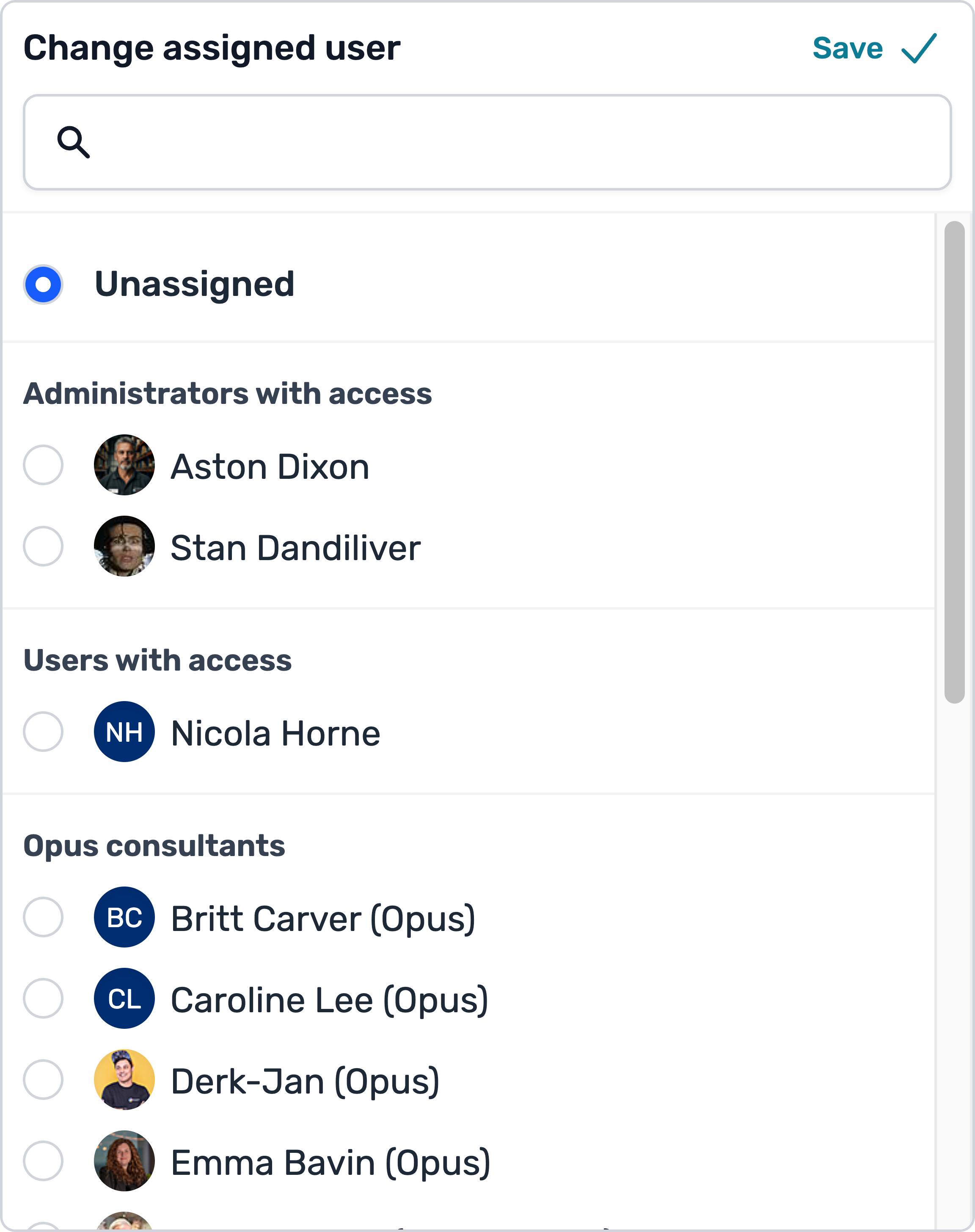
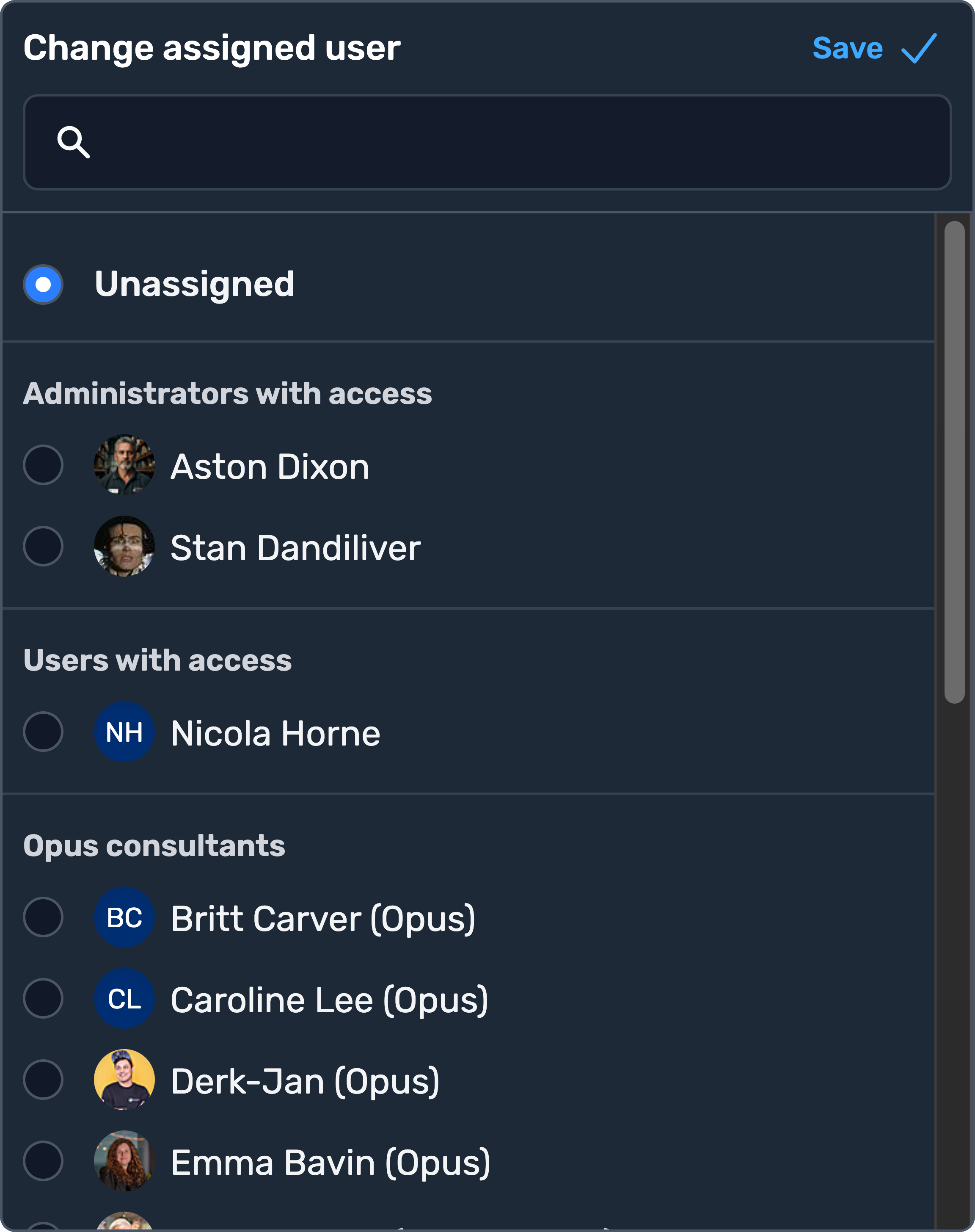
Assigning tasks is now easier than ever. Potential assignees are now grouped by access level, and we’ve also added a search bar to make finding the right person quicker and easier.
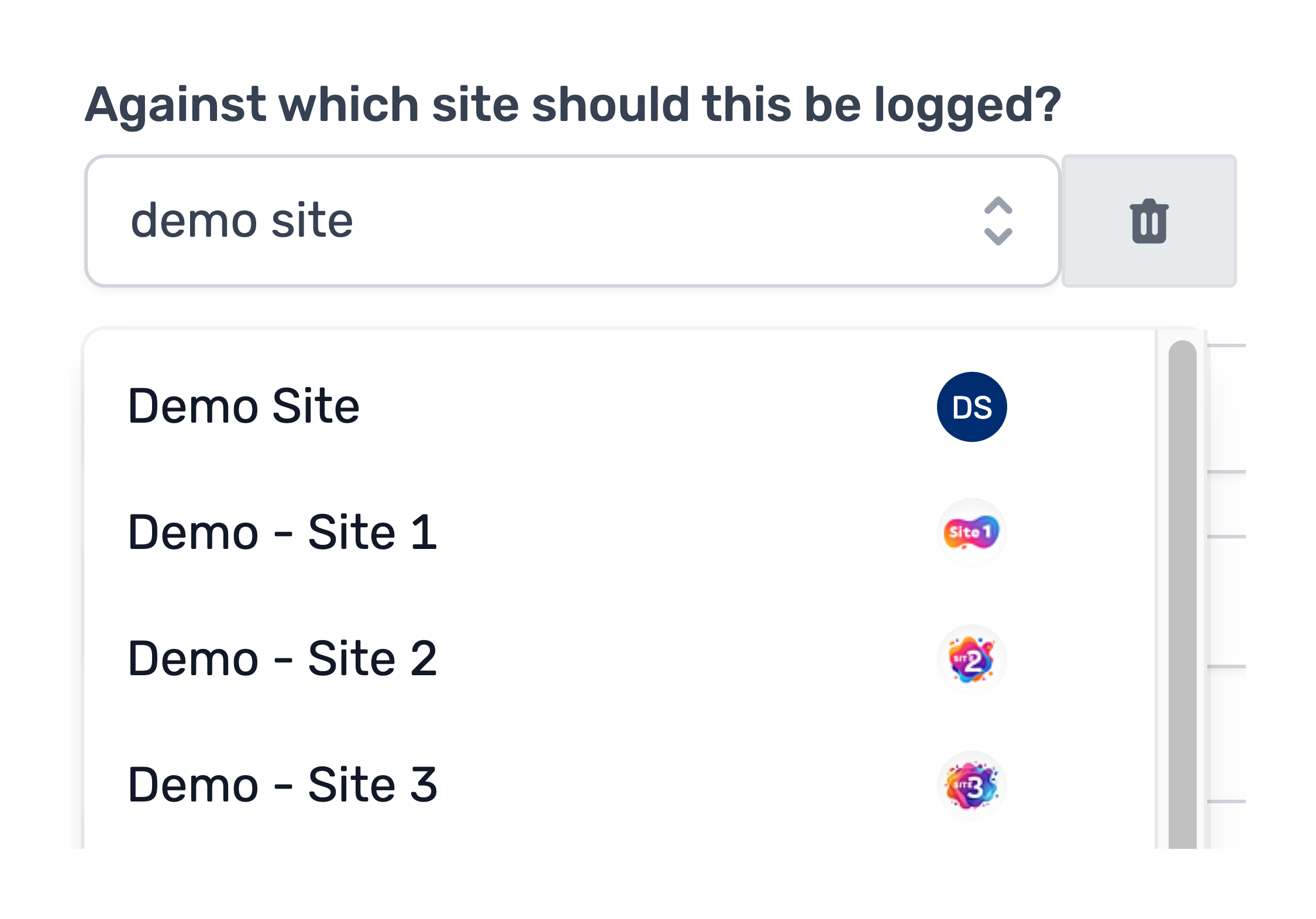
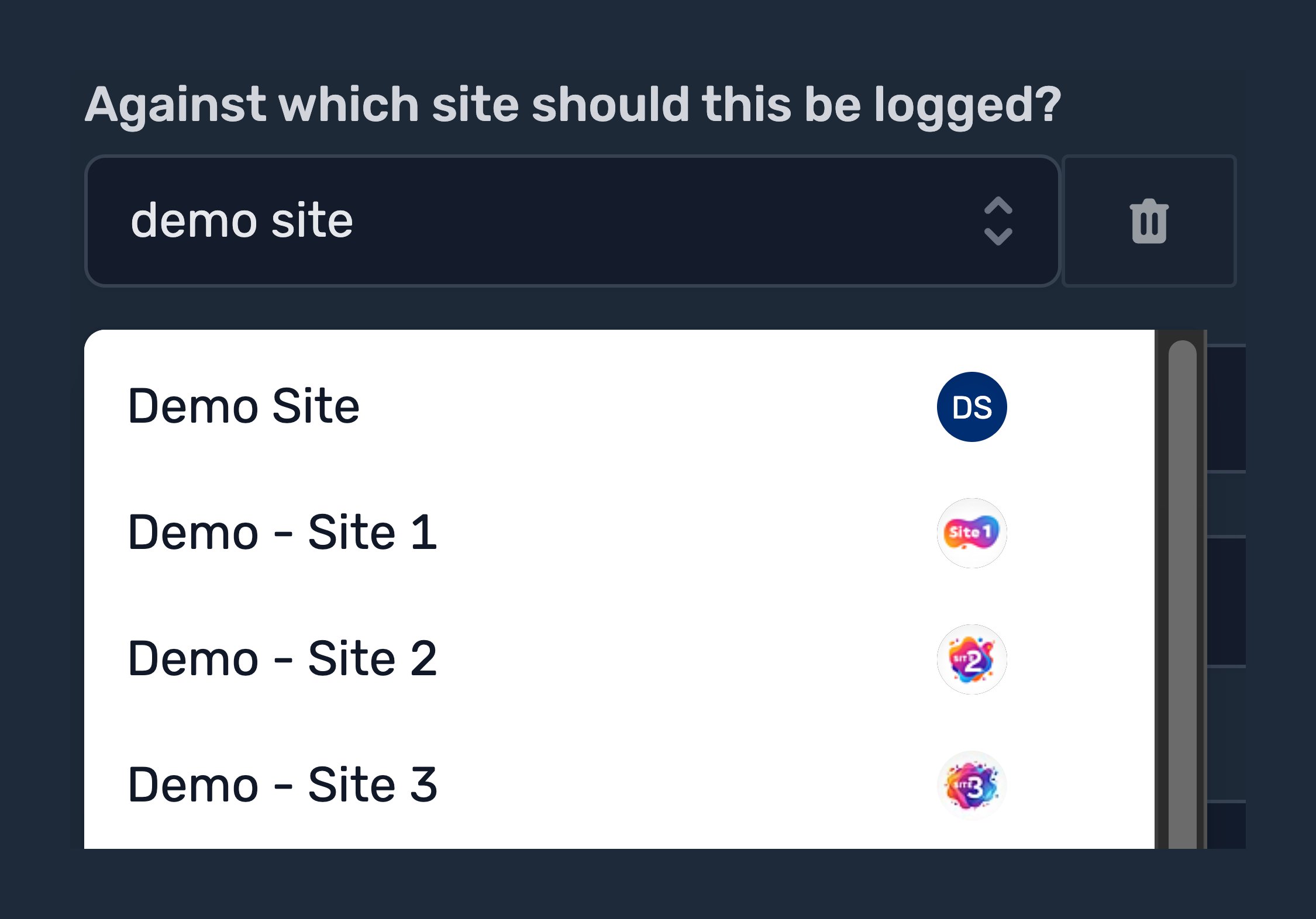
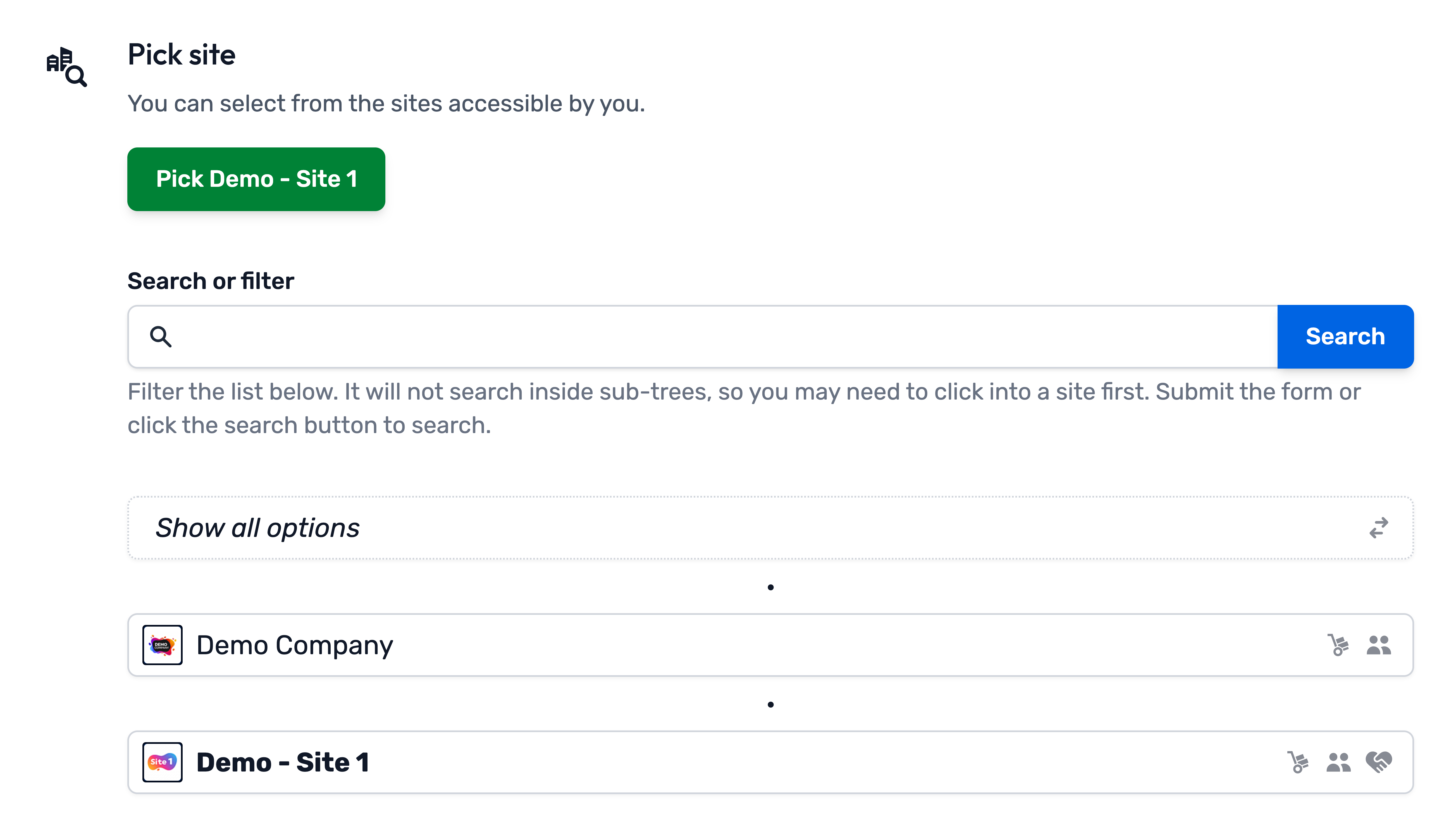
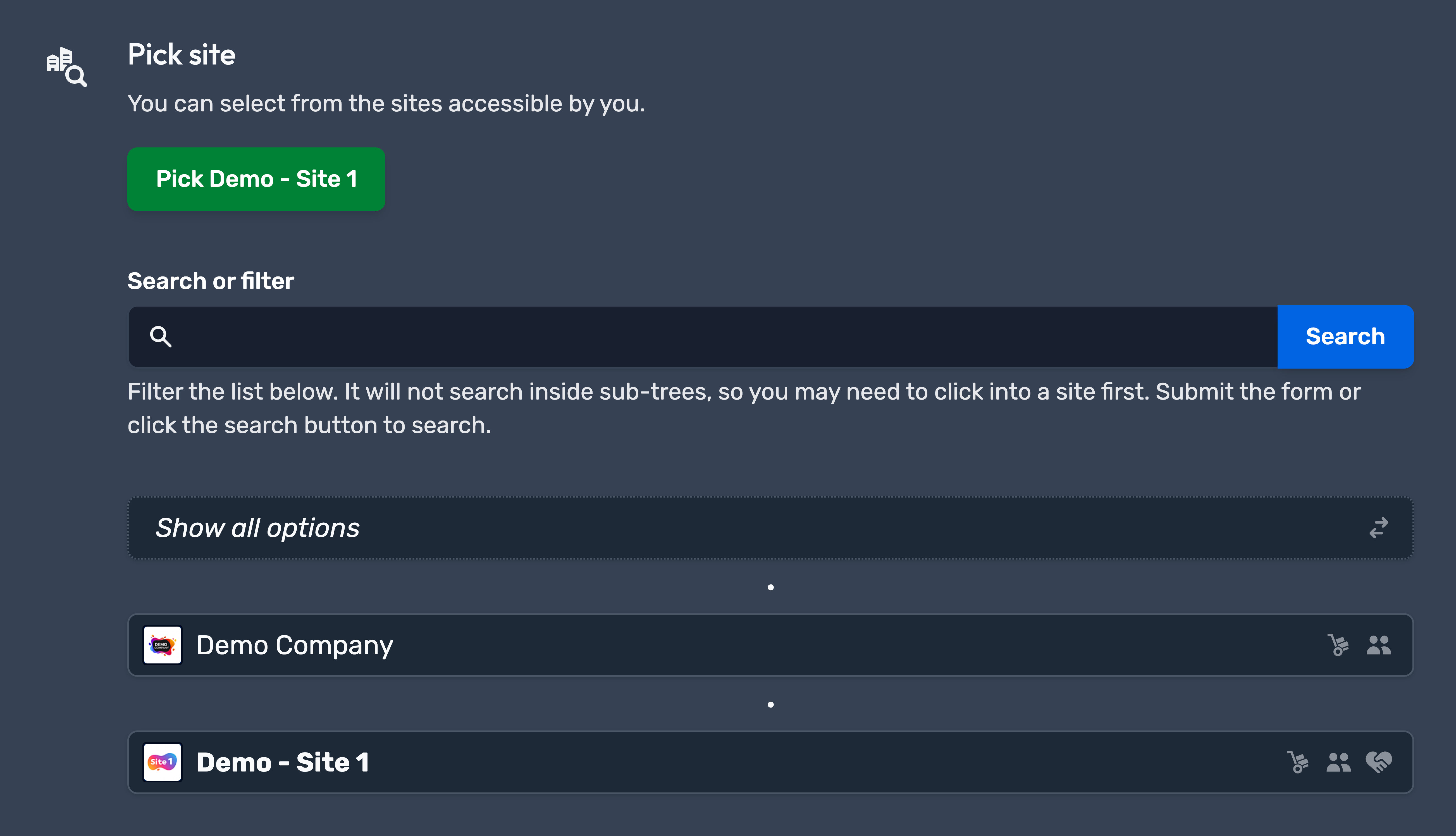
Improved selector style inputs
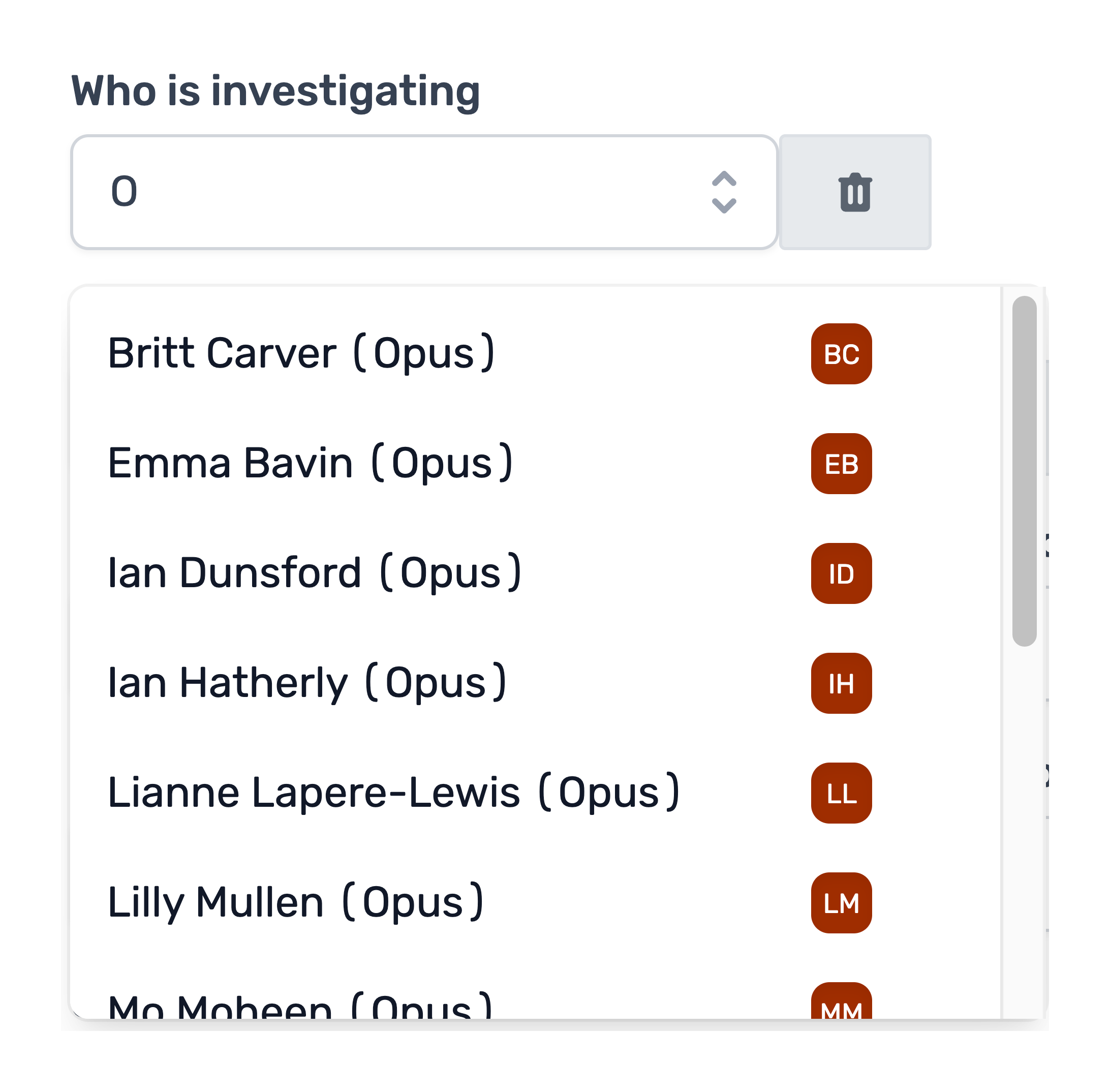
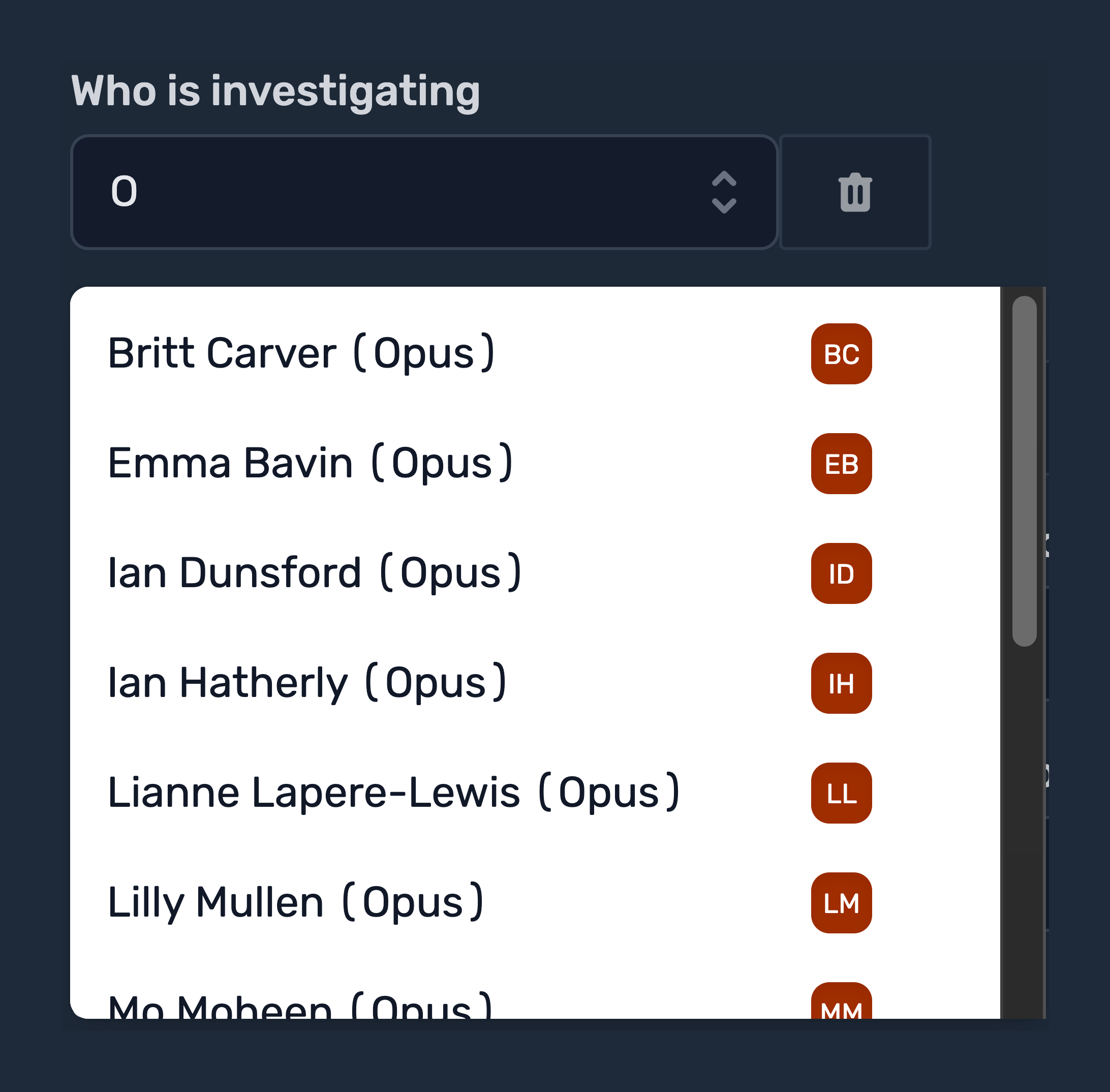
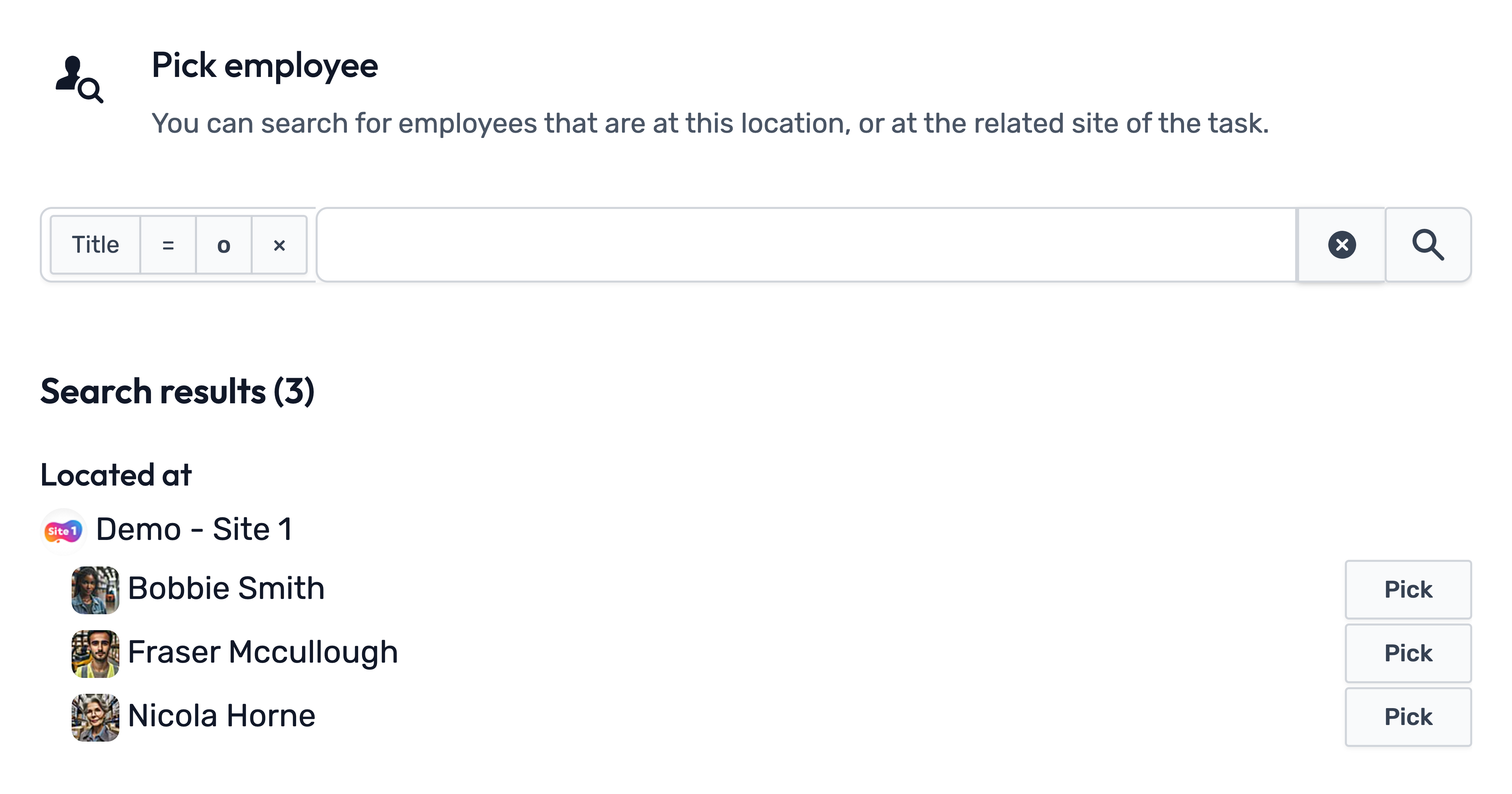
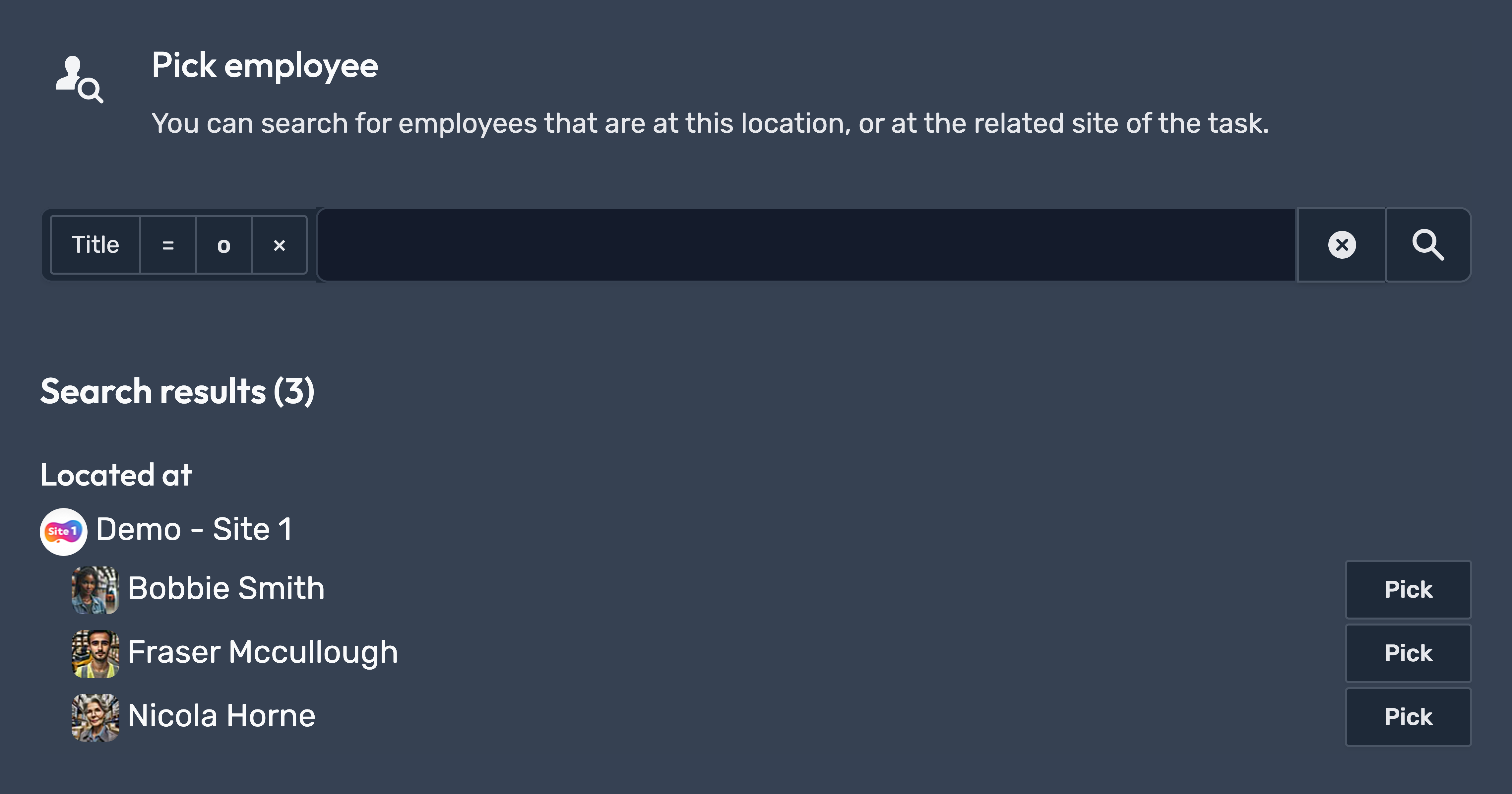
We've improved the inputs that require you to select sites or employees, making it easier for you to find and select.
| Before | After |
|---|---|
  |
  |
  |
  |
More to come
There’s more to come! This update includes many more new features and improvements behind the scenes, laying the groundwork for a wider overhaul of existing forms, including Incidents, Enforcement Officer Visits, and more.
August 2026
Improvement: SCORM 1.2 e-learning support
Opus Compliance Cloud now supports the import of e-learning modules created on external platforms, provided they utilise the common SCORM 1.2 standard. This enhancement allows you to centralise all your training materials within our system, streamlining compliance management and maximising the value of your existing educational content.
New addition: Ready to operate status icons
For Employee Roles and Asset Types, a new status icon provides an at-a-glance indication of whether the employee or asset is compliant with their assigned role or type.
You can also click this icon to highlight the requirements.
| Icon | Meaning | Description |
|---|---|---|
  |
Requirement(s) unfulfilled | There are requirement(s) for this role/type that have never been fulfilled before. |
  |
Requirement(s) renewable | There are requirement(s) for this role/type that are outdated and require renewal. |
  |
Requirement(s) fulfilled | All requirements for this role/type are up to date. |
Feature release: Training & Gaps report
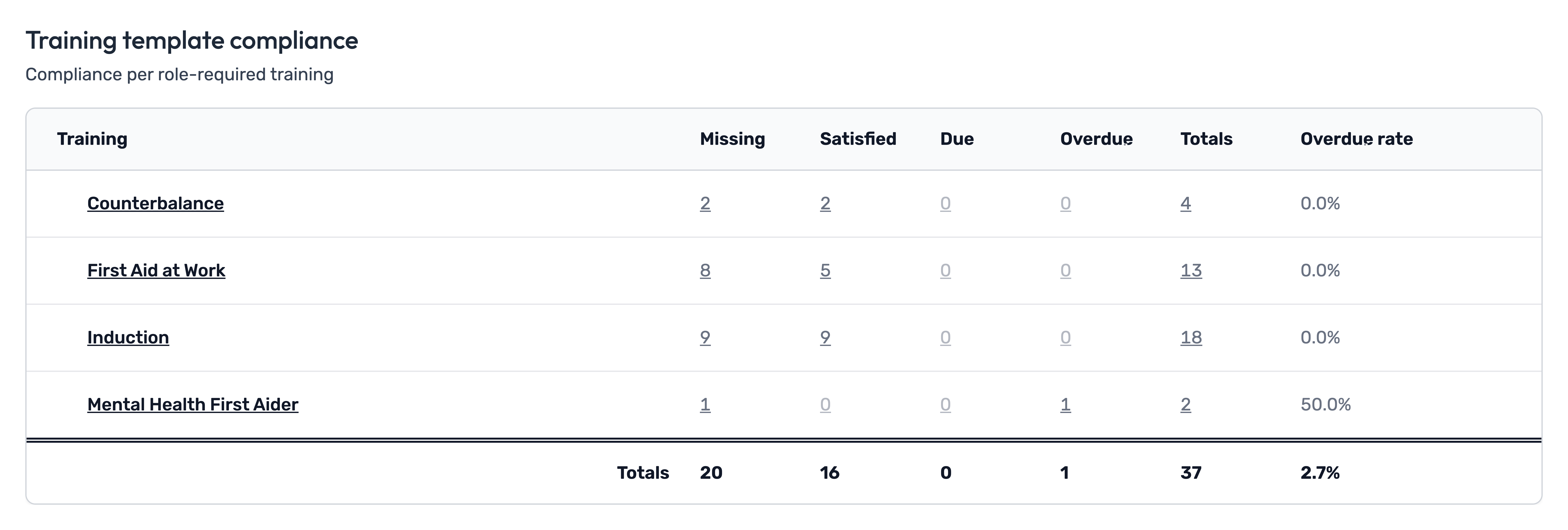
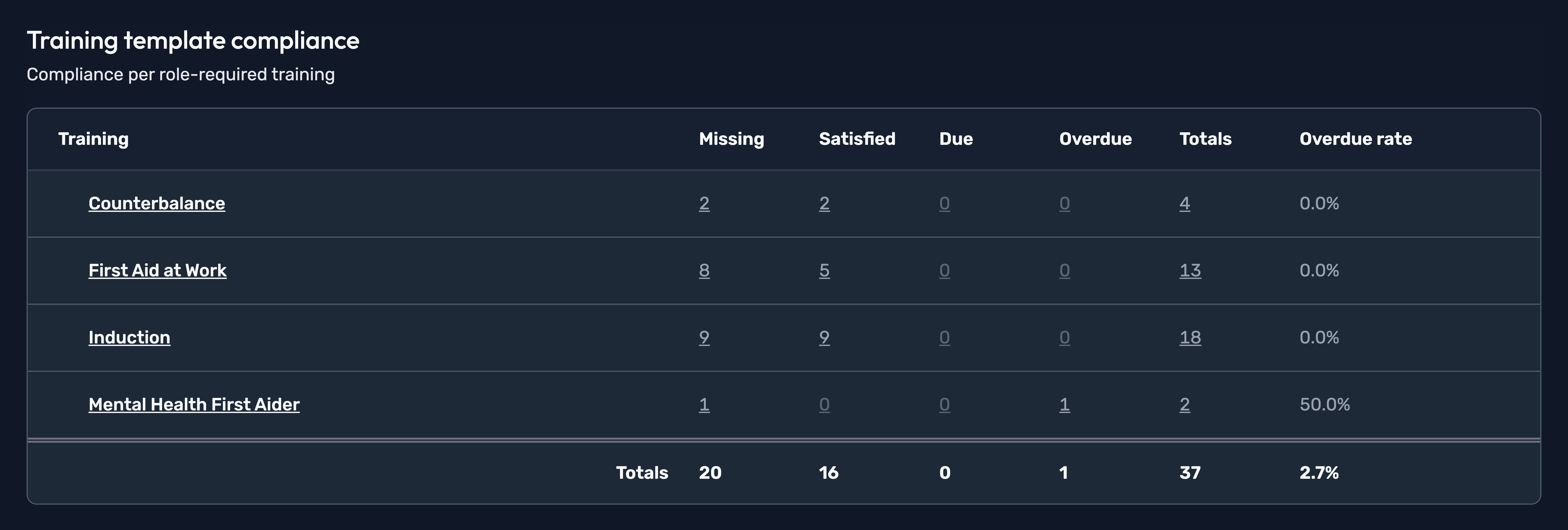
A new Training Compliance & Gap Analysis report page has been released, making it easier to identify and monitor training compliance issues across your organisation. The report allows you to analyse compliance by site and by type of training/e-learning, helping you quickly identify areas where action may be required.


Feature release: Subscription report
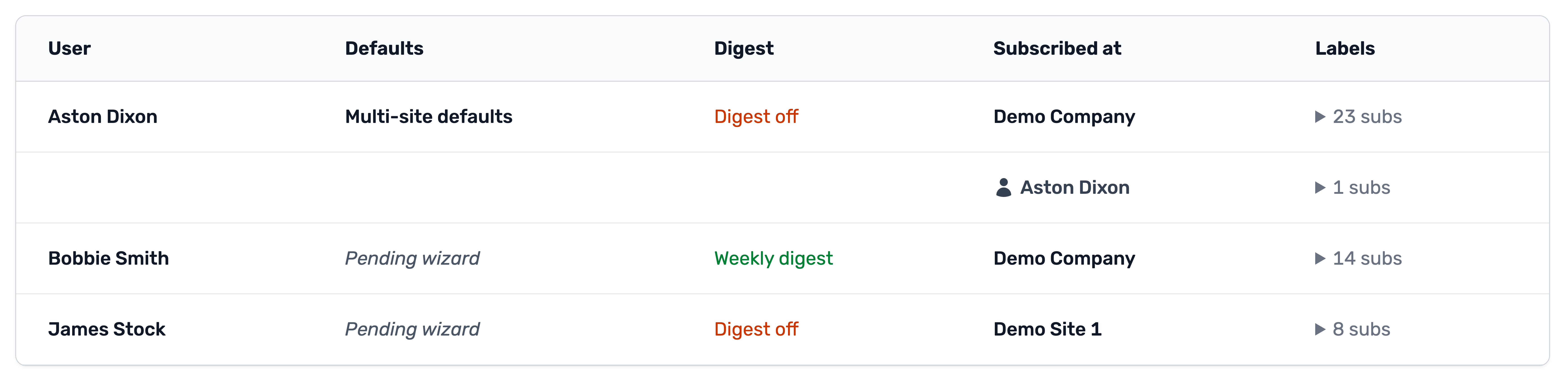
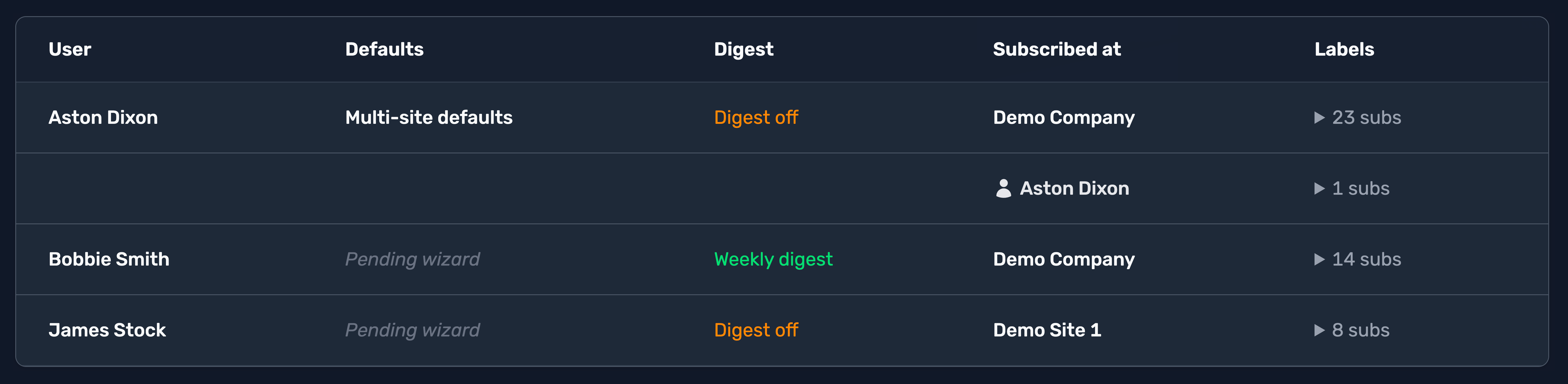
A new Subscriptions report page has been released, allowing you to monitor the status of your employees’ subscriptions. This is particularly useful for top-level administrators to help ensure that their managers are subscribed to receive notifications about tasks relevant to their responsibilities.
The report includes information such as:
- If any of our default subscription presets are used
- Email digest configuration
- Which site(s) they're subscribed at
- Which labels they're subscribed to
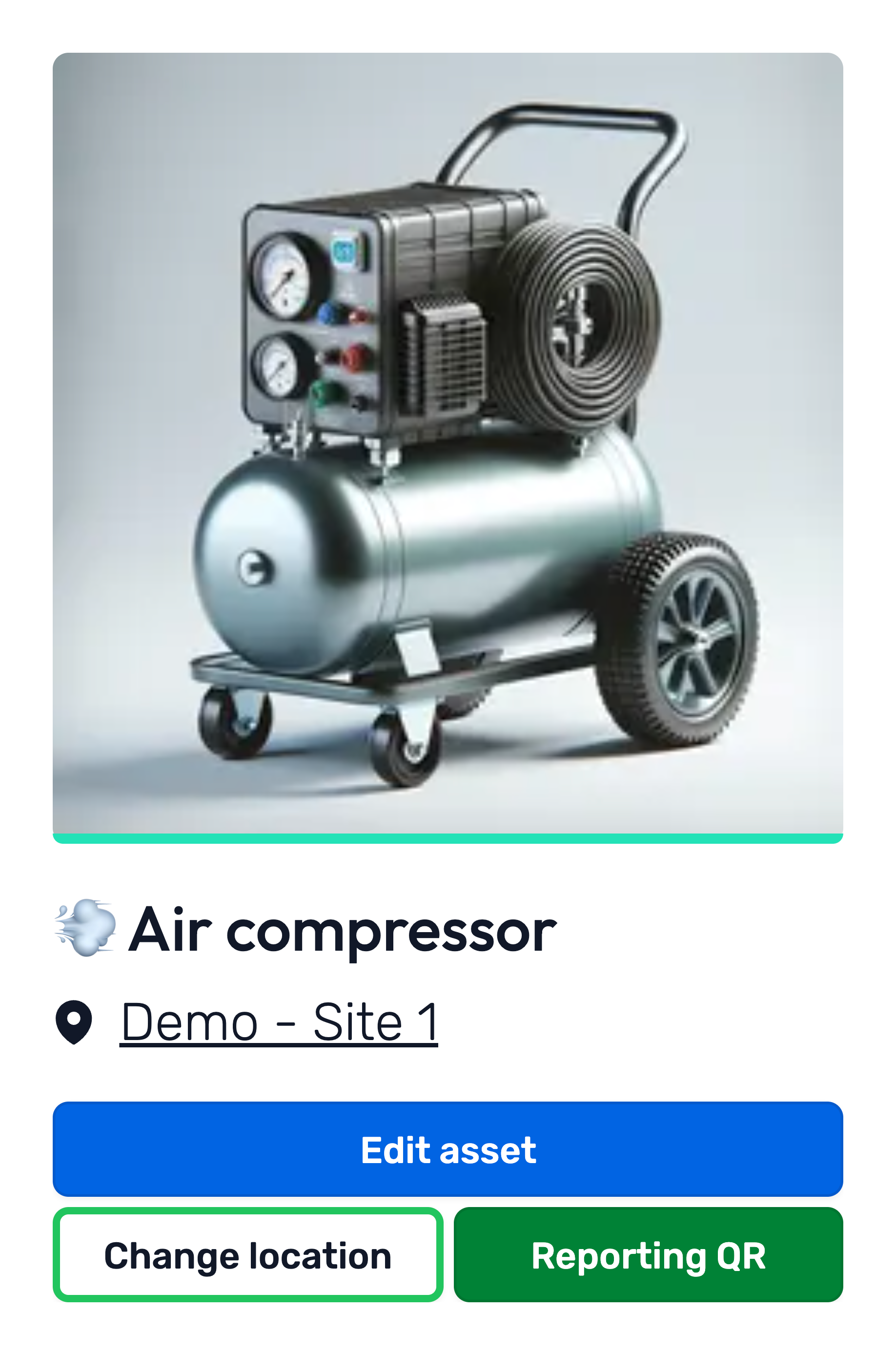
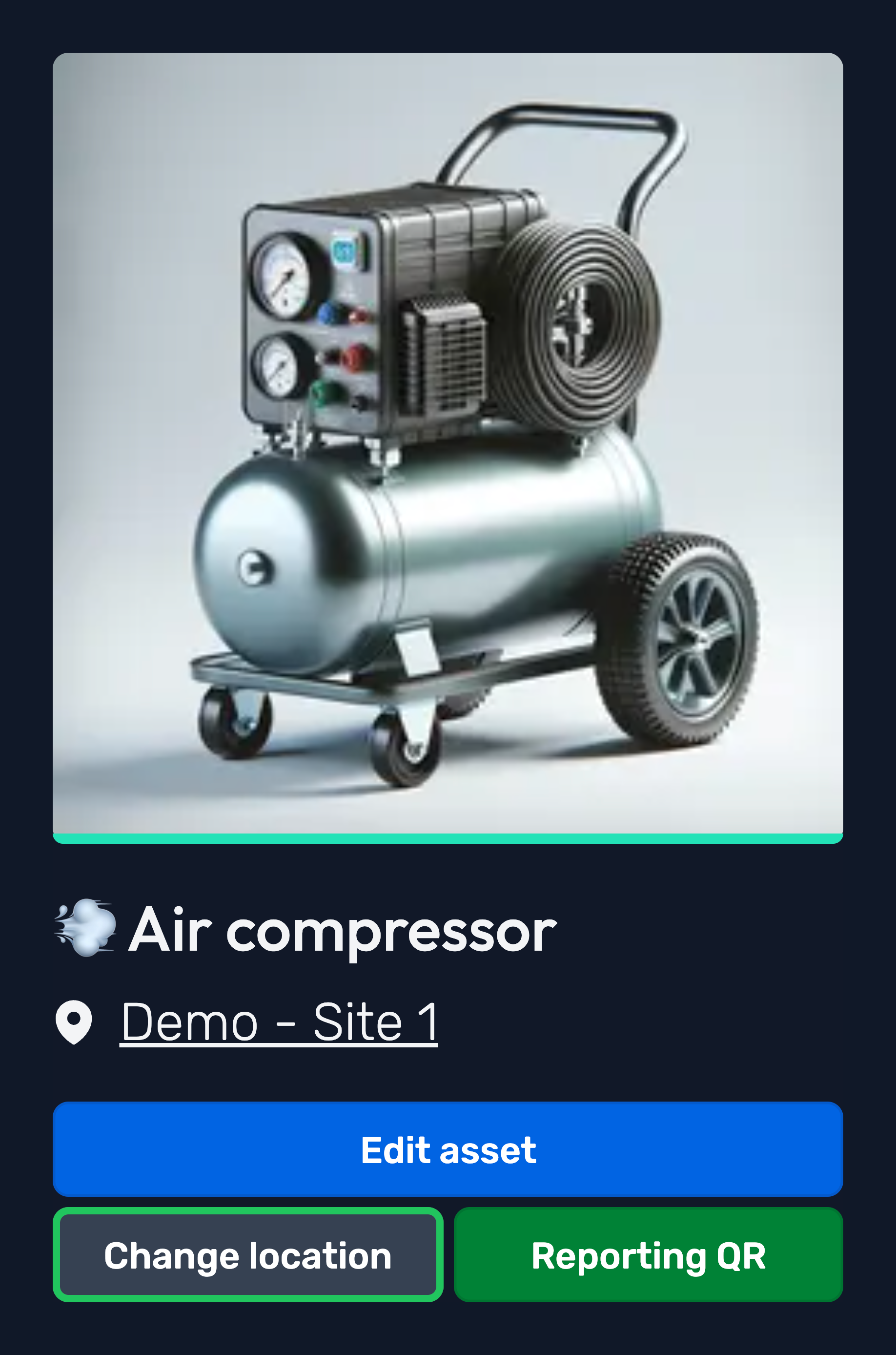
Improvement: Improved moving employee/asset flow
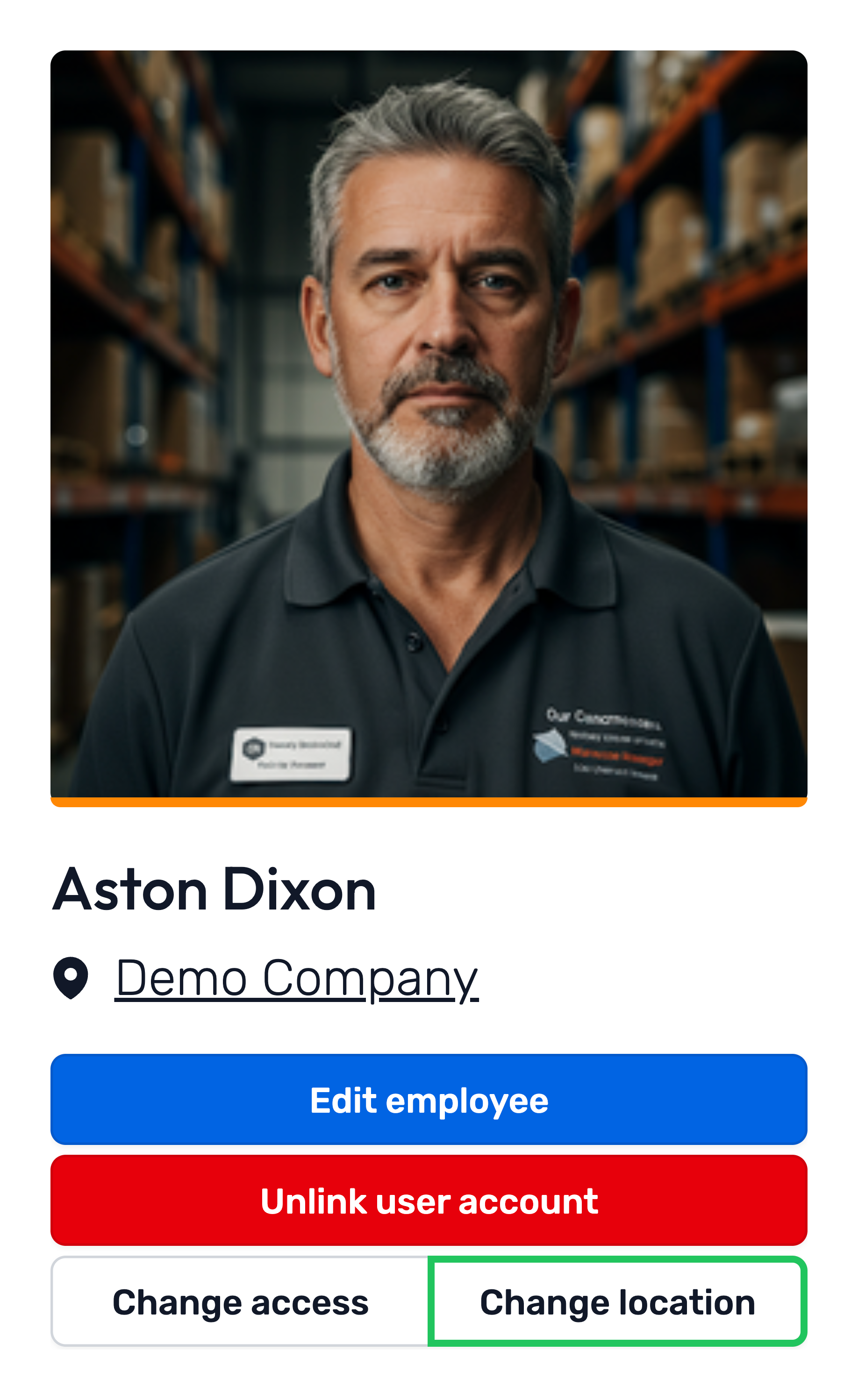
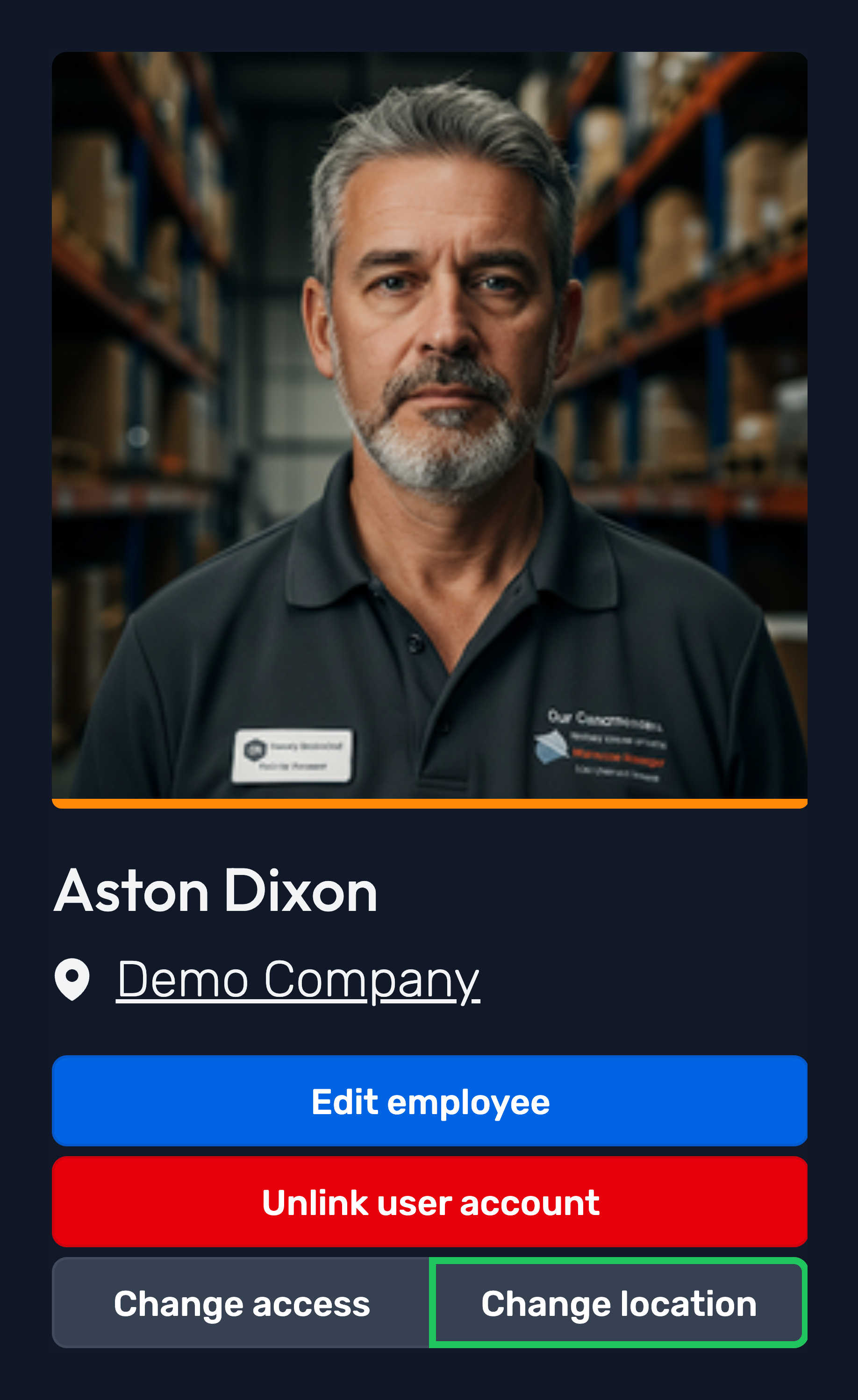
We’ve improved the process for moving employees and assets, making it quicker and easier than ever!
As part of today’s Manage mode UI updates, you’ll now find a Change location button on employee/asset overview pages.
The new flow simplifies the experience of moving employees/assets between locations, including automatically updating their employee site access where applicable.
Read our updated Moving an employee and Moving an asset guides to learn more.
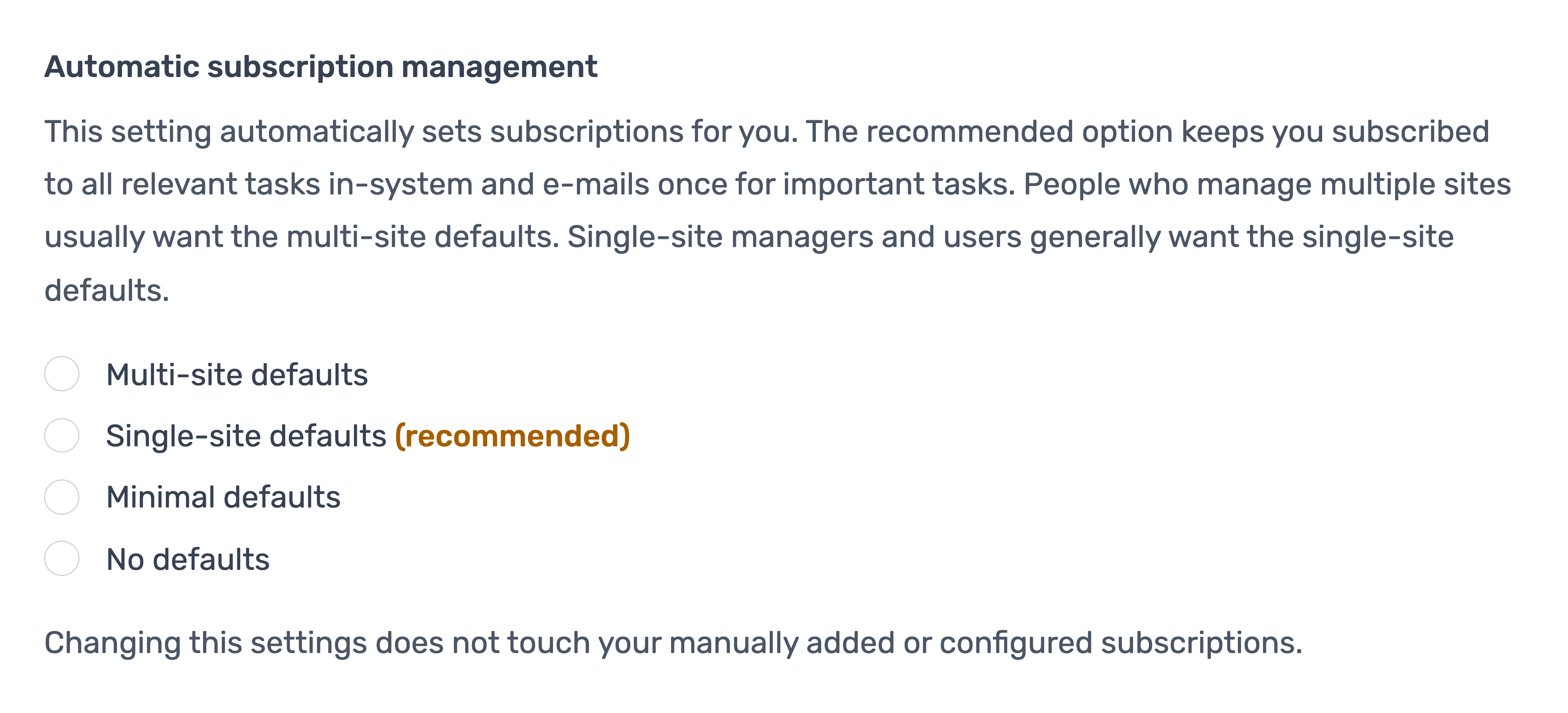
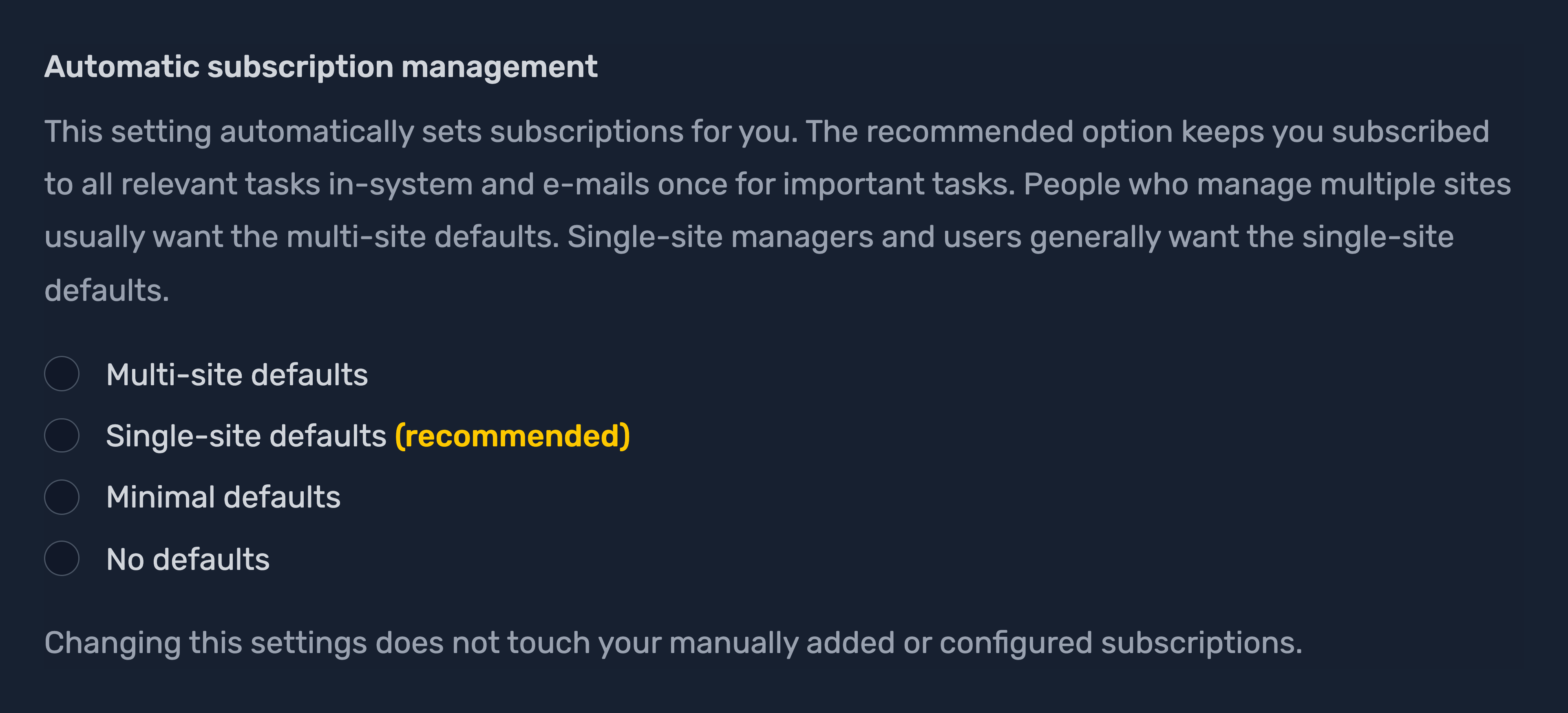
Feature release: Subscriptions wizard
A new and improved notification setup flow that gives users the opportunity to configure:
- Task subscriptions via our presets
- Enable digest emails
- Subscribe to newsletters.
How to start this flow
- All newly created Opus accounts will be prompted to go through this flow
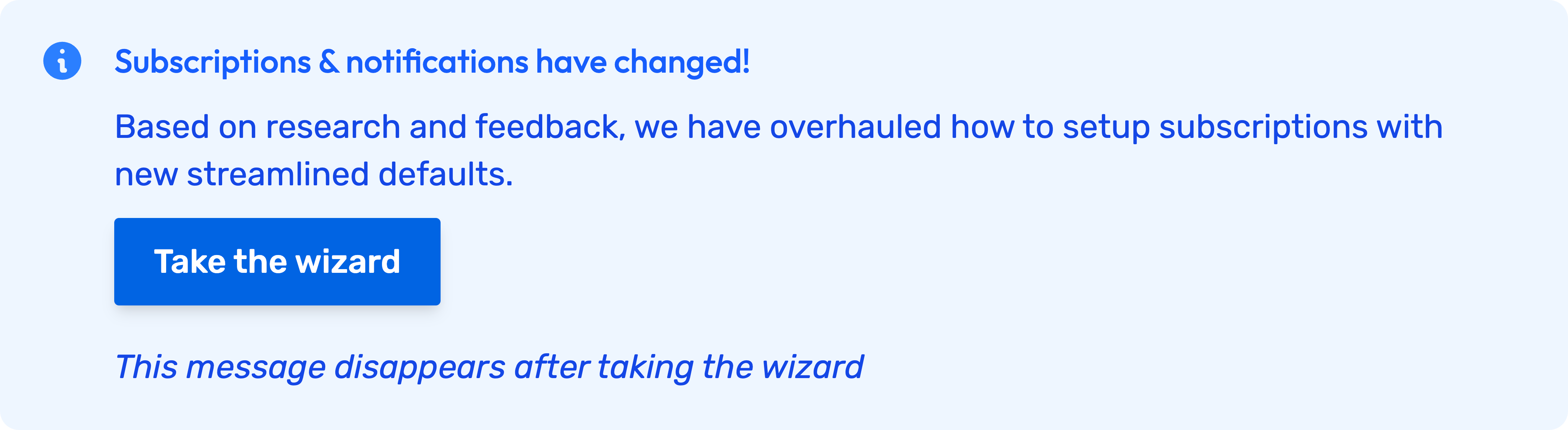
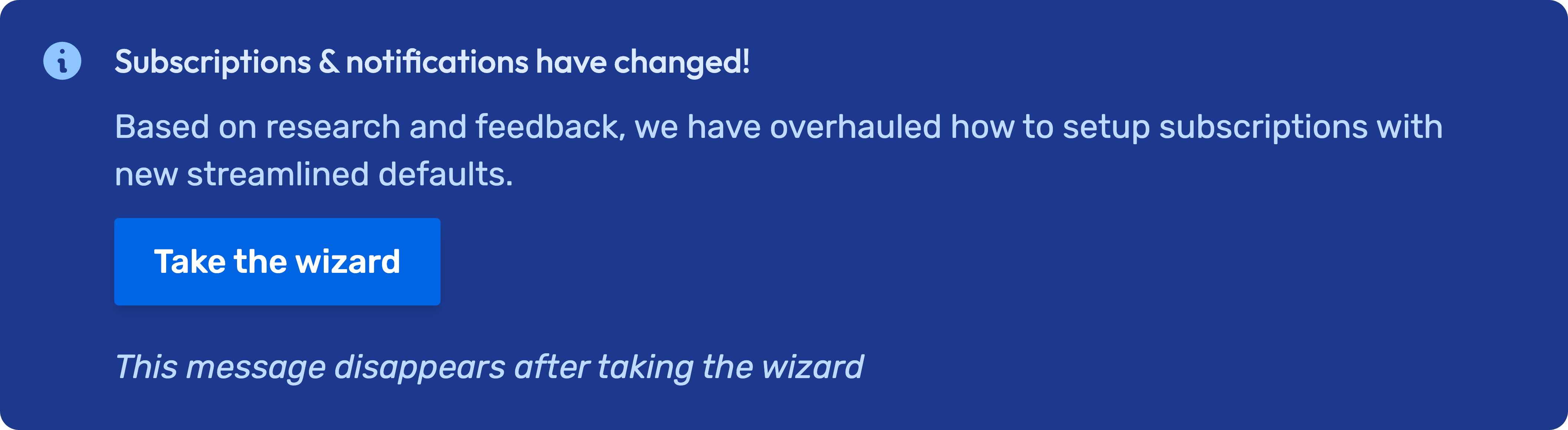
- If you haven't gone through this flow yet, a prompt will appear on My Dashboard.
- If you ever want to retake the wizard in the future, you can via the subscriptions page.
Feature release: Manage mode UI redesign
Over a year of research and development has lead to the refresh of the Manage mode (Admin) side of Opus Compliance Cloud. Here are the highlights:
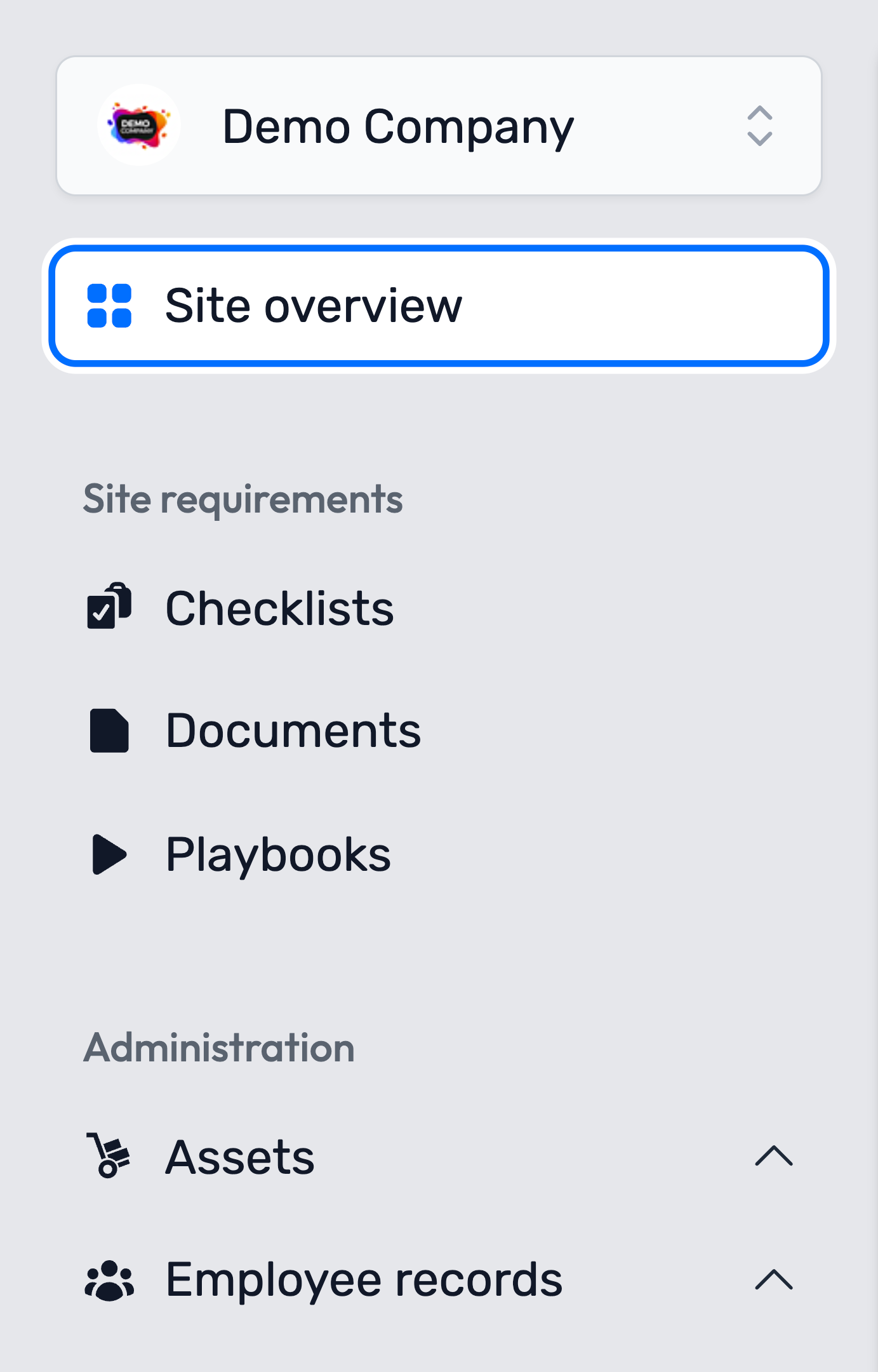
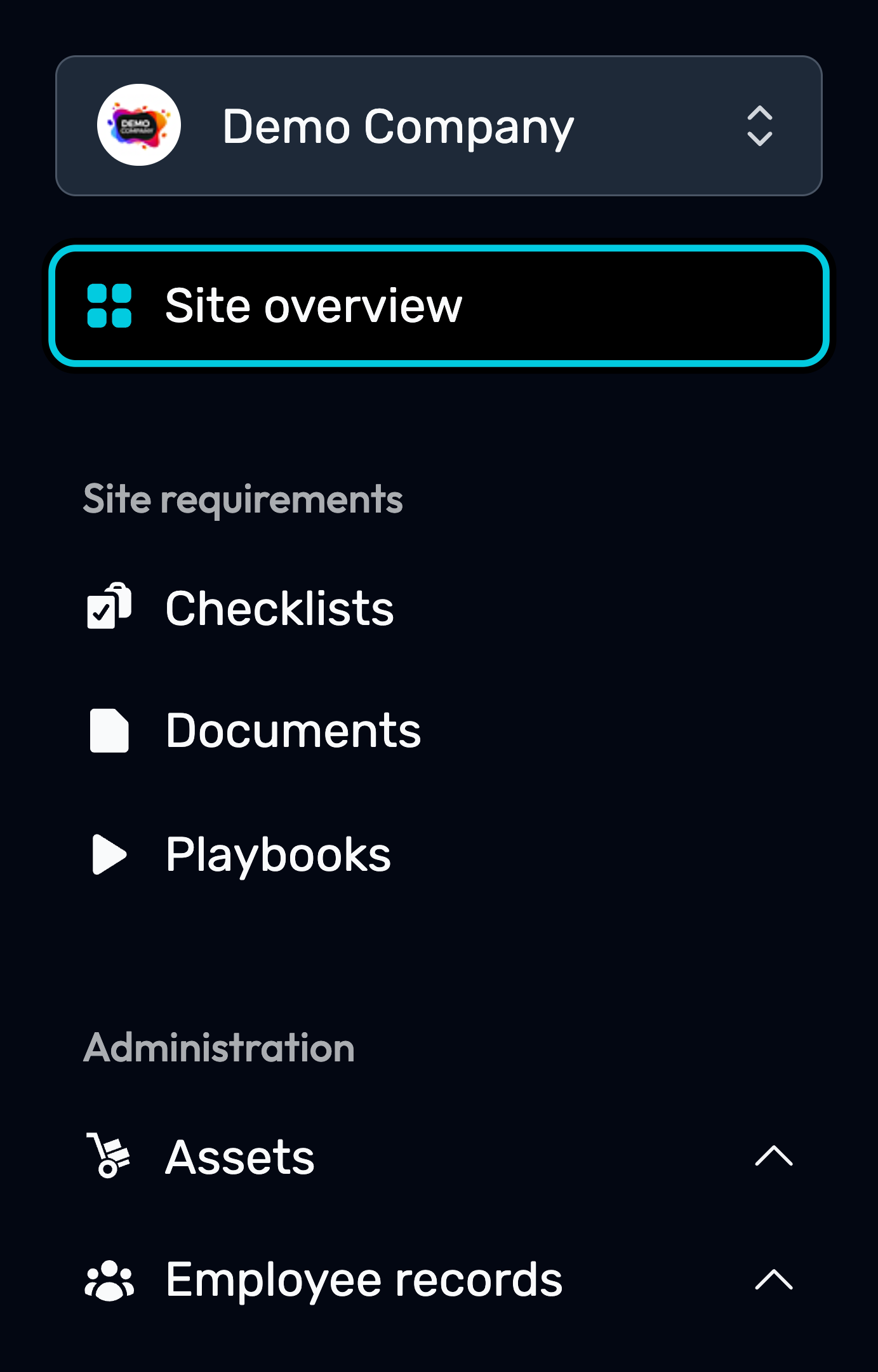
Redesigned and reorganised the manage sidebar
The old manage sidebar and the old menu have been combined into this new and improved manage sidebar. Everything you need to get around manage mode is now all in one place!
Redesigned the Sites, Employees, and Assets overview pages
The improvements make it easier for you to access important information.
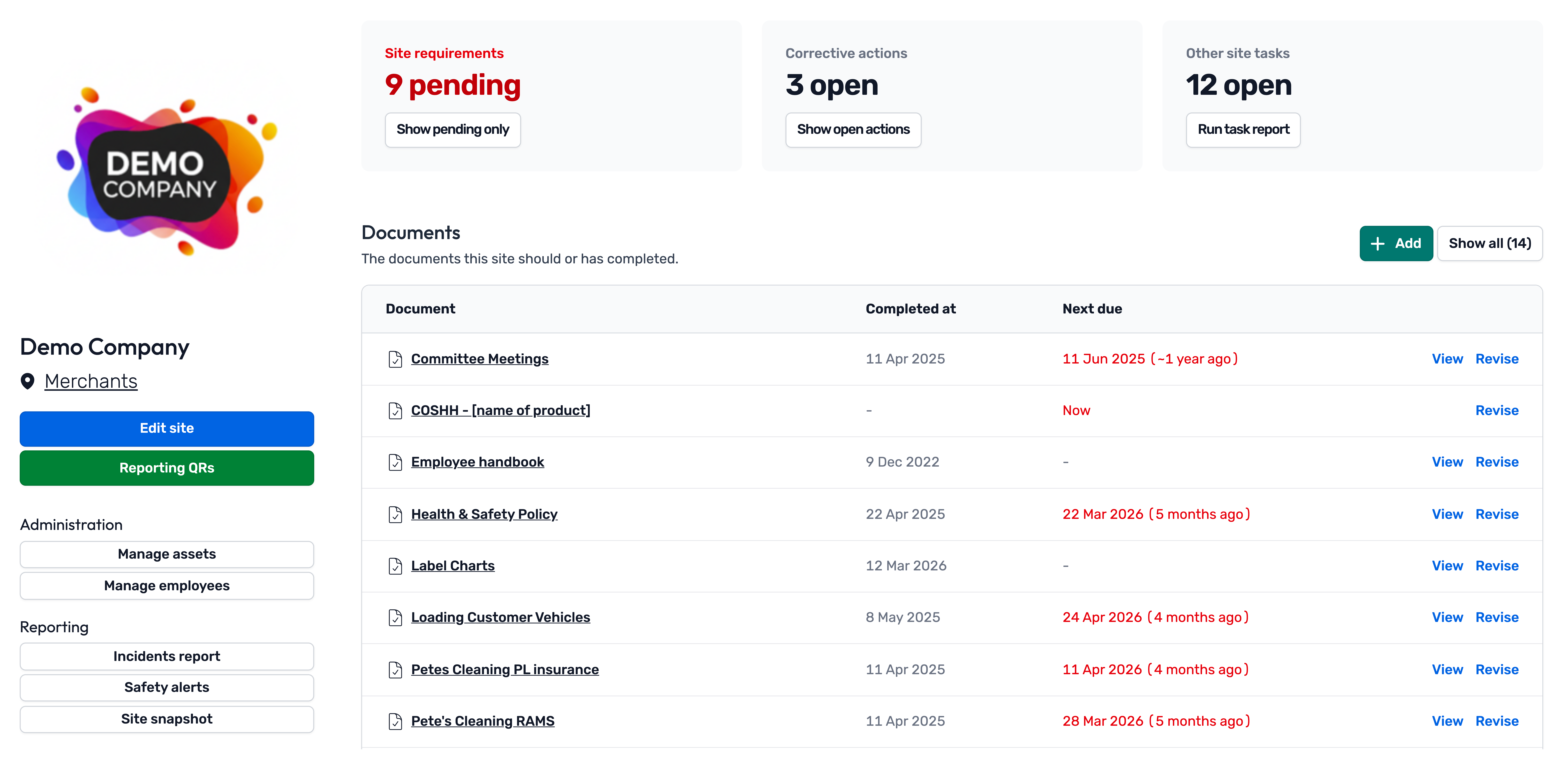
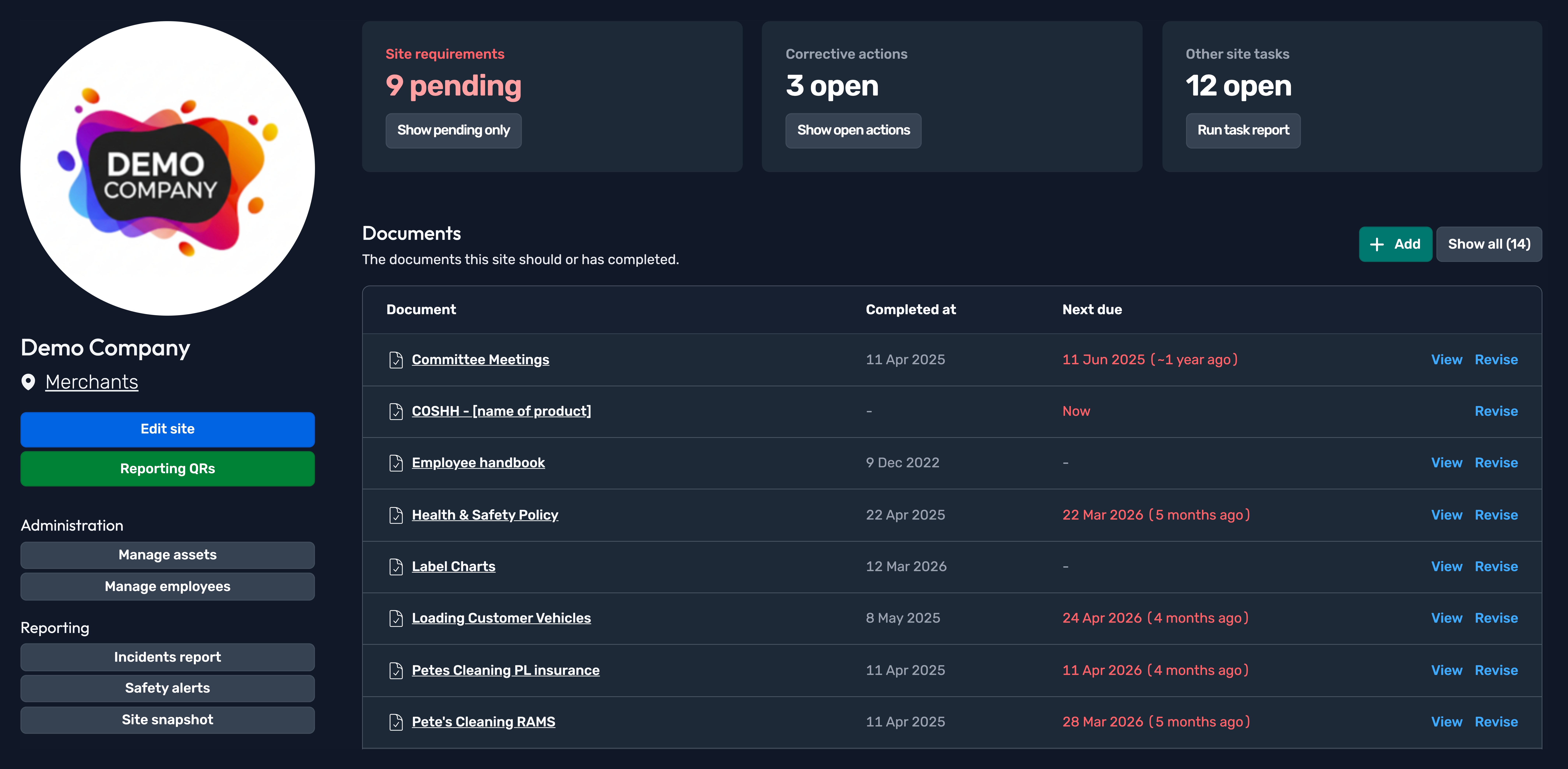
Redesigned the assets/employee list pages
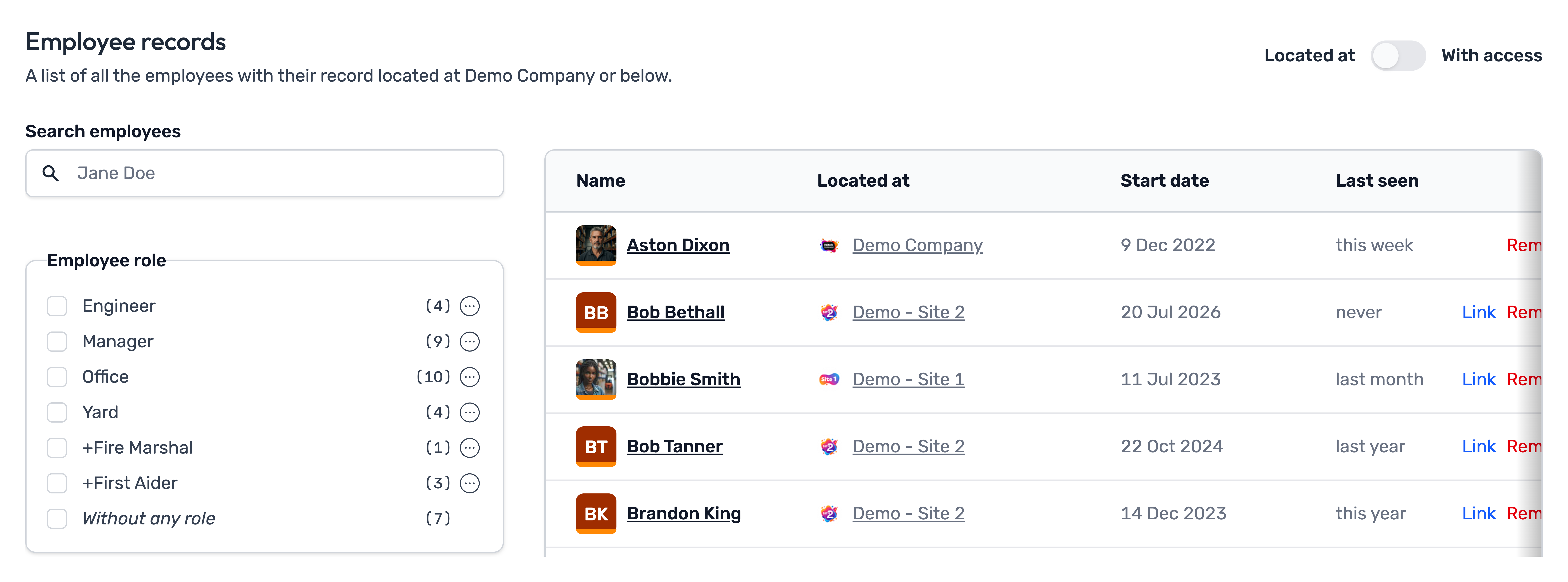
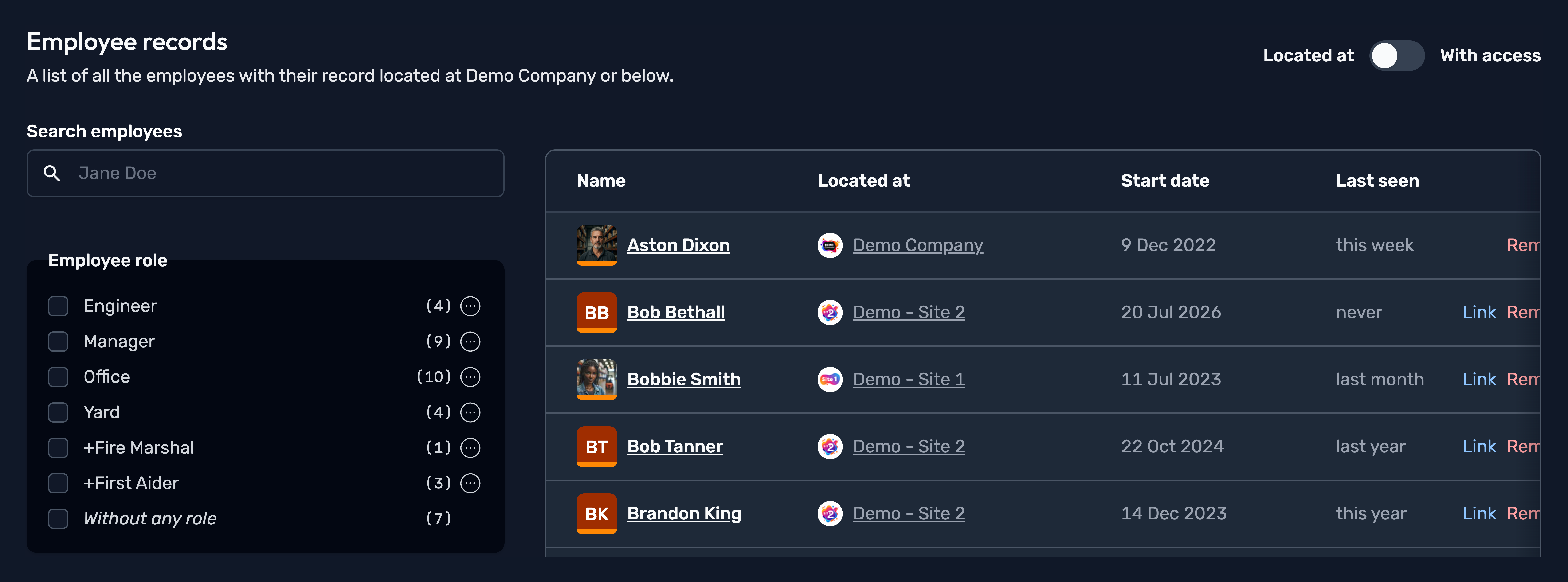
Redesigned breadcrumb
A new and improved breadcrumb at the top of the page also assists with navigation.


July 2026
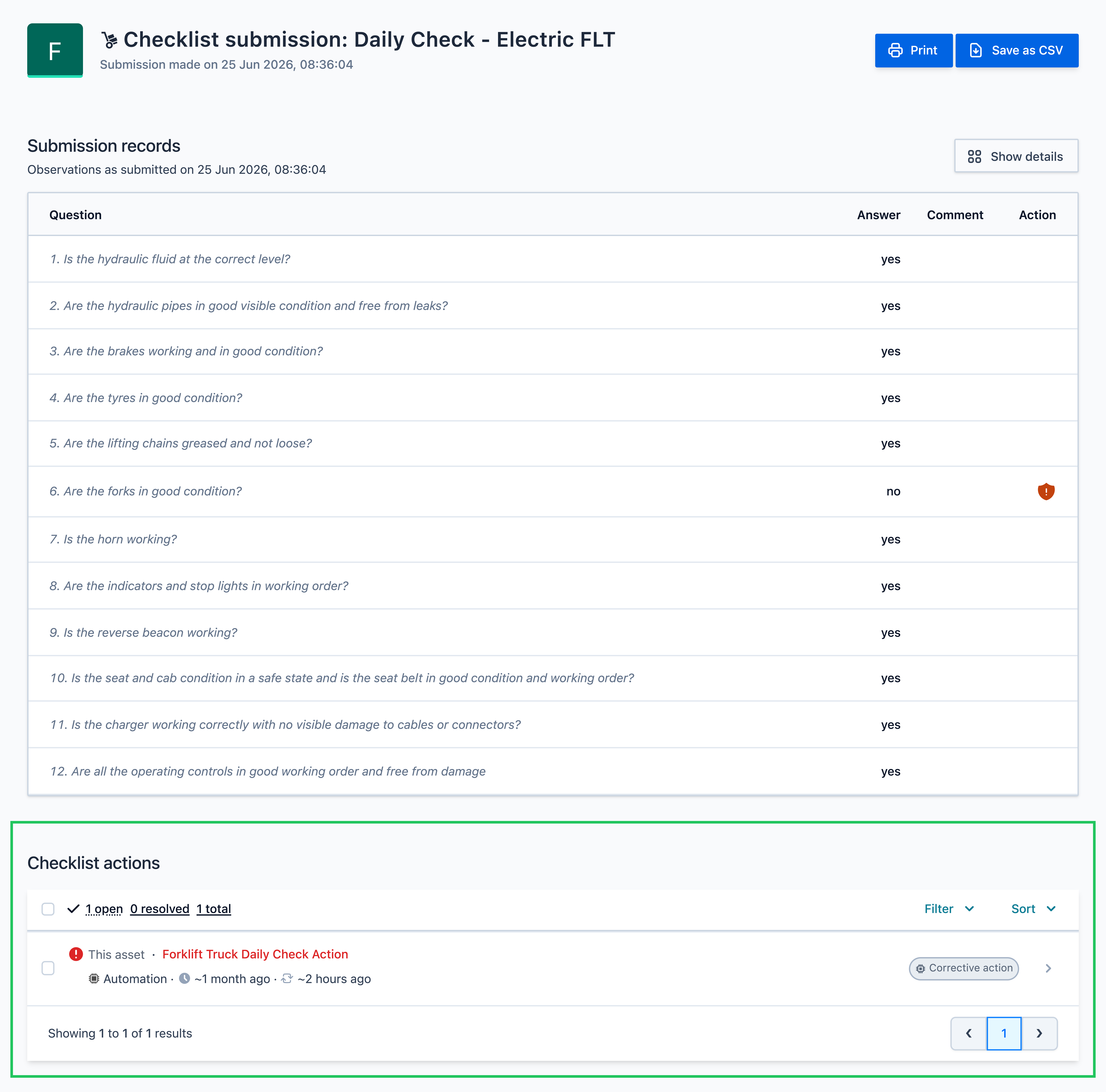
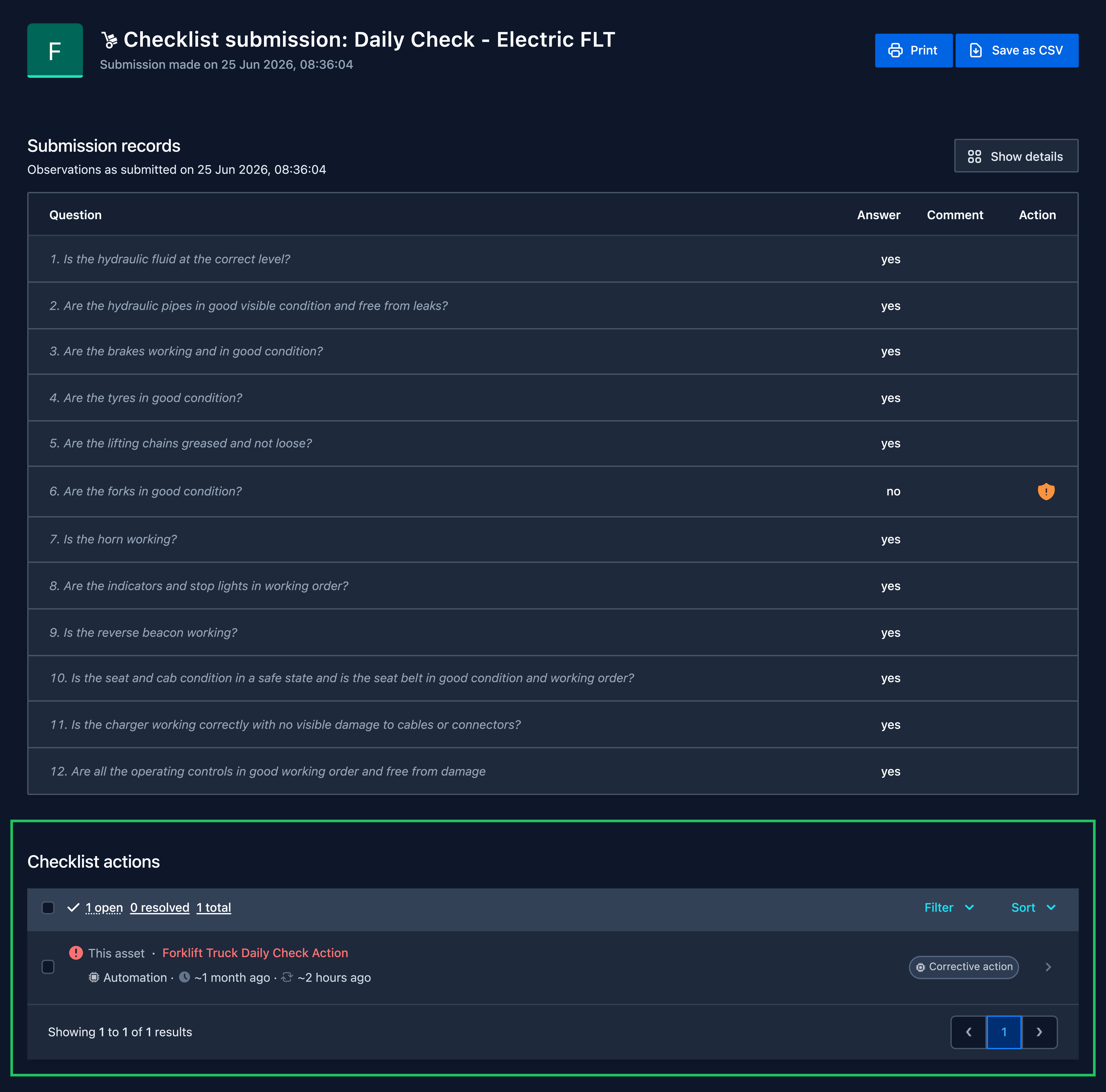
Improvement: Checklist actions table on submission page
A table containing checklist actions will now appear at the bottom of the checklist submission page, allowing you to easily see and access the actions that were generated from the submission.
New addition: Cross-site answers for questions
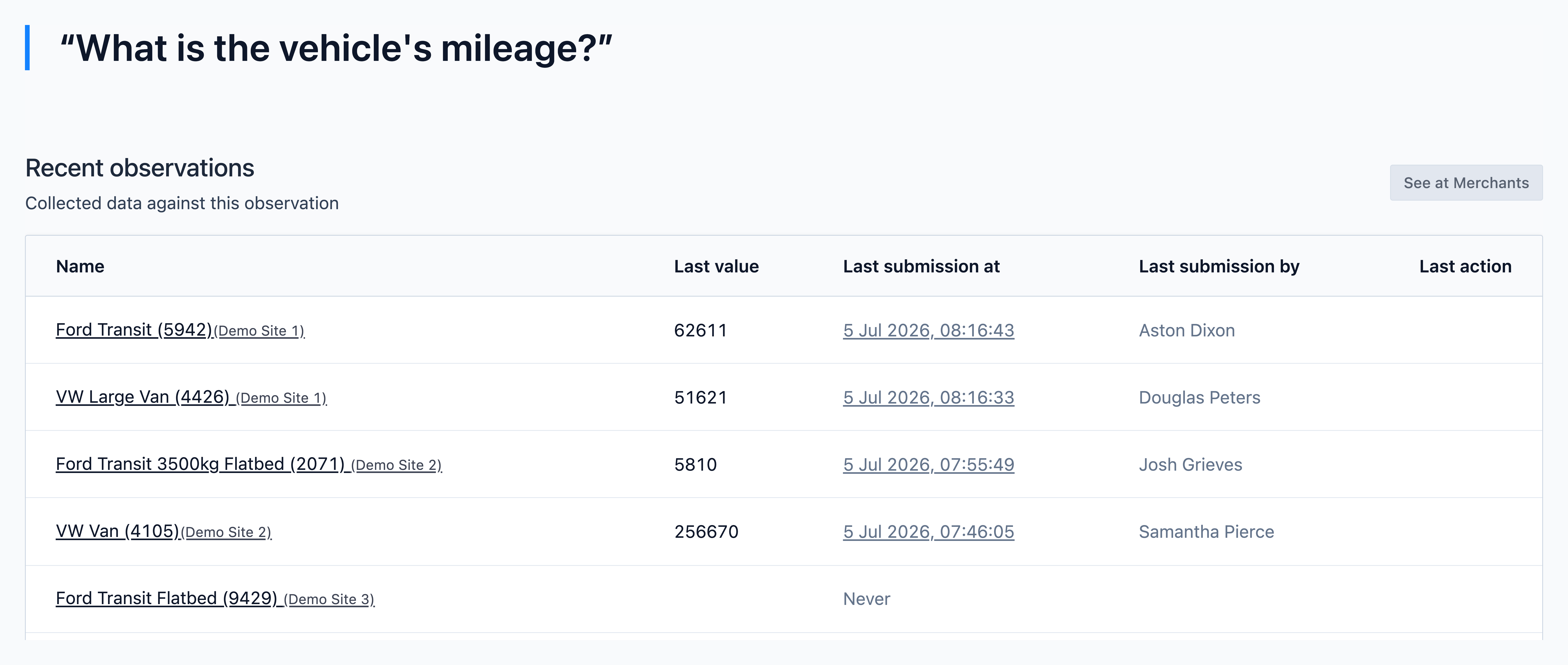
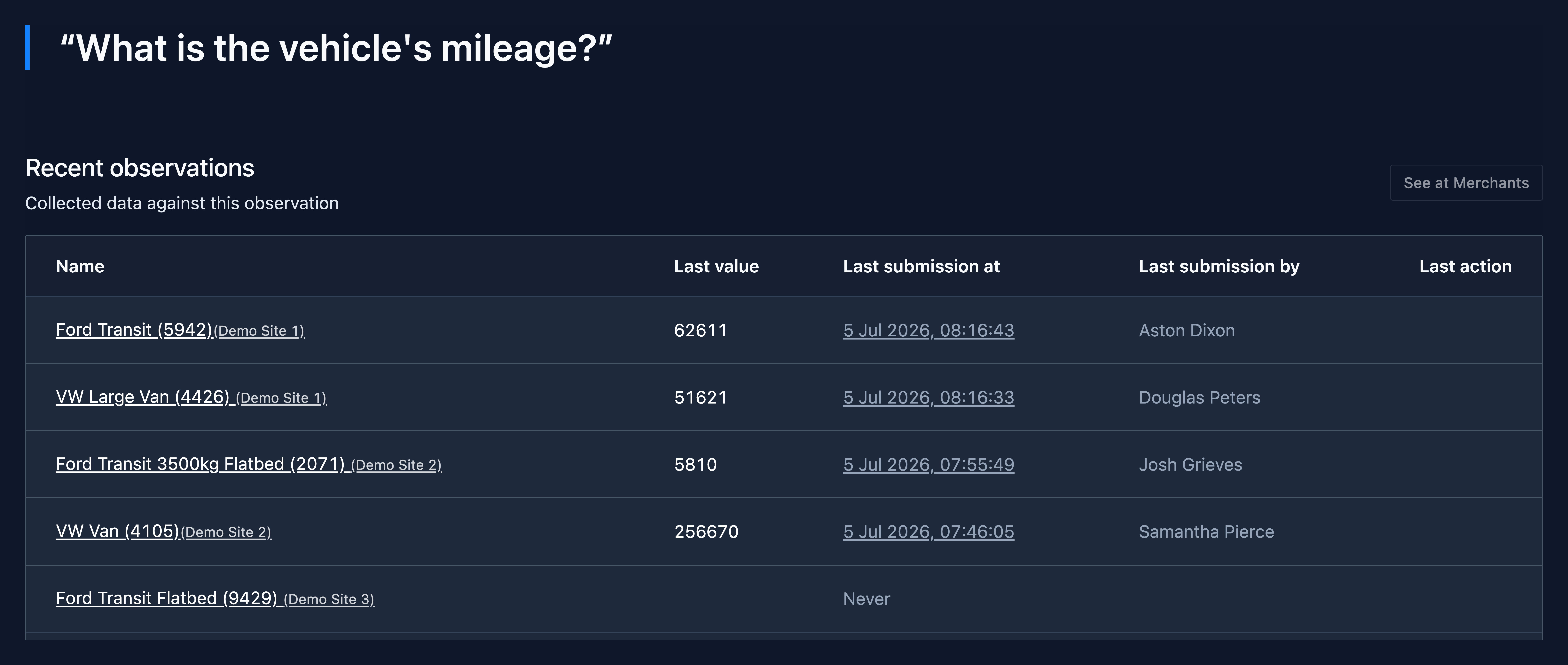
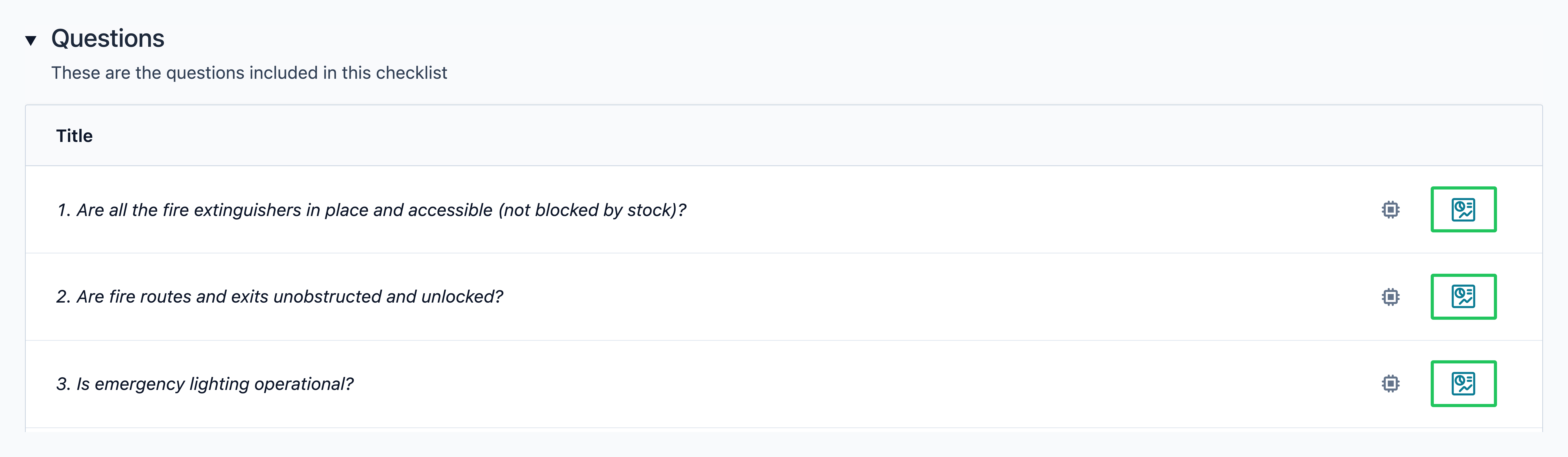
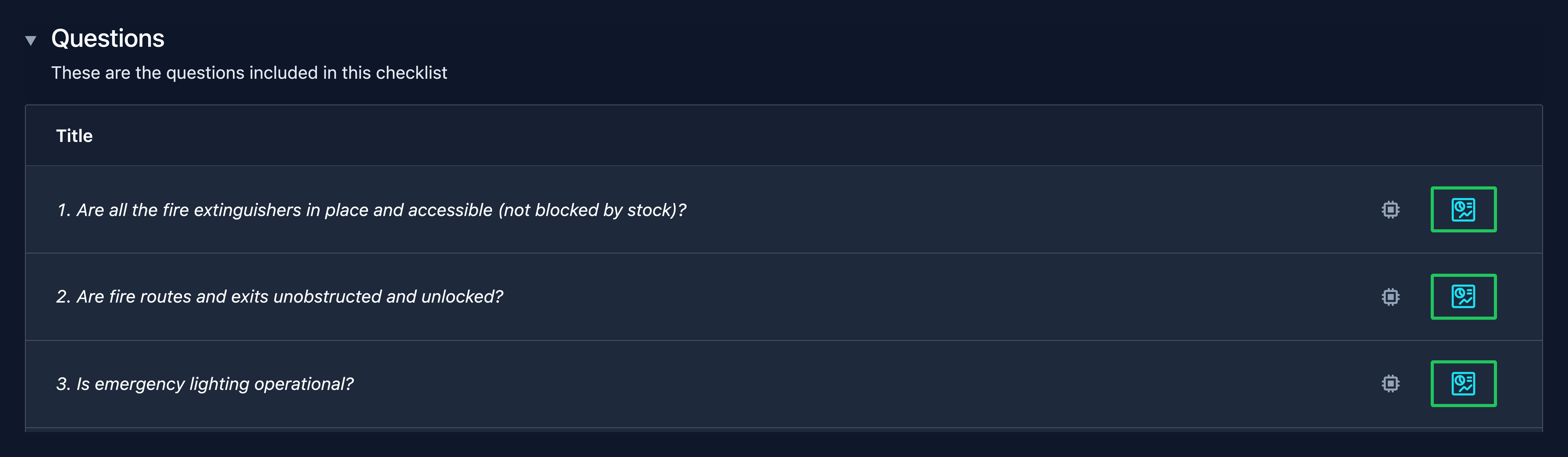
You can now view answers to a specific checklist/playbook question across sites/assets that ask that question.


Example
Your organisation may carry out daily vehicle checks in OCC that requires recording the vehicle's mileage. This new feature makes it easy to retrieve that information across your fleet.
May 2026
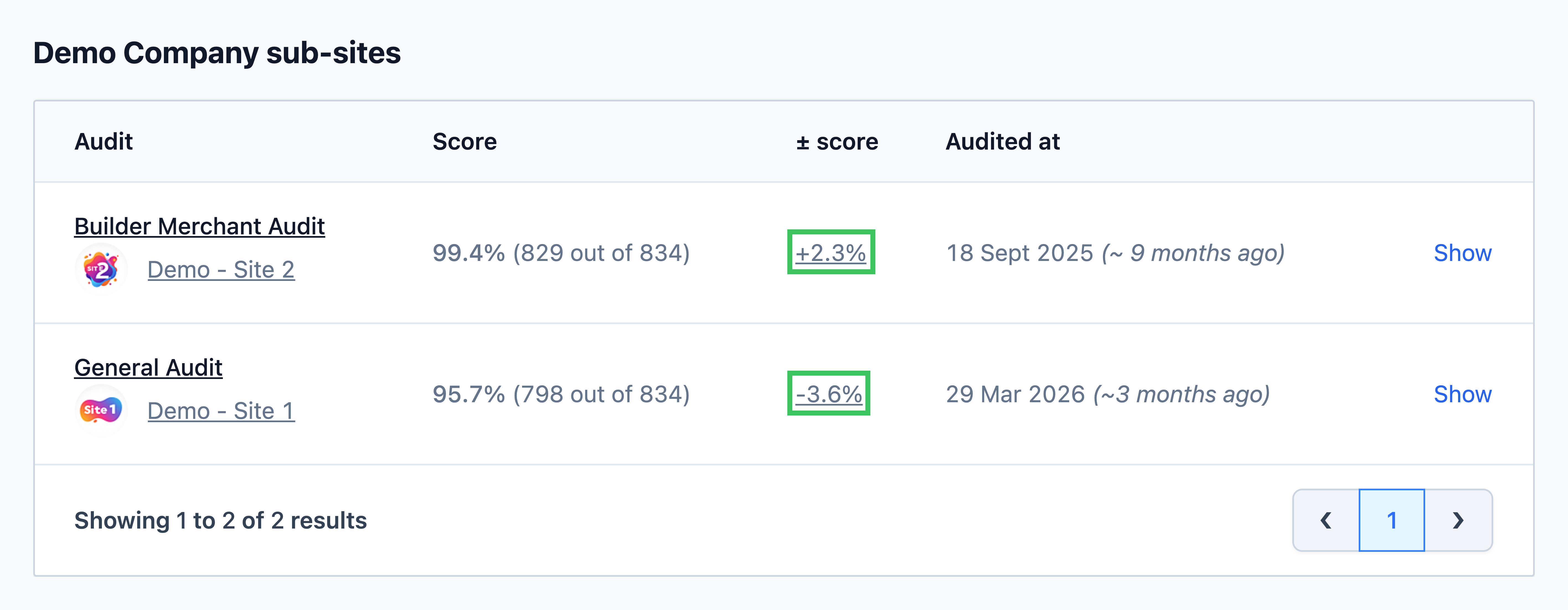
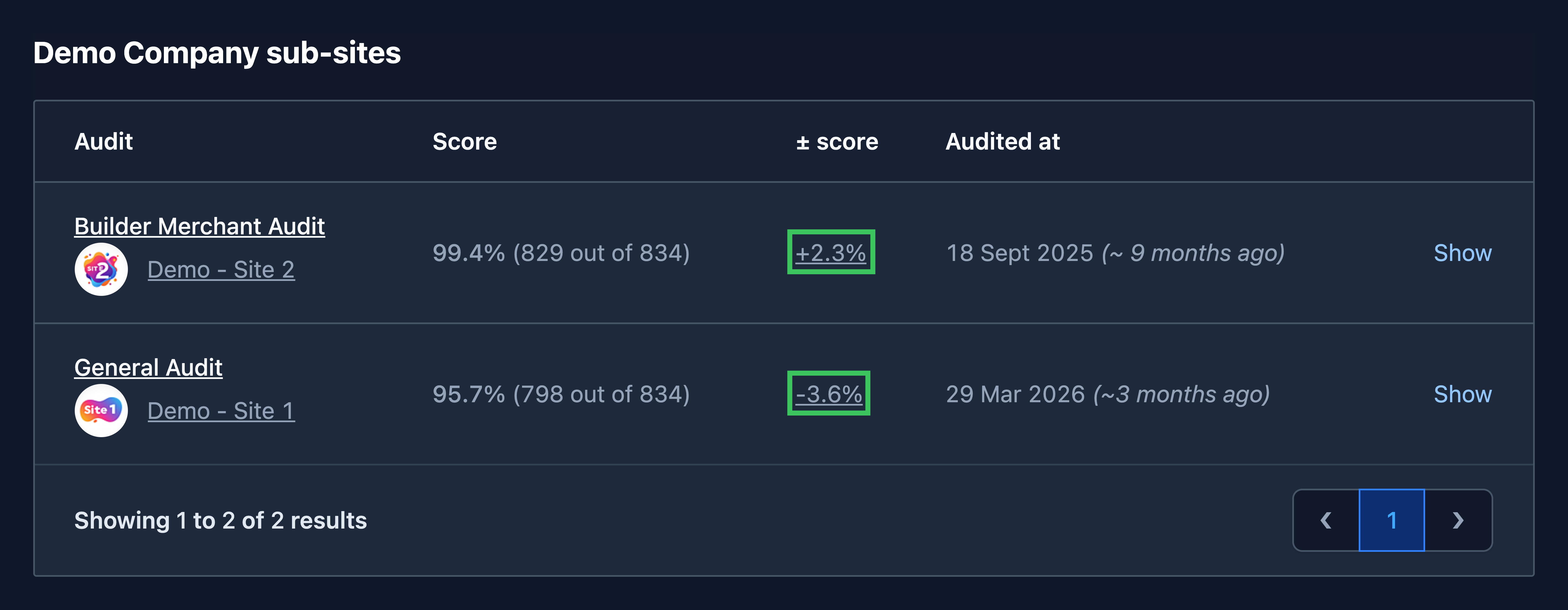
New addition: Displayed change in audit score since the previous audit
On the audit page you will now see a ± score column. This shows the change in score between the latest audit and the previous one.
You can also see this on the individual audit page. Selecting the previous score will take you to the previous audit.
April 2026
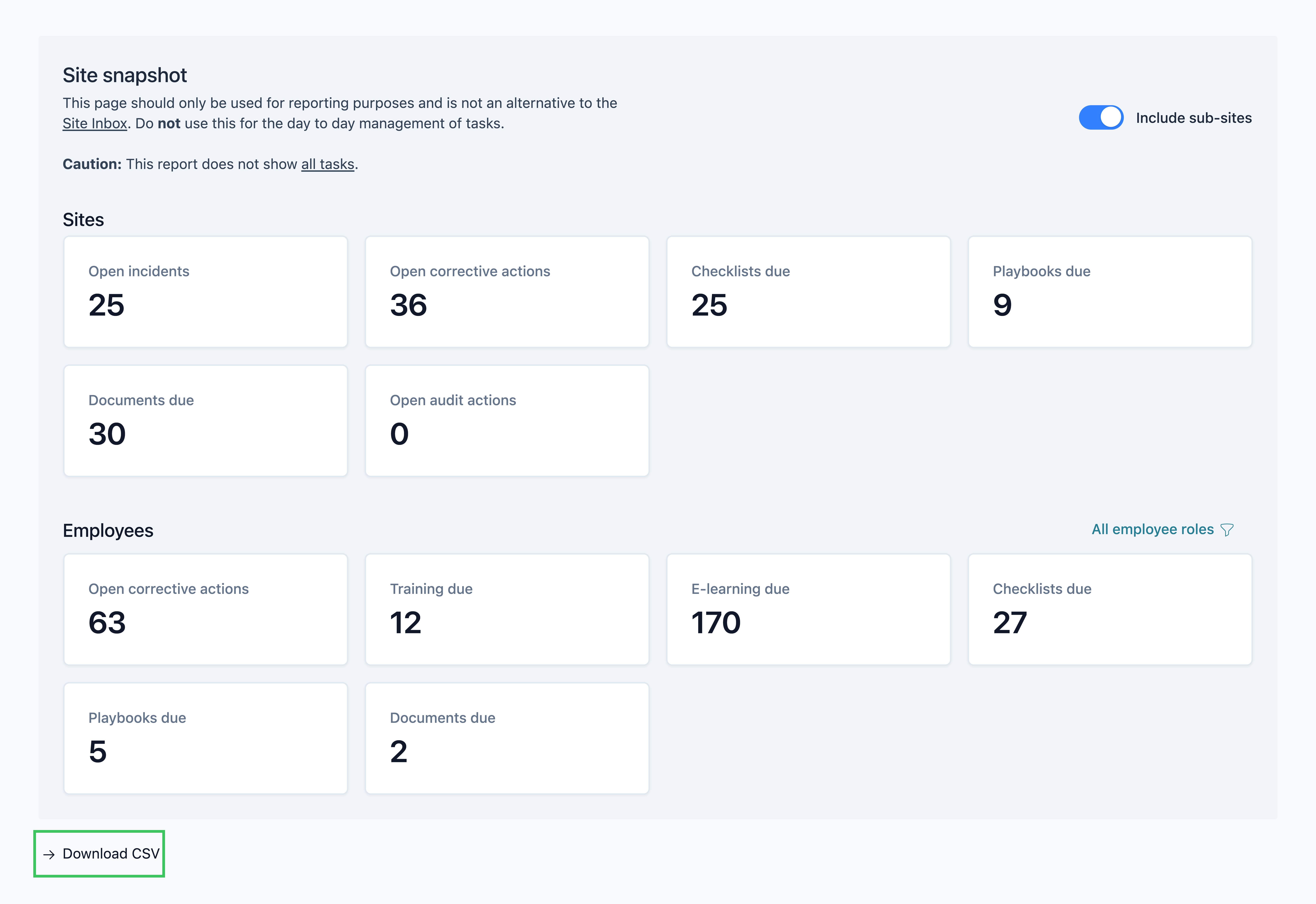
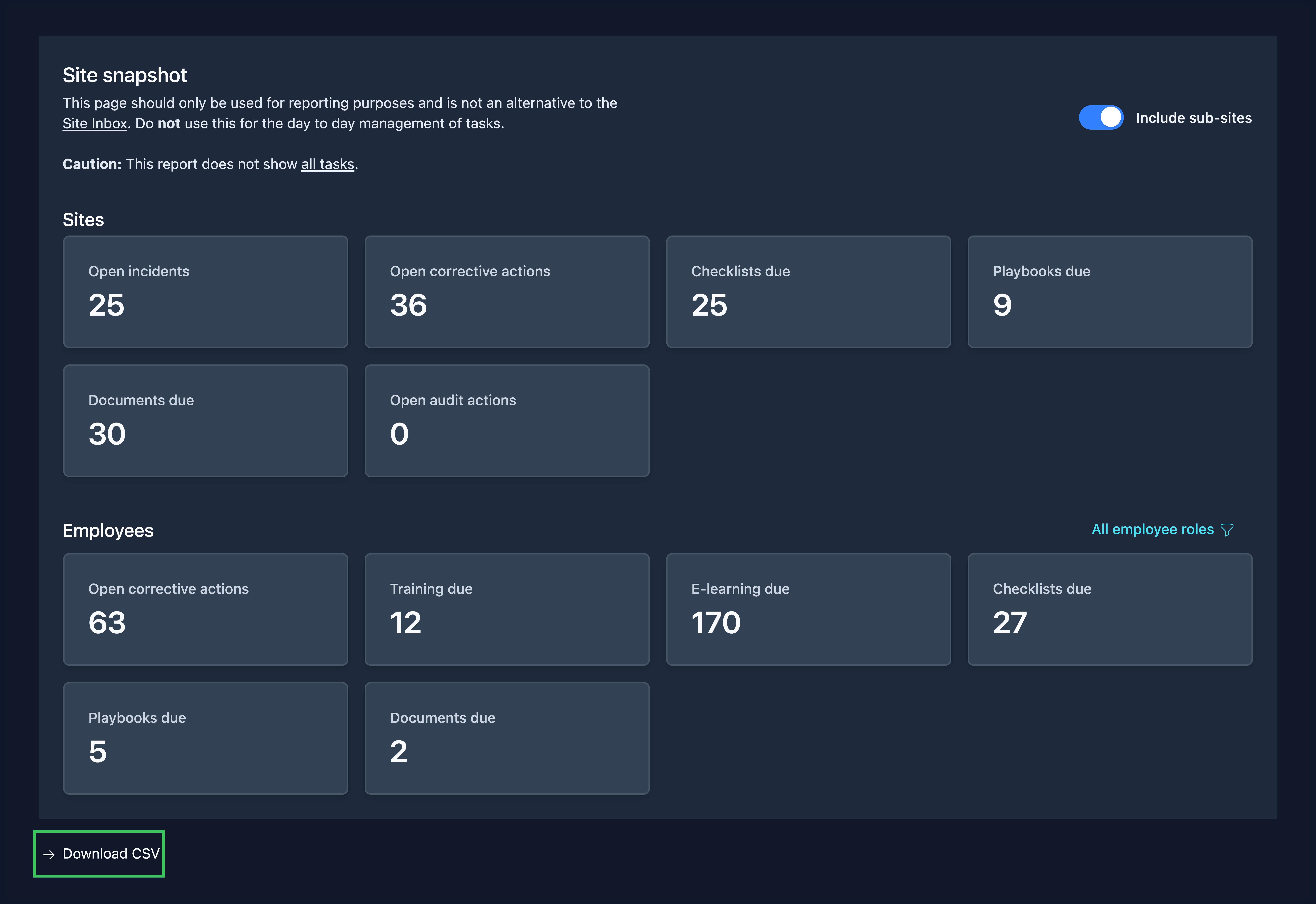
New addition: Site Snapshot Export
A new export button is now available directly on the Site Snapshot page. This feature generates a downloadable CSV file containing a detailed breakdown of the snapshot figures by individual sites.
Improvement: Unified Employees Page
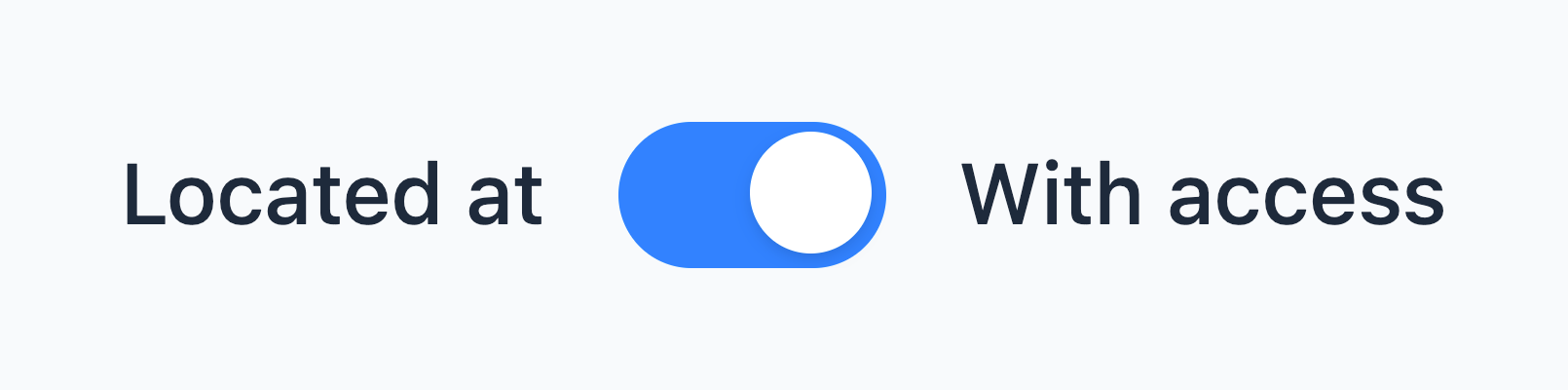
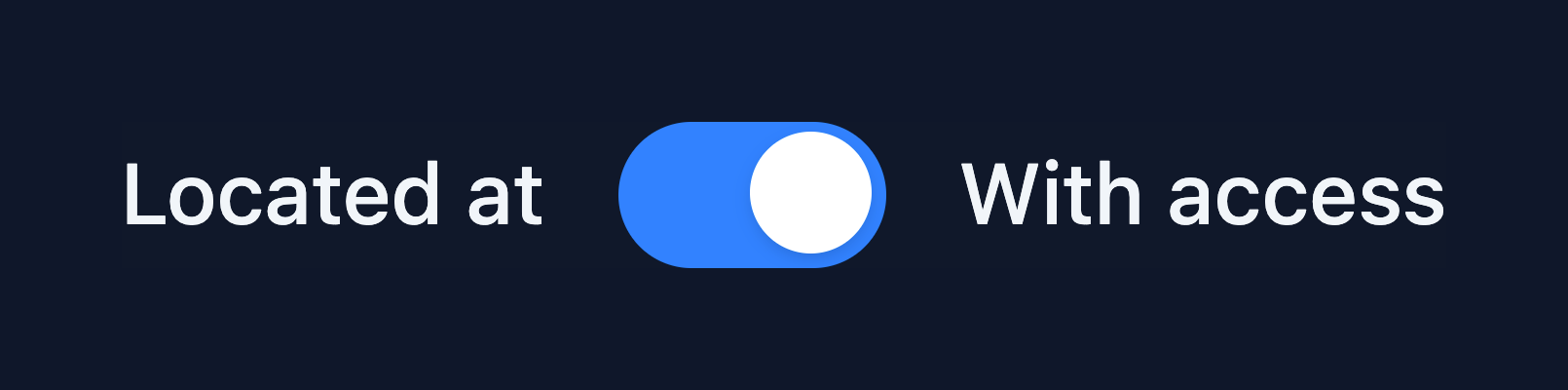
A new toggle has been added to both 'Employees with access to site' and Employees with access to site' pages, allowing you to switch between views instantly without navigating away.
This update also helps clarify the distinction between employee records located at a site and those with granted access to a site.
Improvement: Dedicated Snooze Tab
A new tab has been added to both the 'All Tasks' and 'My Tasks' pages to isolate snoozed items into a separate list.
This update helps declutter your task view, allowing you to focus on immediate priorities while keeping postponed tasks easily accessible in their own list.


Improvement: Task Colour Indicators
We have introduced an amber visual indicator for tasks that have been open for more than three months. This provides an early warning before tasks reach the existing six-month red indicator, enabling you to proactively monitor, manage, and prioritise ageing tasks before they become overdue.


March 2026
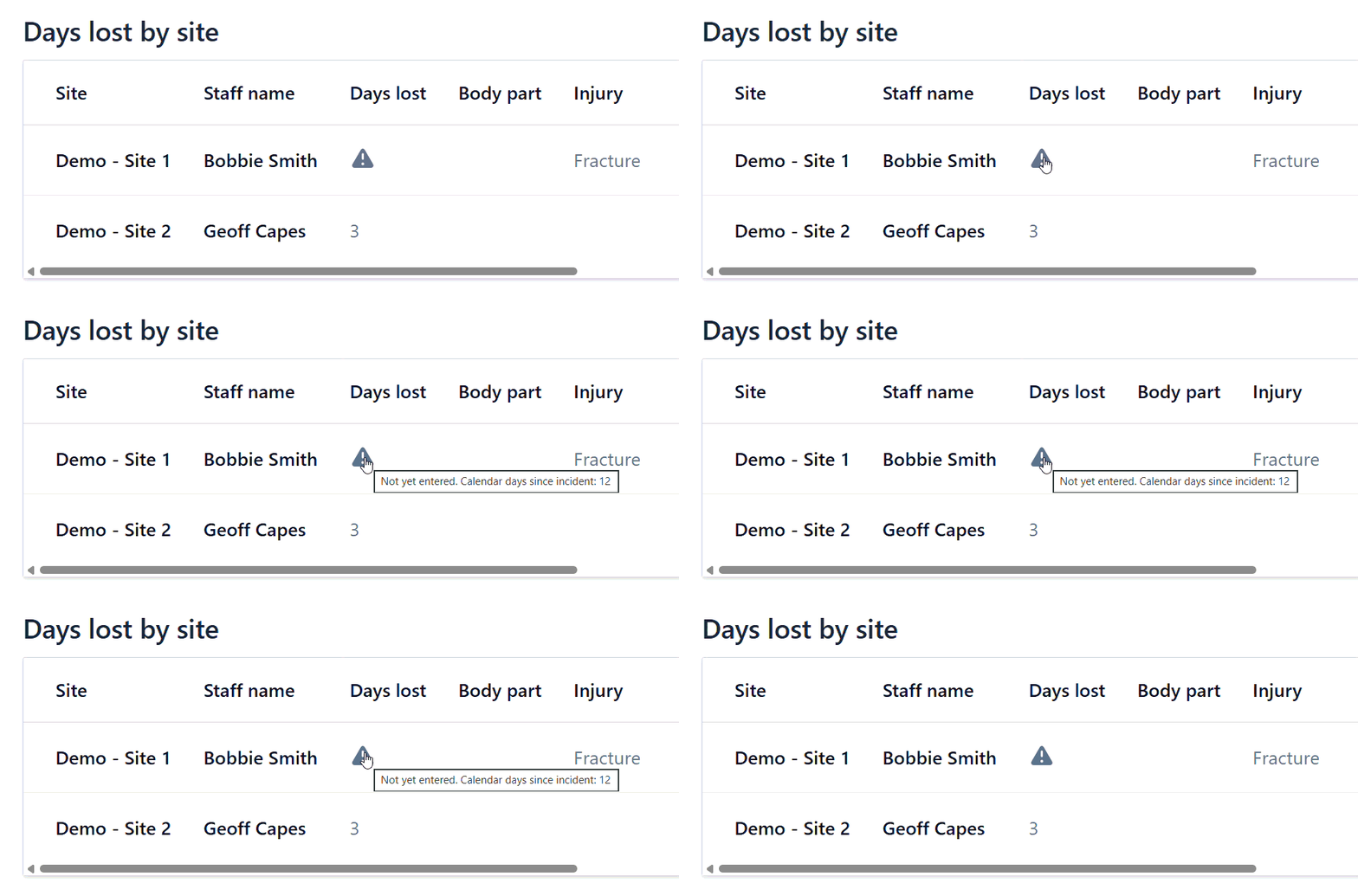
Improvement: Incident Report - Days Lost Table
The Days lost by site table in the incident report has been updated. In the 'Days lost' column, a warning icon will appear for incidents where the number of days lost has not been specified. Hovering over the icon displays a message showing the count of the calendar days since the incident.
Feature release: Task Export / Print
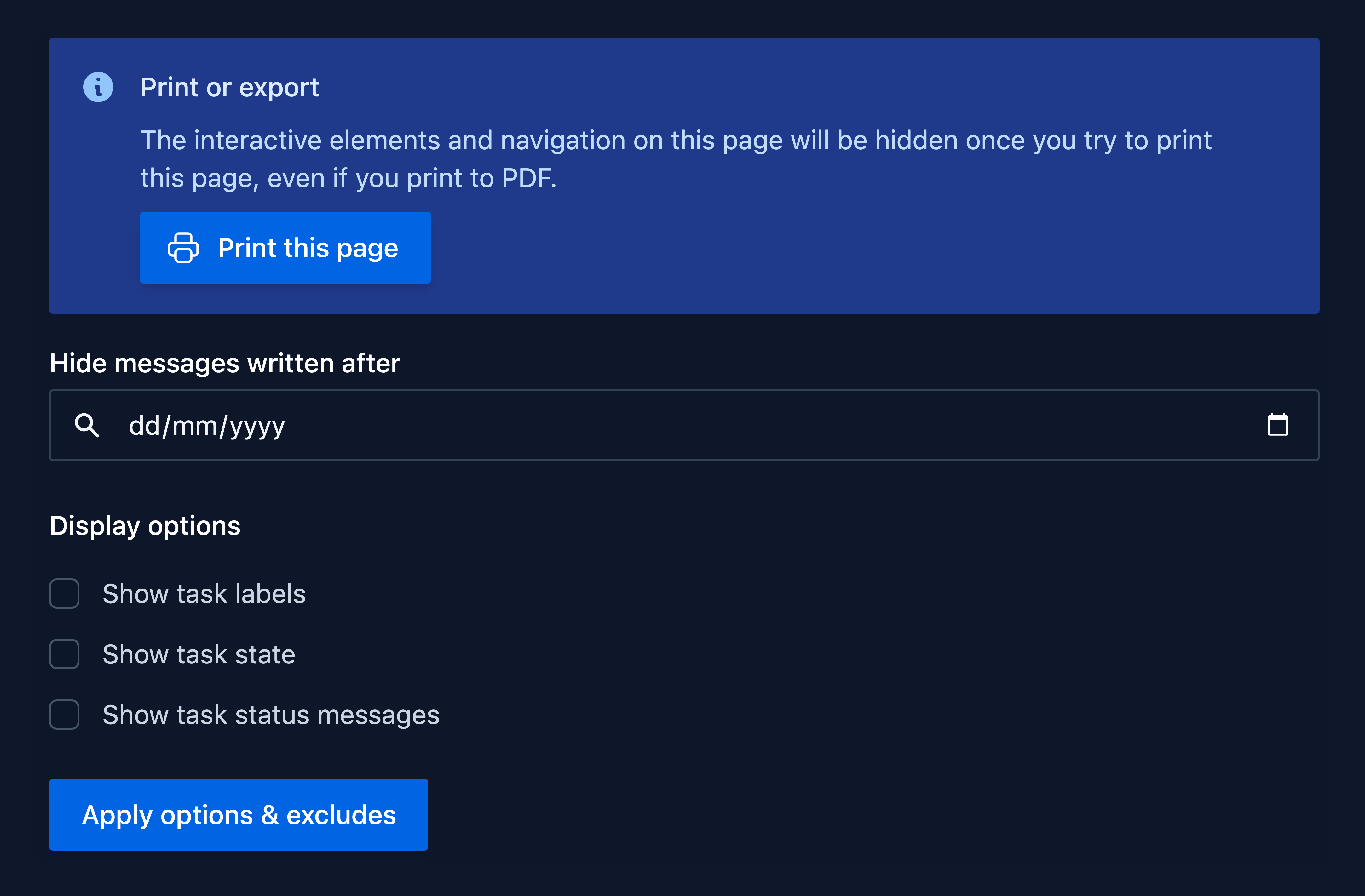
The new Export Task button allows you to generate a "clean" version of any task page. This automatically strips away system interface elements (like navigation bars and buttons) and allows you to customise the view to ensure the recipient sees only the information they need.
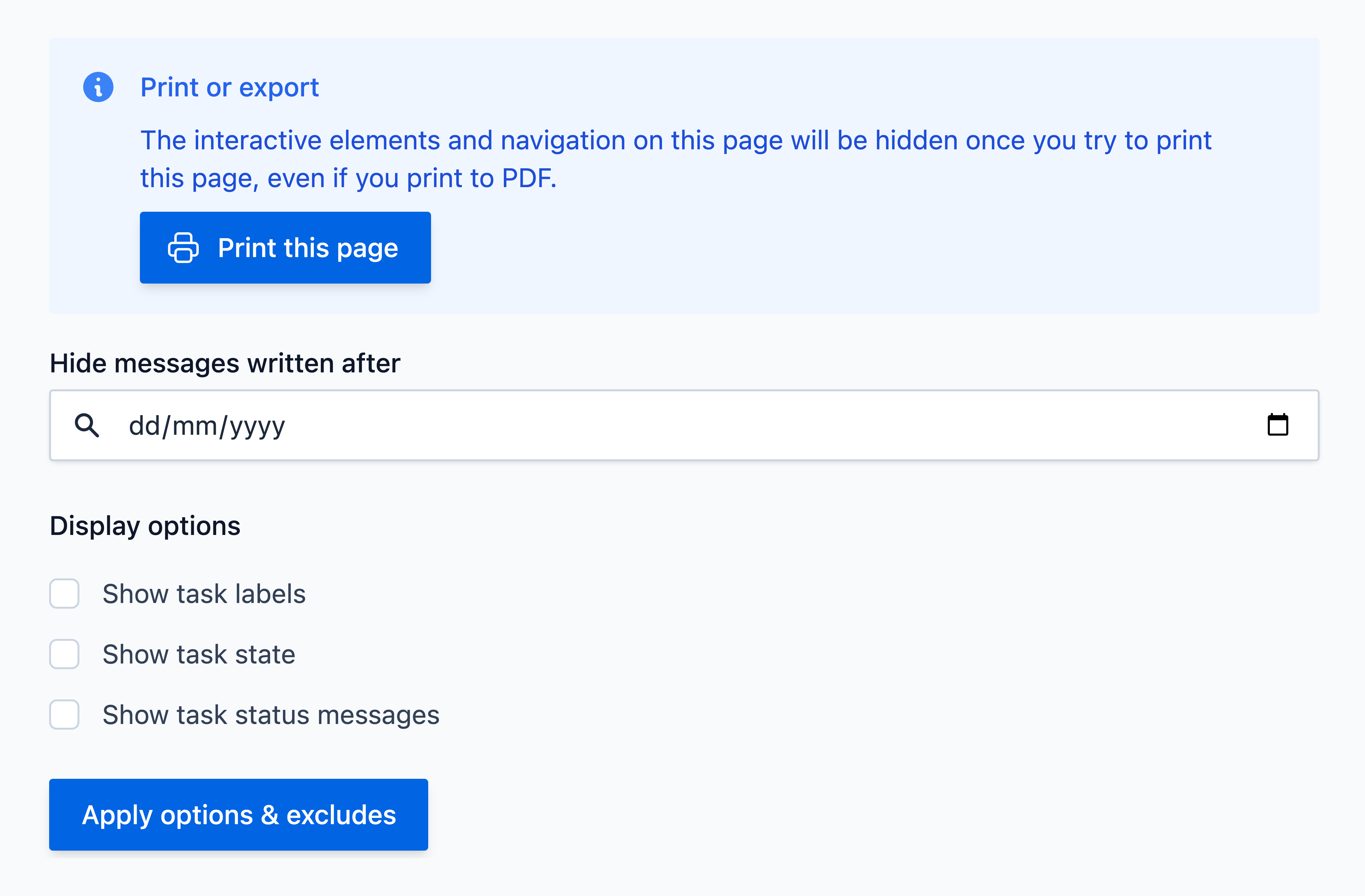
Customisation Options
- Date Filtering: Hide comments or messages written after a specific date.
- Display Toggles: Choose whether to show or hide task labels, task state, or task status messages.
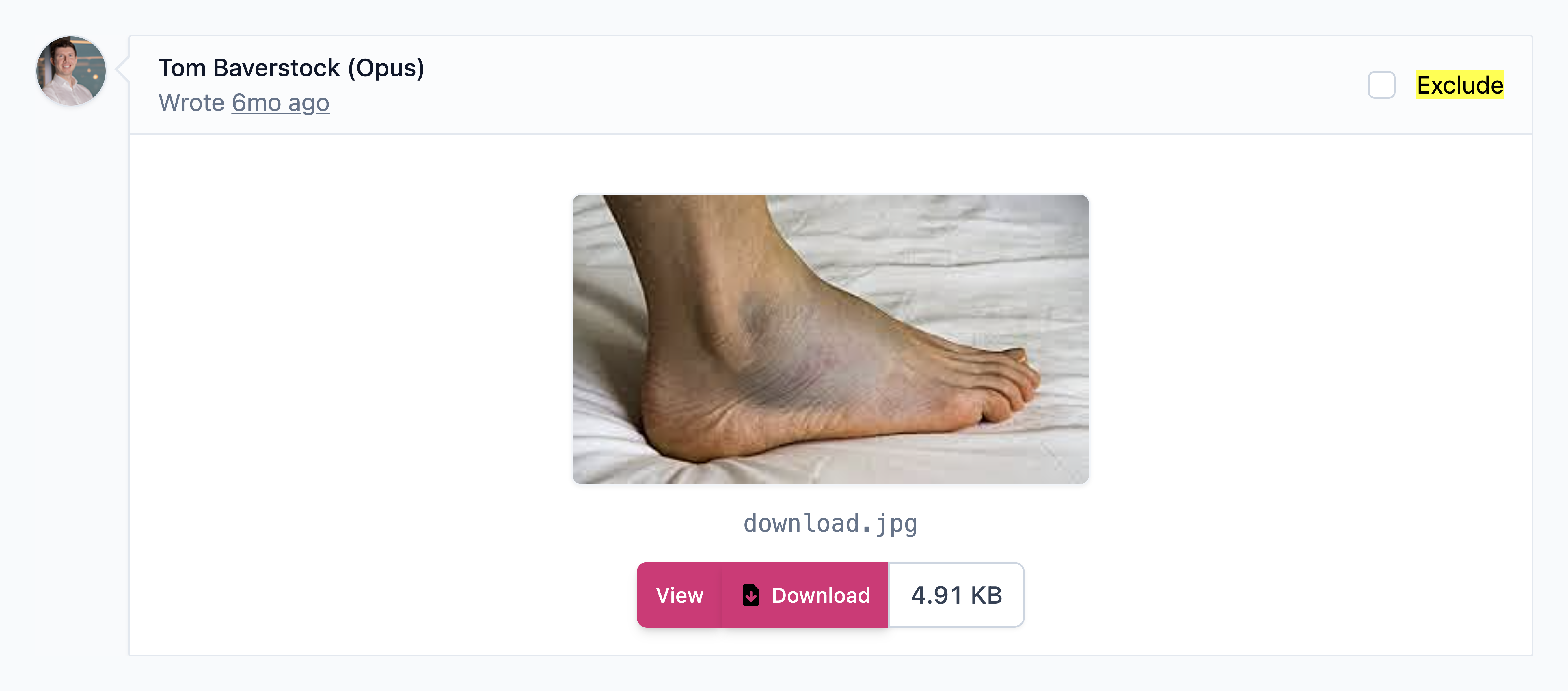
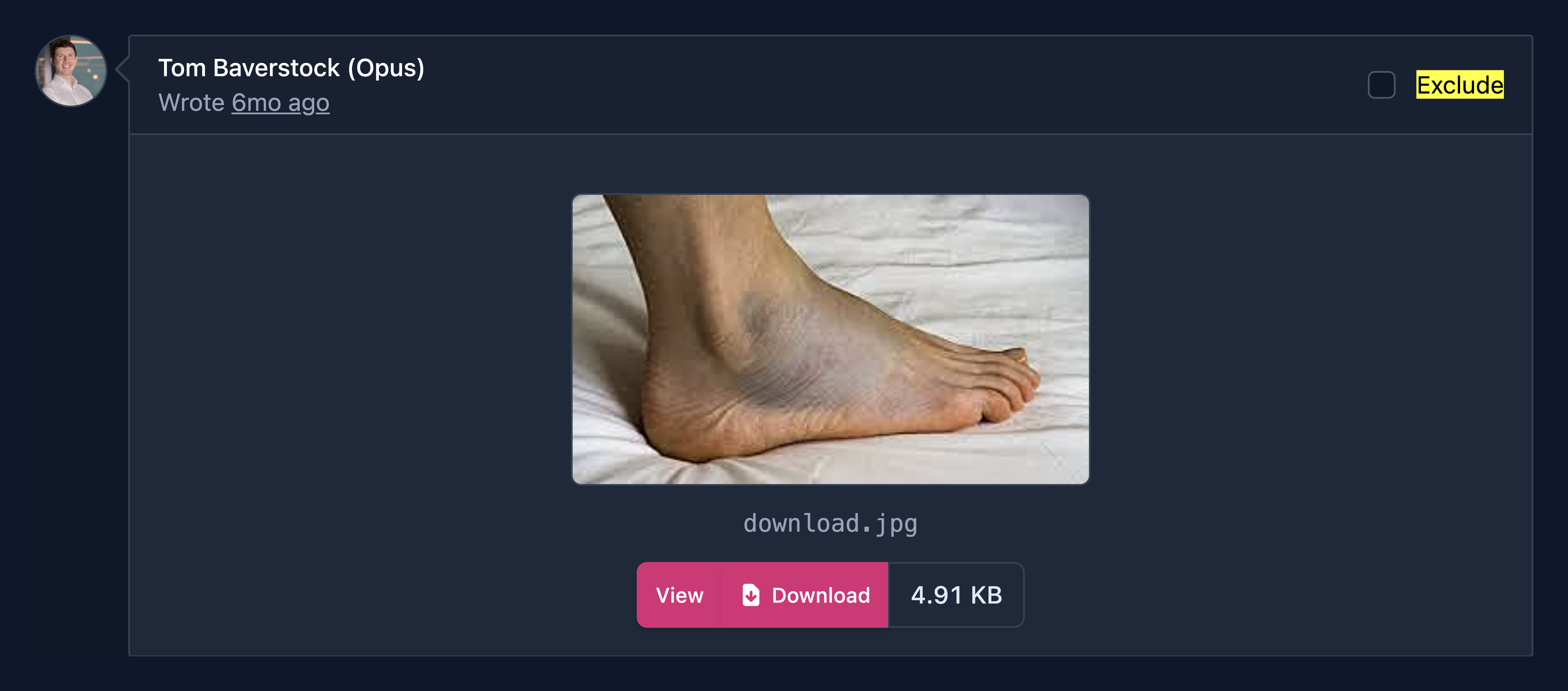
- Granular Exclusions: Manually tick the "Exclude" checkbox on individual comments to remove them from view.
How it Works
- Navigate to any task page and click the Export button in the top right corner.
- Configure your filtering and exclusions.
- Click Apply options & excludes to save your changes.
- Click Print this page — this triggers your browser's print dialogue where you can print or save as PDF.
Tip
Comments display relative time (e.g. "3mo ago"). Hover over the relative time text to reveal the exact date for filtering purposes.
February 2026
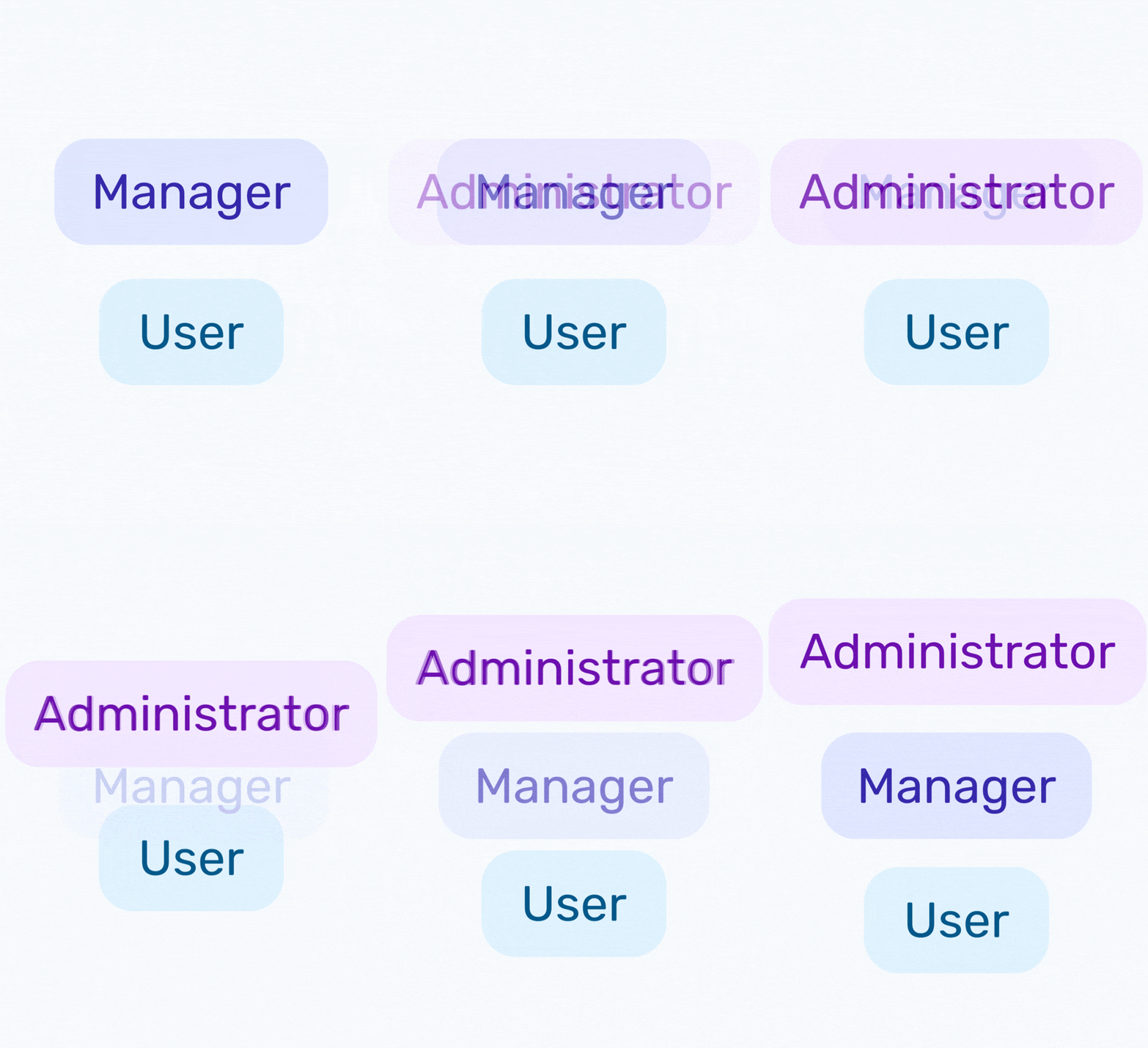
New addition: Administrator & Manager Access
New options for configuring employee site access to give you more control:
- Manager → Administrator: The former Manager access level has been renamed to Administrator. Permissions remain exactly the same.
- New "Manager" role: A new, restricted Manager access level. Operates similarly to Administrator but restricts advanced site configuration — the Manager cannot:
- Create or configure roles.
- Set up new templates.
Important
To ensure no disruption, all Managers are now Administrators (as of Sat 21st Feb 2026).
If you would like to bulk reduce any employee's access to the new Manager level, please contact us or submit a support request.
Improvement: Streamlined Process for Adding New Employees
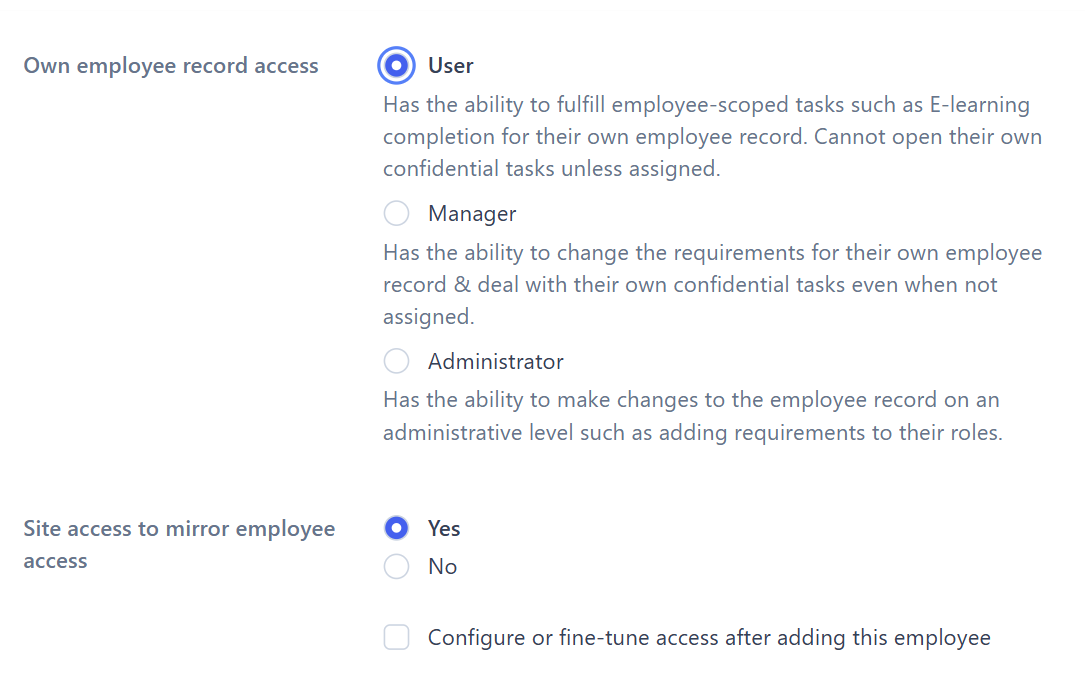
We've combined employee creation and standard site access into a single step. This speeds things up and ensures nobody is accidentally added without a role.
We've also removed the automatic redirect to the site access page afterward. If you need to adjust specific permissions, check "Configure or fine-tune access after adding this employee" and you'll be taken there.
See the latest guide on adding employees for full instructions — steps 7–9 outline the new changes in detail.
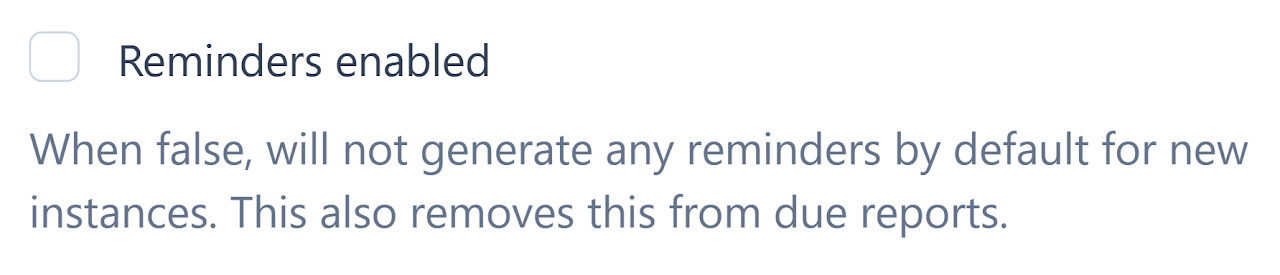
New addition: Disable Reminder Tasks
A new feature has been added to all resources (checklists, playbooks, etc) that allows reminder tasks to be disabled. This is particularly useful if you want to make a resource truly ad hoc.
For example, it can be used for pre-use checks or procedure-based playbooks. Resources with their reminders disabled can be identified via the snoozed clock icon.

January 2026
Feature release: Inbox Coach
We've added an Inbox Coach to help you quickly understand the health of your tasks at a glance. The message and colour update automatically based on task age
You have tasks over 6 months old


You have tasks over 3 months old


All tasks are under 3 months old


All tasks are assigned and nothing is older than 3 months


Info
We also now resurface "forgotten" assigned tasks that are over 3 months old, so nothing slips through the cracks. Snoozed tasks continue to be hidden from the inbox.
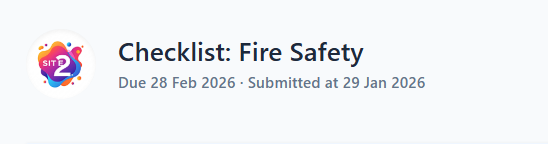
New addition: Checklists - Visibility of Date Last Submitted
We now show when checklists were last submitted without having to open the record.
This is especially useful for non-managers, who can now clearly see and demonstrate when a checklist was last submitted — for example, showing when an LGV daily check was completed if stopped at the roadside.
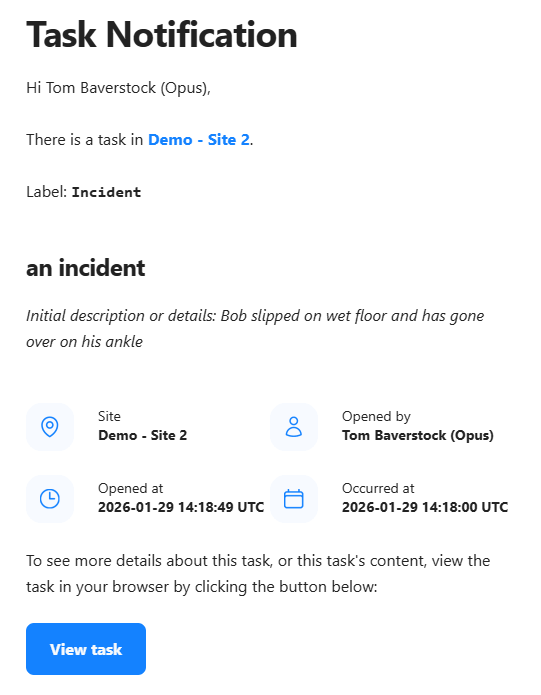
Improvement: Incident Email Notifications Enhanced
Incident email notifications now include the initial incident description.
This means you can quickly understand what's happened and how serious it is, helping you decide whether it needs urgent attention — without having to log into the system first.
Note: If a user receives a notification after the incident summary has been completed, the email will show the summary instead of the original description.
2025
December 2025
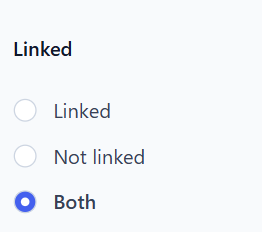
New addition: Employee List Linked Filter
We have added a 'Linked' filter on both the All Employees and Employees with Site Access pages. This allows you to filter and see which employee records have been linked to an Opus account — it defaults to 'Both'.
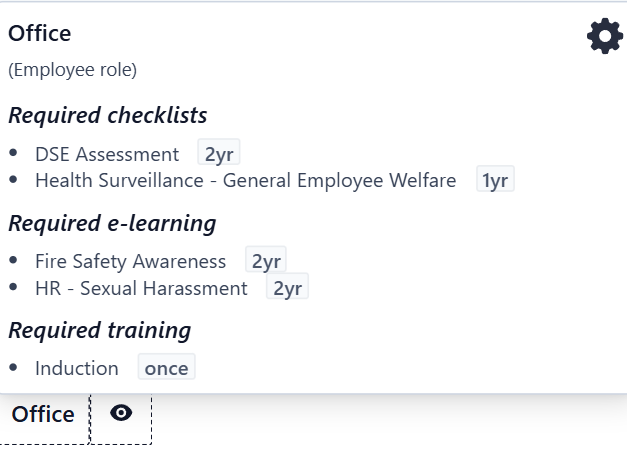
New addition: Role + Asset Type Requirements - Schedule Added to Hover-overs
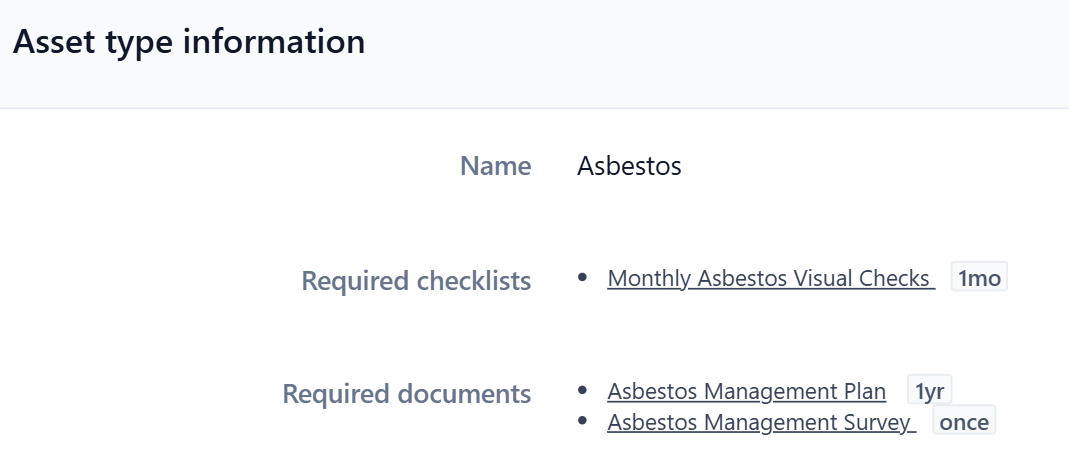
When you hover over an asset type or role in the Manage Employee or Manage Asset pages, you'll now see the schedule of the linked requirement directly in the pop-up.
This also extends to the Manage Asset Types and Manage Roles pages — making it easier to check requirement schedules without opening each one.
October 2025
Feature release: Task Query
We've introduced an enhanced Task Query feature on both the All Tasks and Task Report pages. You can now pick and combine various parameters.
Autocomplete suggestions appear for: site, author, assignee, label. (Role and Type coming soon.)
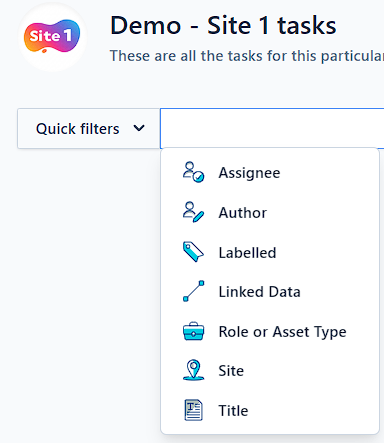
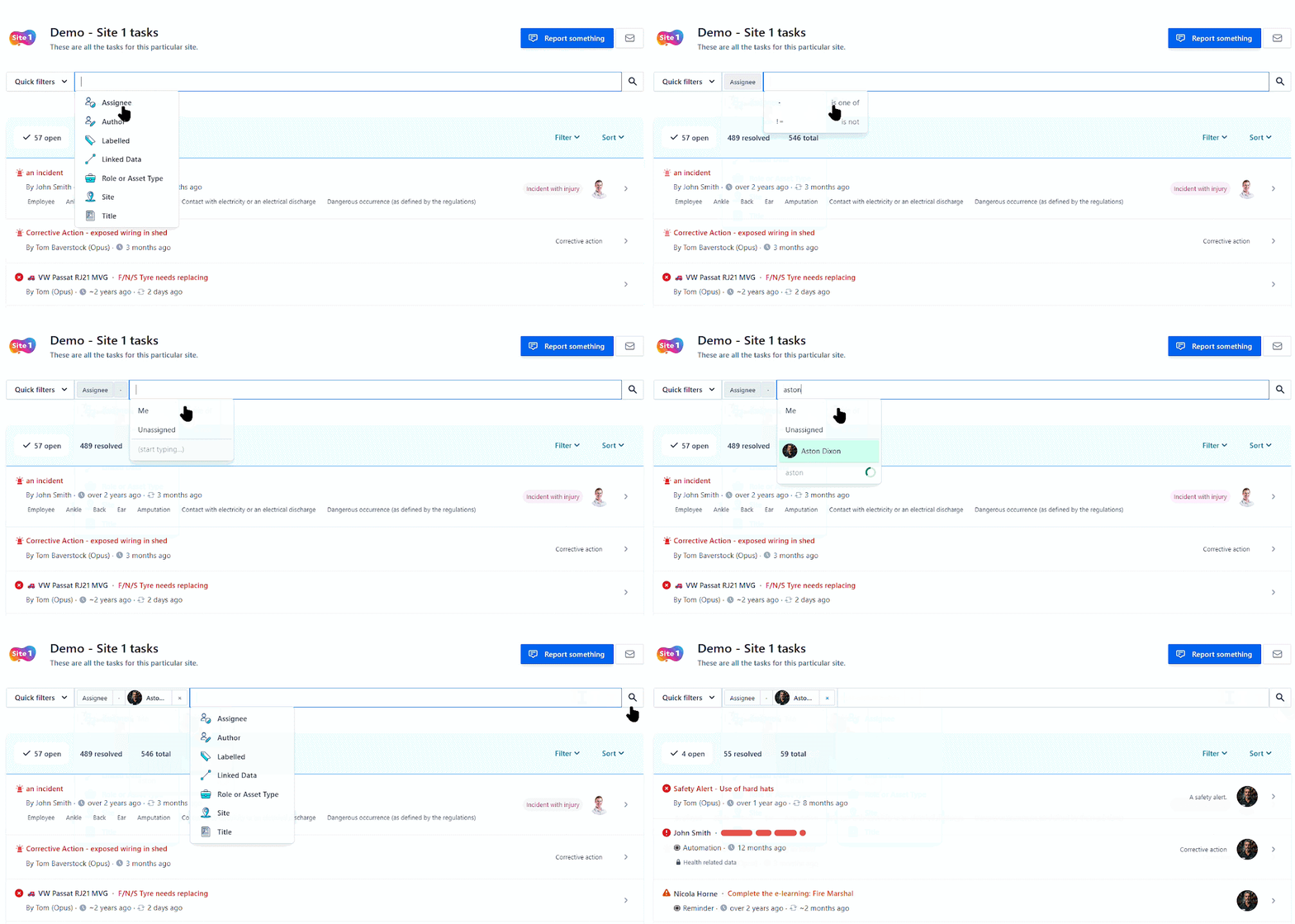
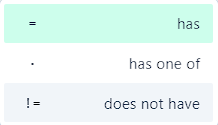
You can use the following operators to refine your search: has, has one of, does not have. You can also combine parameter searches with free text search (which searches task titles).
Our Knowledge Base article on Task Queries has been updated.
Improvement: Site Inbox
We've refreshed the Site Inbox with a cleaner, more intuitive design — based directly on client feedback.
- Simplified layout for easier navigation.
- Helpful triage information at the top to guide you through open, unassigned tasks.
- System-created tasks are now clearly marked with a chip icon showing 'reminder', 'automation', or 'audit'.
- Old tasks (older than six months) are highlighted in red with an 'old task' icon.
Note: This threshold will likely change to three months in a future update.
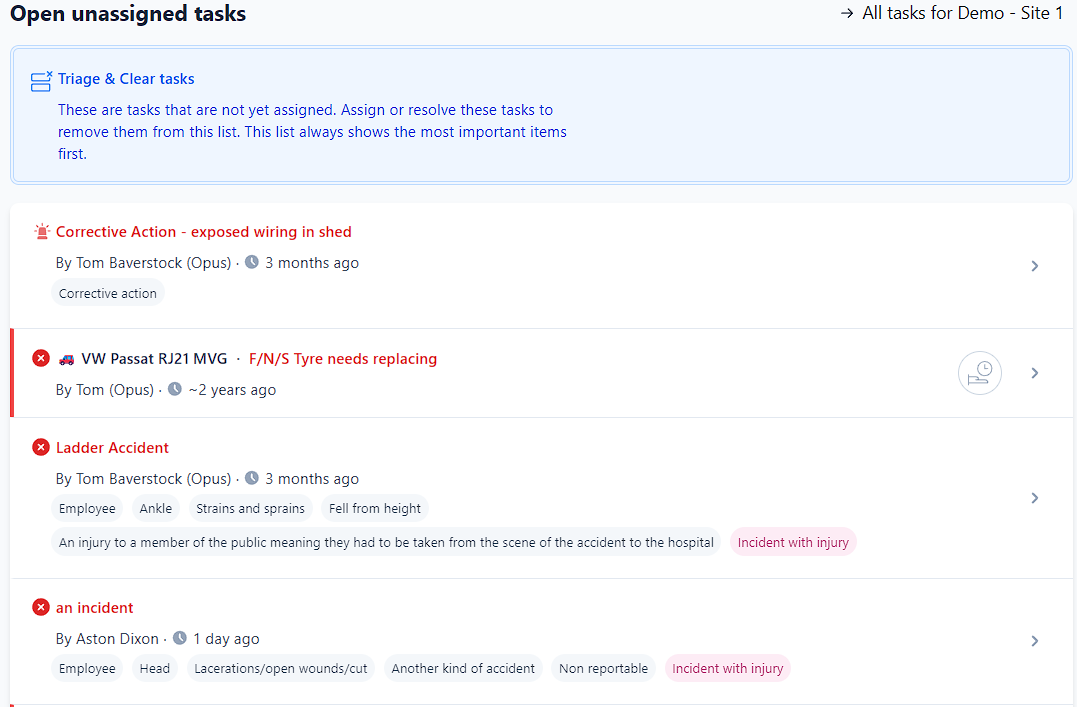
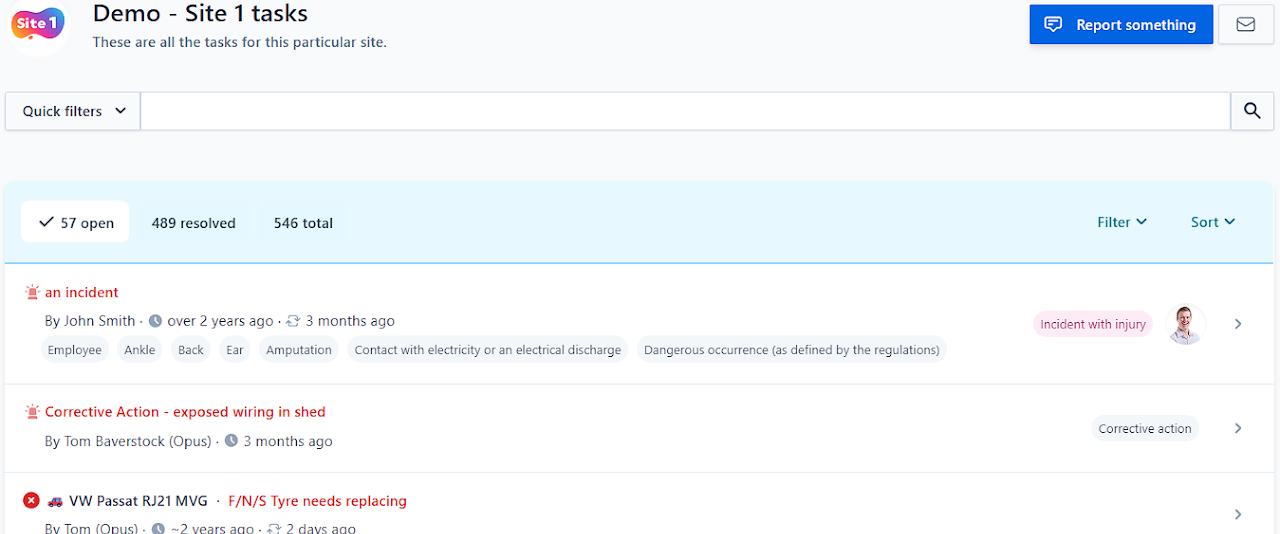
Improvement: All Tasks
The All Tasks list has been upgraded following the same design improvements as the Site Inbox, with a few small differences in layout and behaviour. These changes make it easier to review and manage tasks across all sites at a glance.
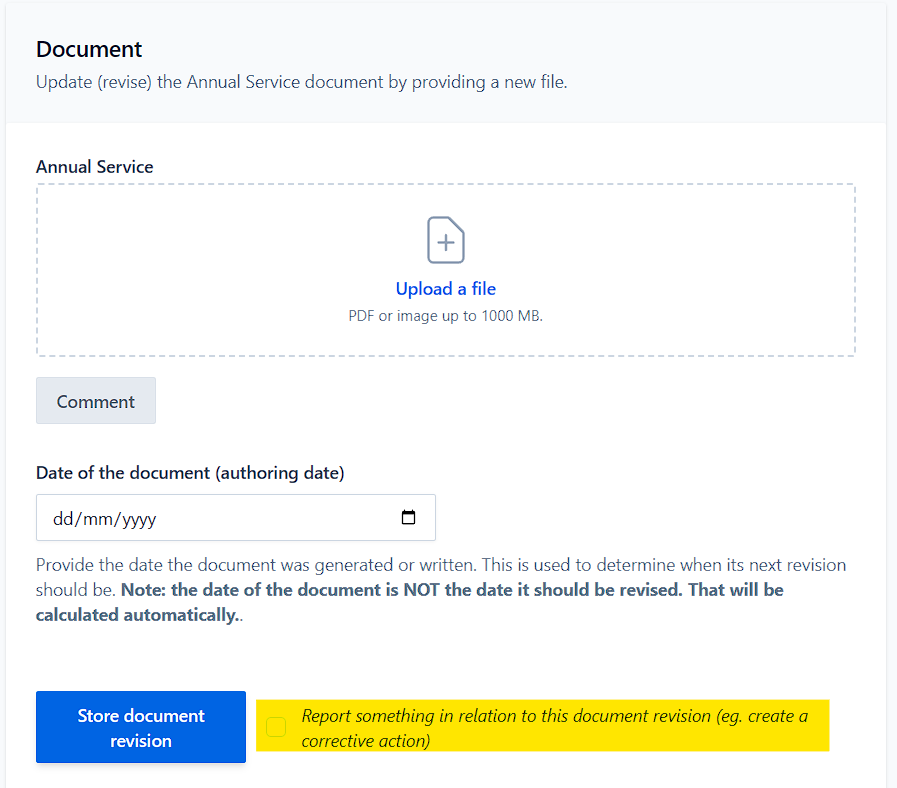
New addition: Uploading Documents - Report Something Option
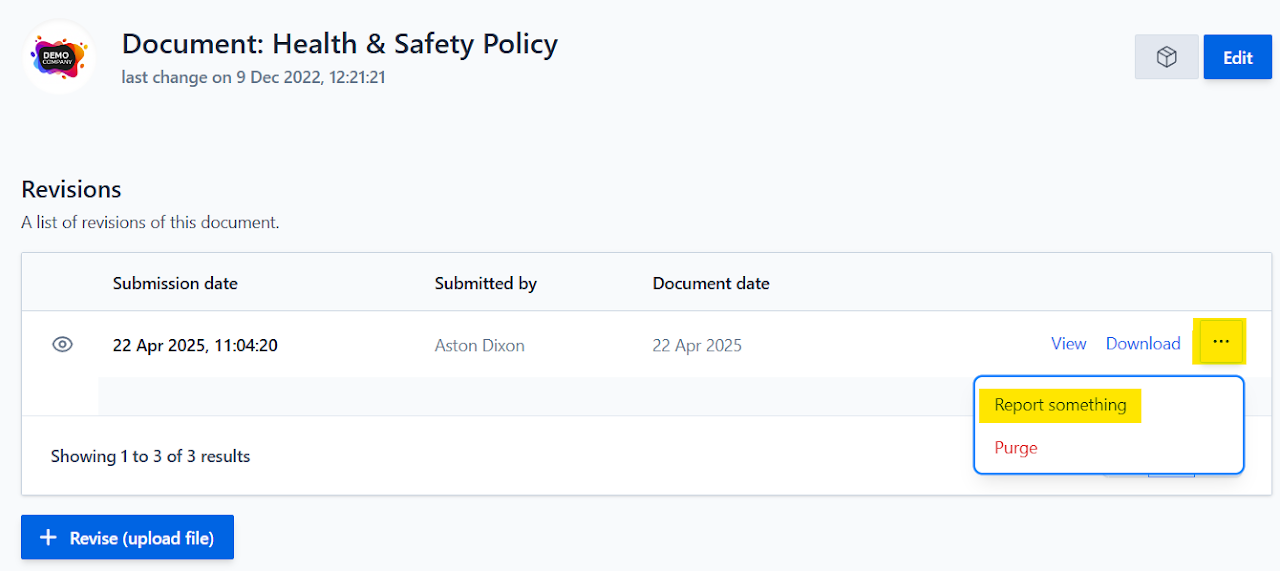
When you add a new document in OCC, you'll now see a Report Something option. This allows you to instantly raise a related report at the same time as uploading the file.
Example use case: An engineer's inspection report highlights a defect. As you upload the document, you can immediately log a corrective action — keeping the evidence and the follow-up action linked together in one place.
This new workflow makes it easier to:
- Capture issues at the point of upload
- Link documents and corrective actions together
- Ensure nothing gets lost between paperwork and action
September 2025
Improvement: Future Starter UI Tweaks
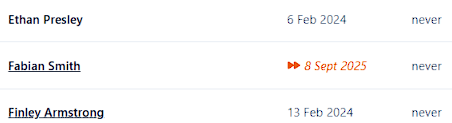
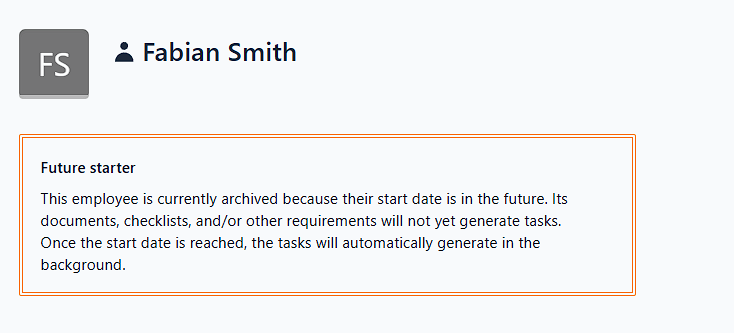
We've made some slight changes for employees with a future start date. They will now show with a specific future date style, along with an informational panel explaining that tasks won't be generated until their start date (they can still carry out E-learning etc. ahead of that time).
August 2025
Feature release: Temporary Access for Non-Registered Employees
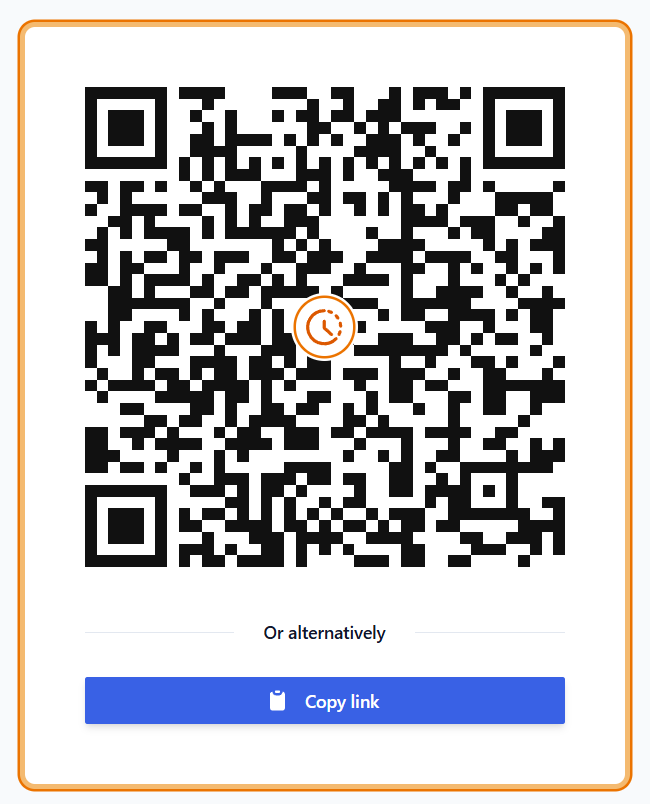
Give non-registered staff access to E-learning, Employee Checklists, and Playbooks with a single QR code or link!
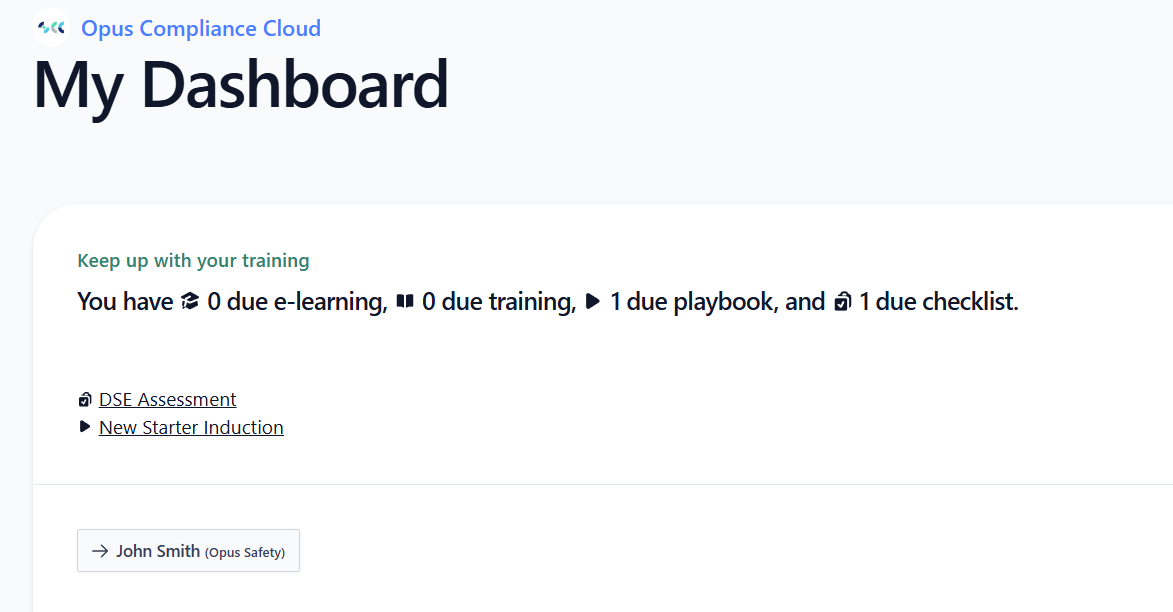
Instead of a separate QR code / link for each item, you can now generate one for temporary access — valid for 1 week after first use. When the employee uses it, they get access to a simplified My Dashboard.
You can find the option to generate the QR code / link on the employee dashboard in the Training, E-learning and Playbooks sections. Once expired, it can be regenerated. Individual links can still be used if preferred.
Improvement: Playbooks - Ability to Check Progress
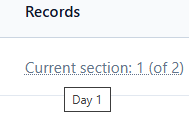
You can now see what section a playbook is on via the Playbook submission history. Hovering over will give you the name of the section.
Improvement: Checklist Cadence Graphs
We've made a number of improvements based on your feedback:
- Open circle icon = at least one action raised
- Closed circle icon = all raised actions resolved
- Clearer layout — months are now slightly separated for easier viewing
- Hover feature — hover over a day to see the number of actions raised
- Date filtering — selecting a day on the Manage Checklist page now filters the submission table to that date
Tip
If you'd like a custom page showing multiple checklist cadence graphs (e.g. across multiple sites), please speak to Opus and we can help set this up.

July 2025
Improvement: Terminology Change from 'Diverge' to 'Override'
This was changed to make the function more obvious and to be consistent with language used elsewhere in the system.
You'll see an Override button on certain records like checklists or training where individual editing may be allowed. This means the item was originally created from a template set at company level. By clicking Override, you're choosing to override the template for this specific instance only — it won't affect the original template or other instances.
If you're unsure about overriding or how templates work, please contact Opus Safety for guidance.
New addition: Introducing 'Immediate' Task Severity
We've introduced a new top severity — Immediate.
When to use: Issues that must be actioned now, ahead of all other work. Examples: a serious threat to life (e.g. live electrics, unprotected edge), an active breach of the law, or a live incident that poses substantial business risk.
How it appears: Tasks marked Immediate show a red flashing alarm icon.
You can use this now by changing the severity of an existing task. If you'd like Opus to update any checklists so that specific triggering responses create an Immediate corrective action, please get in touch.

New addition: Search Bar Added to 'My Sites' Page
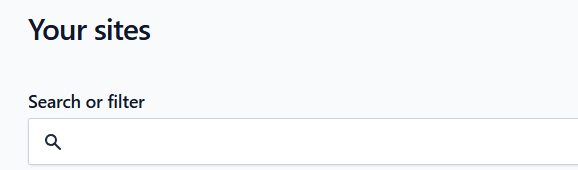
You'll now see a live search bar at the top of your 'My Sites' page. As you type, the list instantly filters to match your input — no more scrolling or relying on your browser's search function.
New addition: Adding Linked Actions to Document Submissions
You can now add actions directly from the Manage Documents page.
This is especially useful for external audits (e.g. ISO audits) — upload the audit document and link any follow-up actions to it. Actions stay linked to that specific document revision, keeping everything neatly connected.
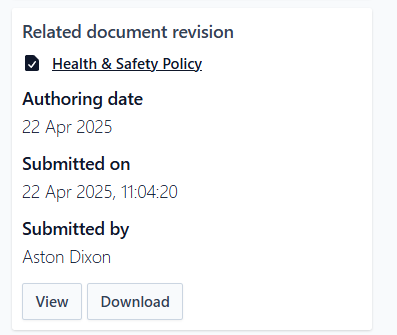
The task will show document details with links to download / view or navigate to the manage document page. It will also appear on the manage document page under Related Tasks.
New addition: Report Templates - Repeat Report
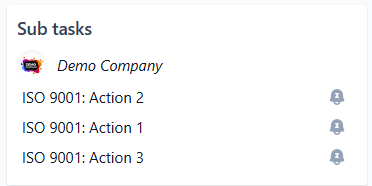
You can now quickly add another task straight after submitting the first one.
This is especially useful when adding multiple sub tasks — once you add the first, check this box and keep adding more until you're done.

New addition: Role Required Documents
You can now assign required documents to specific roles in OCC.
This is ideal for anything you want to make compulsory that isn't training — such as a new starter form, driver declaration, or licence check.
Feature release: Playbooks
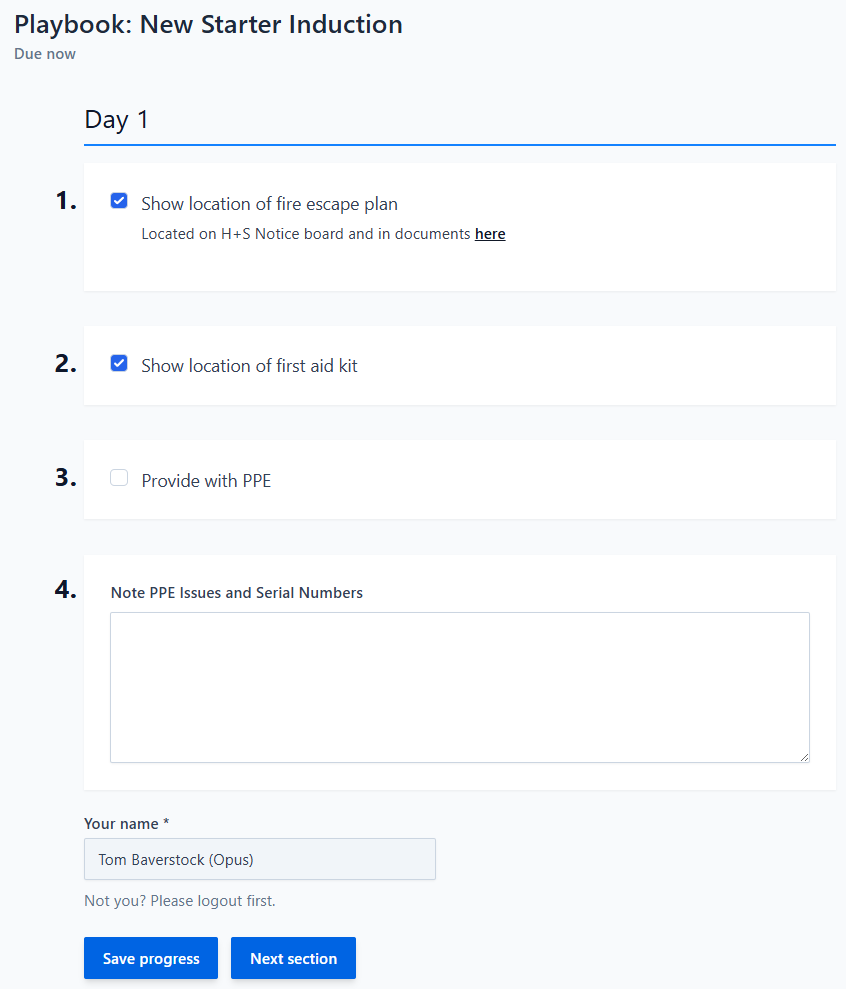
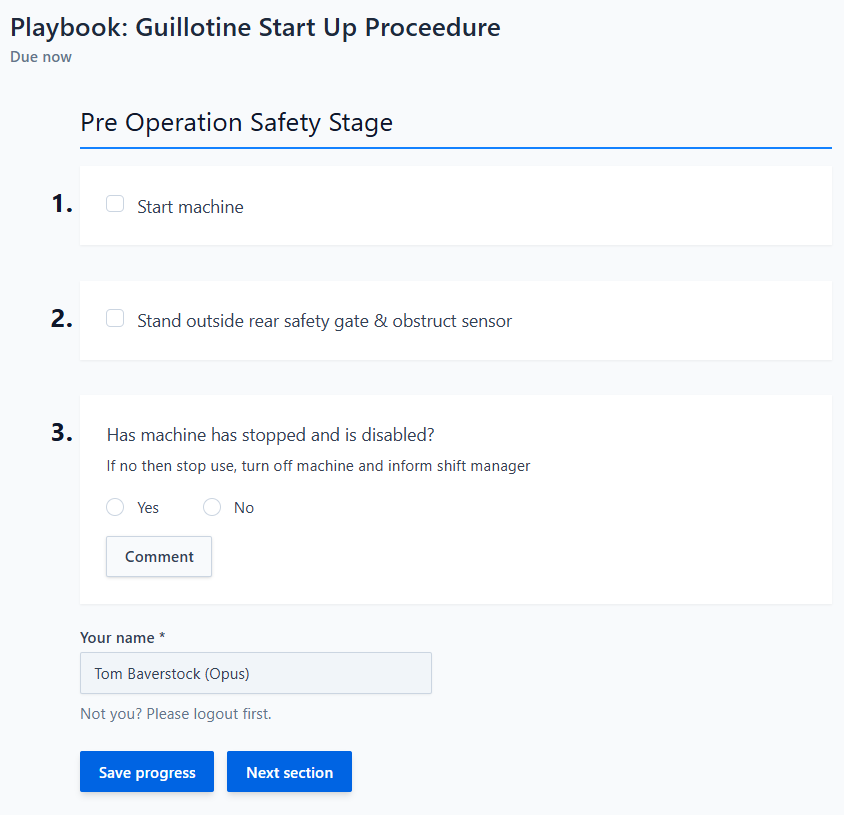
Playbooks are similar to checklists but let you direct someone to do something step-by-step, rather than simply confirm it's been checked. Think of them as interactive, guided procedures.
Previously you could shoehorn these into a checklist, but that meant users could tick "No" (unhelpful) or generate unnecessary actions. Playbooks solve that.
Example Use Cases
- New-starter induction – e.g. Show the fire-escape plan, point out first-aid kit locations
- Opening routine – e.g. Switch off the alarm, turn on display lights, unlock the customer entrance
- Machinery start-up – any safety-critical start-up sequence that needs to be followed precisely
Key Features
- Section-by-section progress & save – Complete part of the Playbook, save, and return later without losing your place.
- Flexible completion windows – Set a deadline that fits the task: seven days for an induction, three hours for an opening routine, etc.
- Control who can resume – Allow any authorised user to pick up where the Playbook was left, or restrict it to the original submitter.
Playbooks can be site, employee or asset-based and can be role or asset type requirements. We can also combine any checklist option with a playbook (Y/N, free text, photo, etc).
June 2025
New addition: Alternative Notification Style
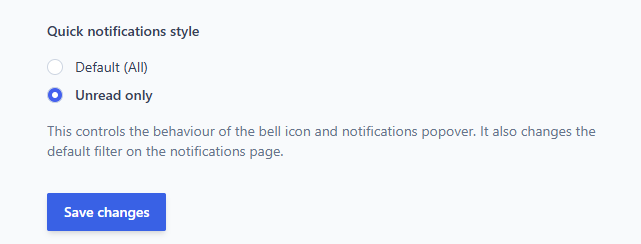
You can now customise how your in-system (bell icon) notifications appear.
A new option allows you to show only unread notifications — ideal if you receive a high volume and want a clear, distraction-free list.
To update your settings, go to: Profile > Preferences
We've also optimised the code around in-system notifications so the count updates quicker.
New addition: Custom Quick Filters
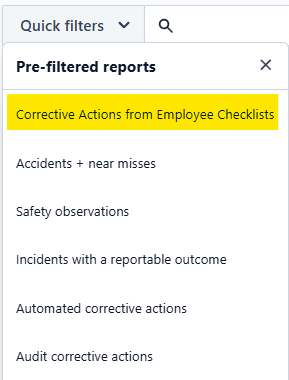
The Quick Filters on Task Reports and the All Tasks page can now be edited by Opus.
So if there are search queries you use regularly — for example 'Corrective Actions from Employee Checklists' — Opus can add that for you to save time.
Feature release: Document Sharing
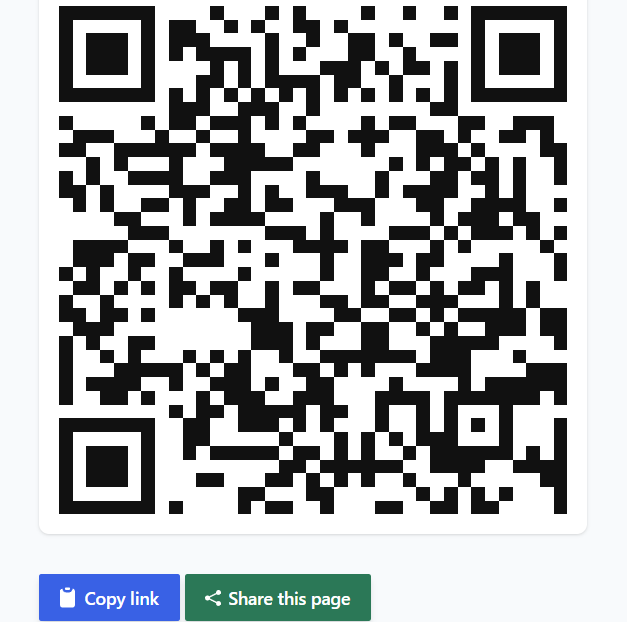
You can now generate a link or QR code for any document in OCC — they will always take users to the latest attached file, no matter when they access it.
- Shareable Link: Anyone with OCC access can click to view the most up-to-date attached file.
- QR Code: Each shared document gets its own QR code, ideal for physical materials or signage.
Examples: Add a link into a checklist, message a policy to a team member, or print a QR code onto a poster or asset for instant access to a user guide or training video.
Note: If you have access to multiple sites you can choose which site to view the document at, as they may have different files attached.
May 2025
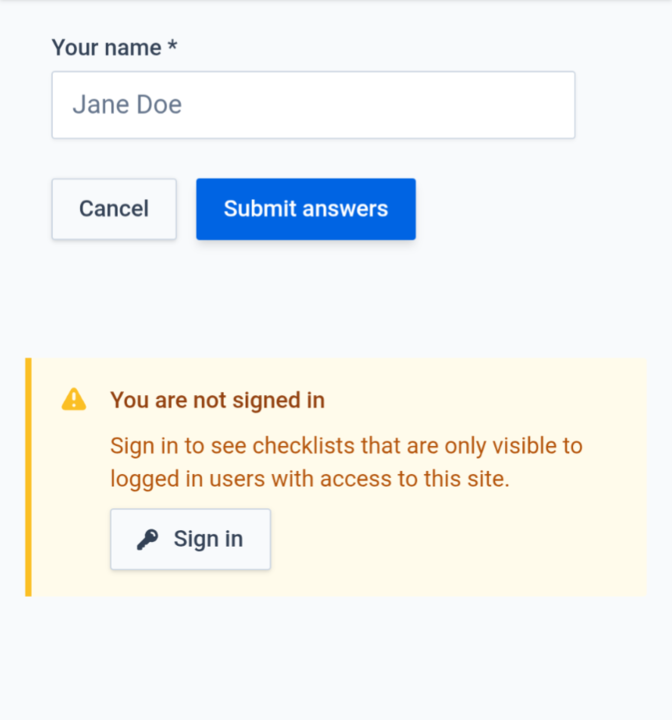
Feature release: Checklist Completion by Non-Logged-In and Anonymous Users
You can now configure checklists to be completed by non-logged-in users.
Note — while this is more 'friction free' it does:
- Weaken the audit trail, as you're relying on the user to manually enter their name rather than logging in.
- Mean that anyone with access to the QR code (including the public and visitors) can carry out the checklist.
You can make this change by editing the checklist and changing the 'Submittable by' setting.

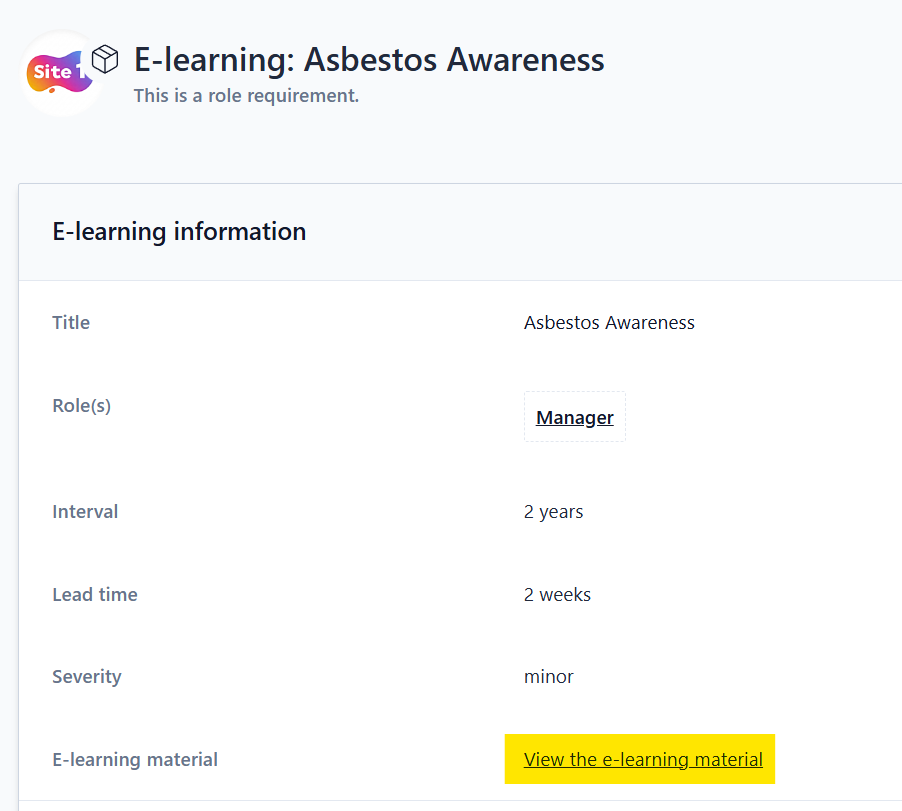
New addition: Ability to Preview E-learning Courses
You can now preview E-learning content directly from your E-learning templates.
You can reach an E-learning template via:
- Role Requirements: Navigate to your role requirements and click on a course.
- Your E-learning Templates Page: via Site Manage, then the ... 'other options' in the top right.
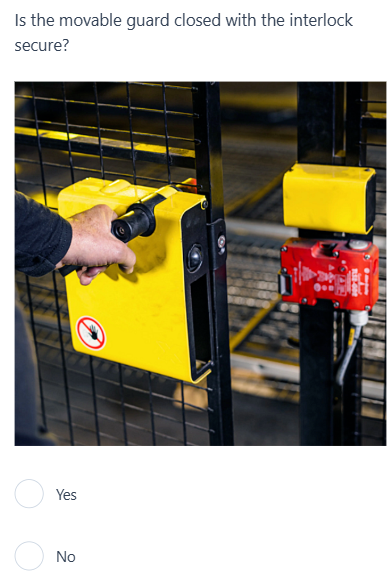
New addition: Checklist Informationals
We can now add information to your checklists to provide additional context or guidance to the person completing it. This could be:
- Text based instructions
- Reference images
- Links to OCC or external documents or resources
- Videos showing how to complete checks
As a reminder — in addition to standard yes / no questions, we also have free text entry and upload image question types.
April 2025
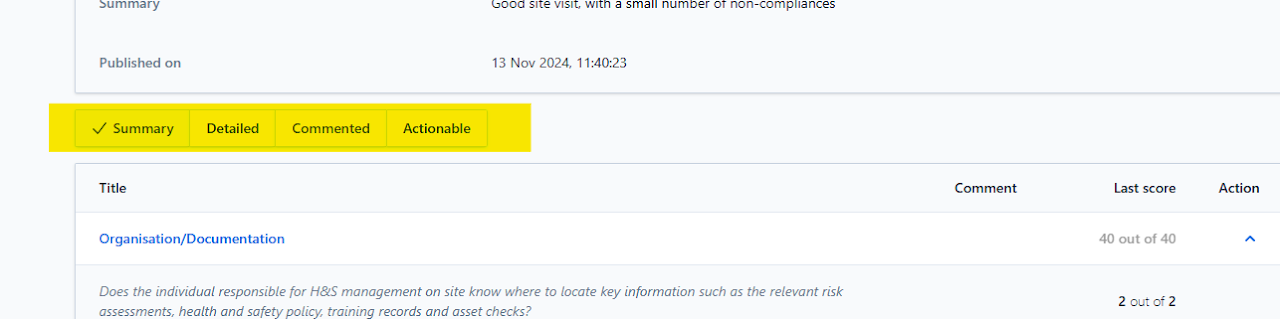
Improvement: Alternative Audit Report Views
You can now tailor your view of published audits to focus on the most relevant information. Choose from:
- Summary – The default view; sections are collapsed. Any section with a marked-down score is highlighted in bold.
- Detailed – Displays all details of the audit.
- Commented – Shows only audit points that have received comments.
- Actionable – Focuses exclusively on actions.
You can print any of these views — the print view has been improved too. See our guide on How to Save Pages as PDFs / Print Pages.
March 2025
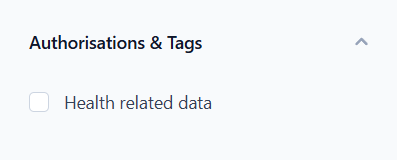
Improvement: Employee List Authorisation Filters
You can now filter your staff list to see who has the sensitive health authorisation, if this is used in your organisation.
Improvement: Staff Export - Additional Columns Added
Based on feedback, we've added Created Date, Start Date and Health Data Authorisation columns to the export.

Improvement: Subtask Title Prefix
We now auto-add the master task name as a prefix to the sub task name. This makes it easier to understand the context of a sub task when seen in the tasks list. You can still update the title to whatever you'd like.

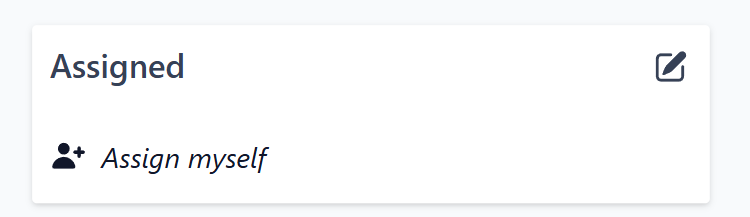
New addition: Assign Myself
The new Assign Myself button allows you to assign tasks to yourself with just one click, bypassing the need to search through a list.
February 2025
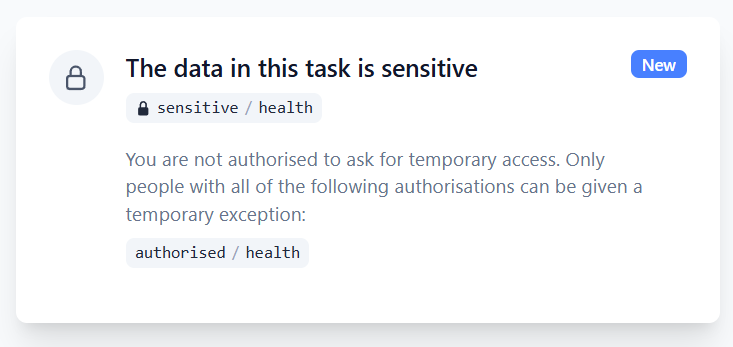
Feature release: Health Data Access Controls
To ensure compliance with legislation, we have introduced stricter access controls for Health Surveillance and DSE records, which contain sensitive personal information classified as 'special category data'.
Previously, any OCC manager could view these records for their staff. Now, an additional authorisation is required.
As a precaution, most users will not currently have this authorisation by default. If you need access, please contact us — once granted, you will be able to assign this authorisation to others. Each client has at least one user who can access this.
Note: We haven't automatically granted this to all OCC managers because doing so would allow them to view the records of other OCC managers, including those who line-manage them.
Please read the updated Health Data: Access Controls article.
New addition: Report Type Filter
Opus Support can now provide you with a web link that displays only a single report type. This also means we can generate a QR code for the customised link if required.
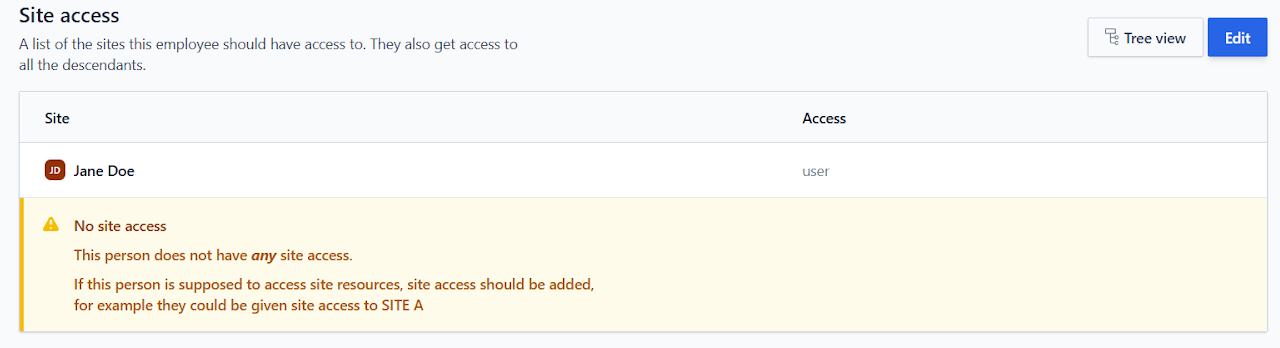
Improvement: Employee Site Access - Warning Note Added
When you add an employee, you will always be taken to a page to add site access. If you fail to complete this step, a warning will now be displayed both on this page and on the employee's profile.
January 2025
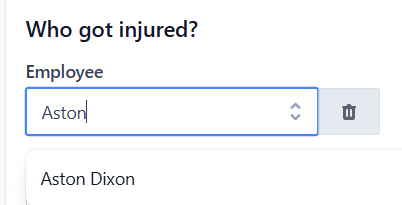
Improvement: Accident Form - Enhanced Employee Selection
- You can now select archived employees in the "Injured Employee" field if the accident occurred during their employment period, using the employee's start and last day dates for accurate record-keeping.
- For clients managing multiple sites, the "Injured Employee" field now pulls employees from the site where the accident occurred as well as the site specified in the "Against Which Site Should This Be Logged?" field.
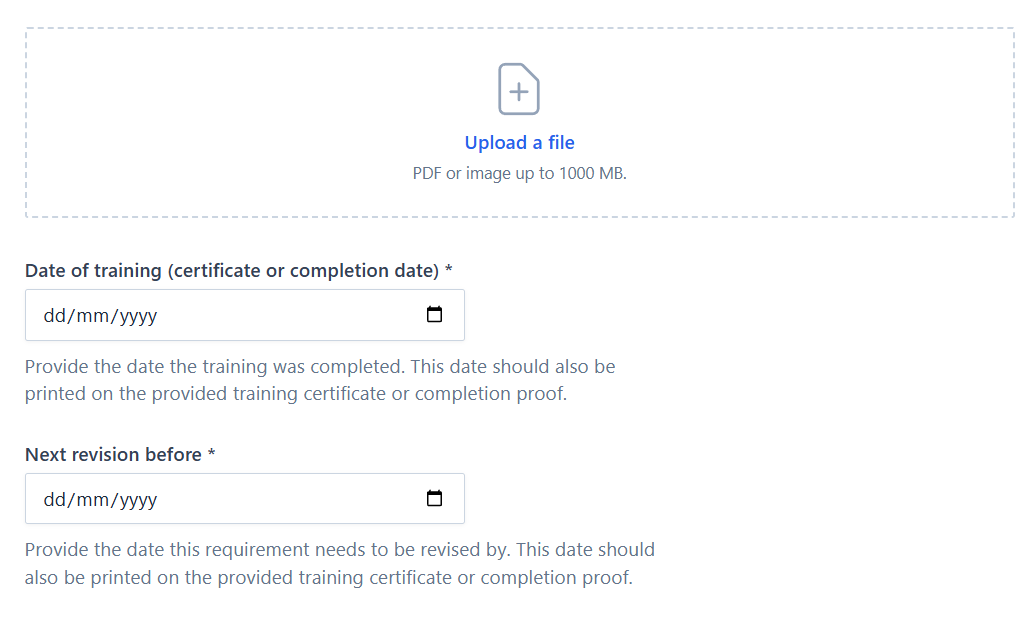
New addition: Irregular Schedules
We now support irregular schedules where training or documents don't conform to a regular time-based schedule (e.g. 3 yearly).
This feature allows you to set the date of the new training / document and then manually add the review date. Please get in touch if you would like to use this feature.
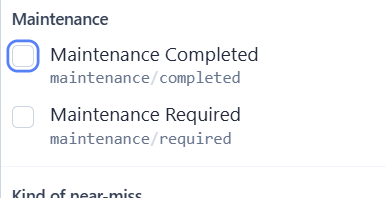
Feature release: Bespoke Task Labels
You can now create custom task labels tailored to your organisation's needs. These labels can be applied to tasks and subscribed to by relevant team members.
Useful for tagging incidents by machinery type or area of production to assist with reporting, or for alerting specific groups of colleagues by applying a custom label they've subscribed to.
Please get in touch if you would like to discuss this.
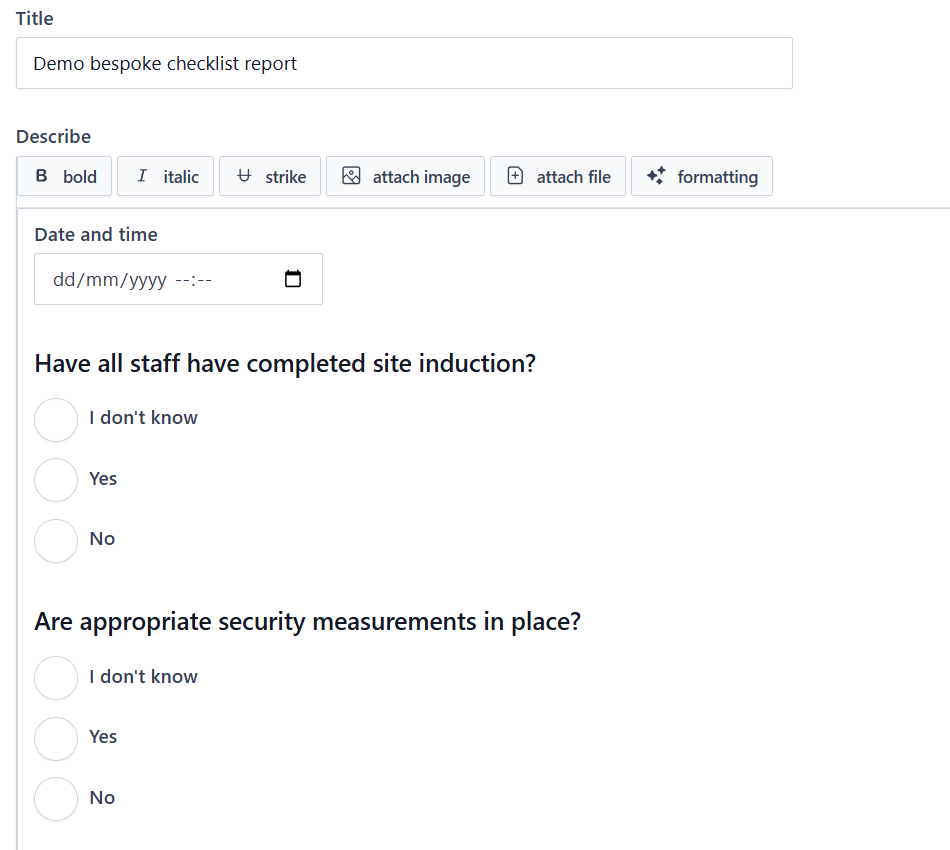
New addition: Bespoke Checklist Style Report Templates
We can now create bespoke report templates for 'ad hoc' checklists.
This is useful for clients who want to conduct a checklist on an off-site installation — where a normal checklist wouldn't be appropriate as it wouldn't be scheduled and each submission would be independent of previous ones.
Please get in touch if you think this feature would be of use.
2024
December 2024
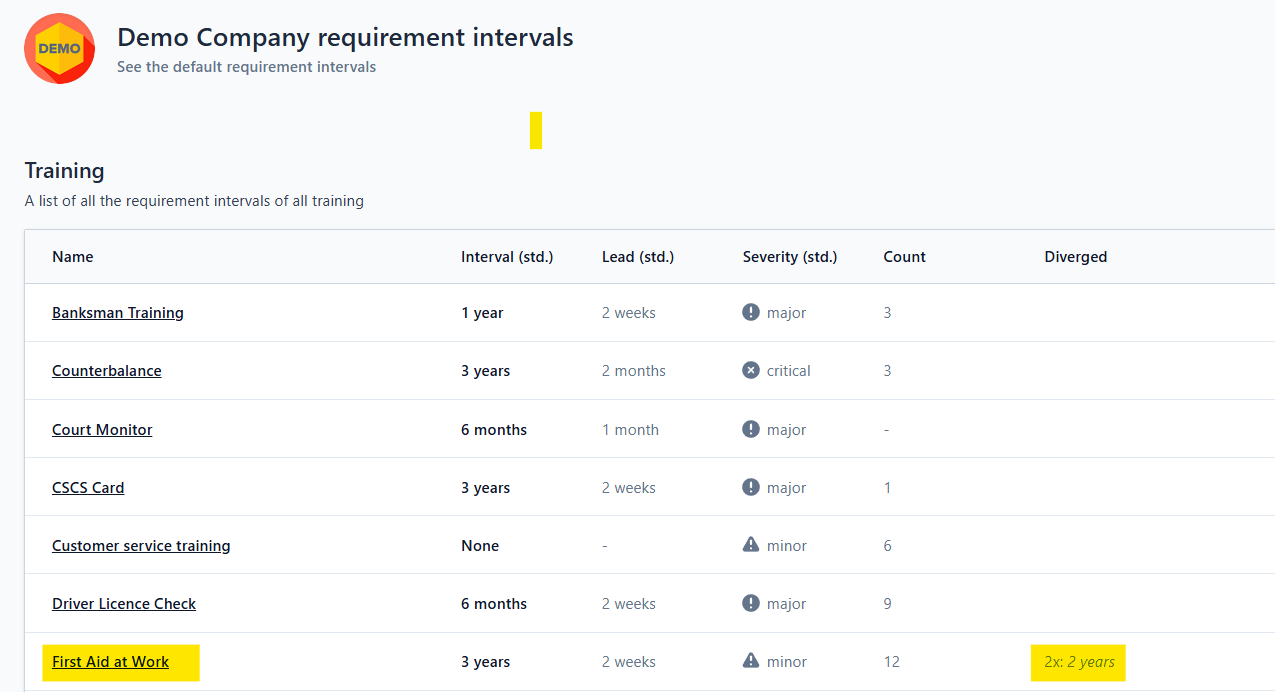
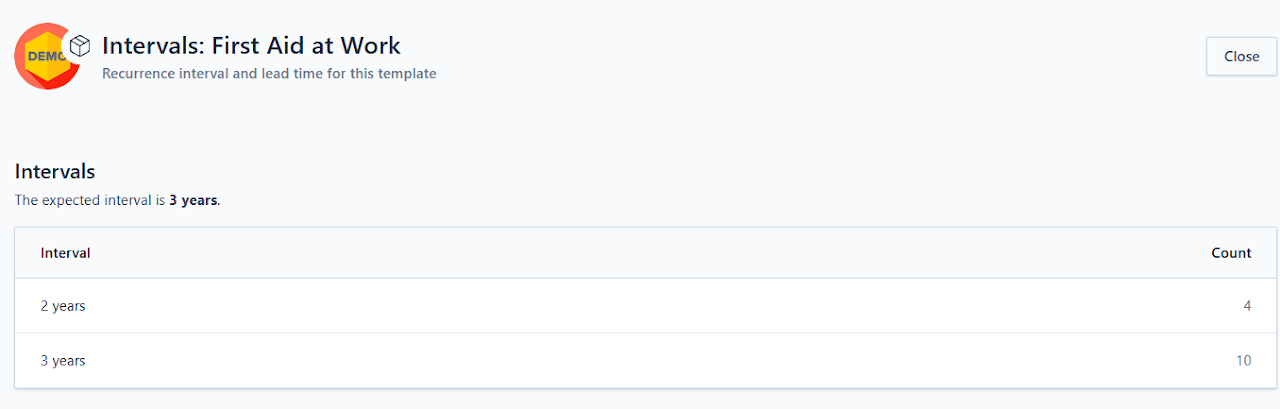
New addition: Requirement Intervals - Public Release
This feature has been refined and released for public use.
It allows you to see on one page what the default schedules are for training and E-learning templates, and identify any divergences — indicating employees have records not using the default schedules (usually because a manager has altered the schedule).
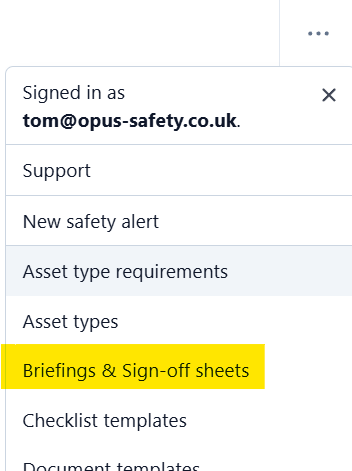
Improvement: Briefings & Sign-off Sheets Global View
You can now see briefings and staff sign-off sheets across all your sites.
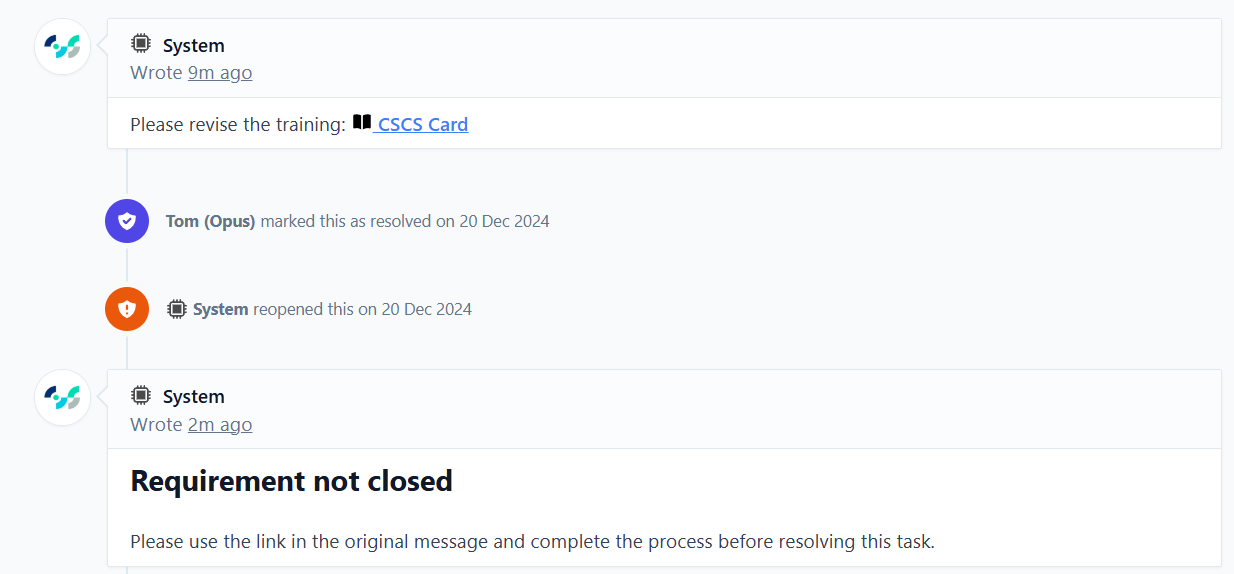
Improvement: To-do Tasks Automatic Reopen
If a user tries to resolve a task without completing the requirement — e.g. adding a training record or completing a checklist — the task will now reopen straight away, rather than closing and generating a new task.
Improvement: Warning if Assignee Cannot Complete the Task
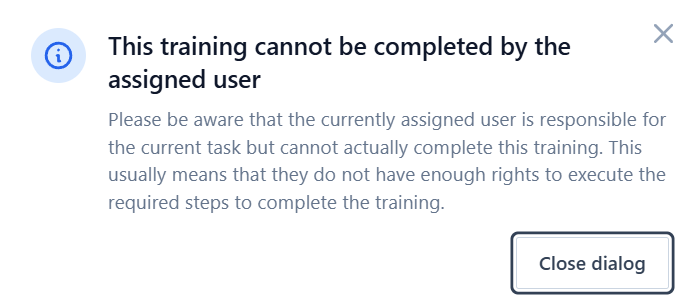
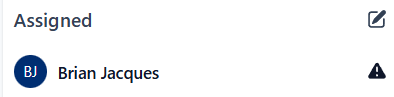
OCC now shows a pop-up warning when the person assigned to a task cannot directly complete it themselves — e.g. the assignee is not a manager but the task is to upload a training certificate, or the task is E-learning for someone else.
A warning icon also appears next to the assigned user.
Improvement: Easily Identify Role or Type-Specific Requirements
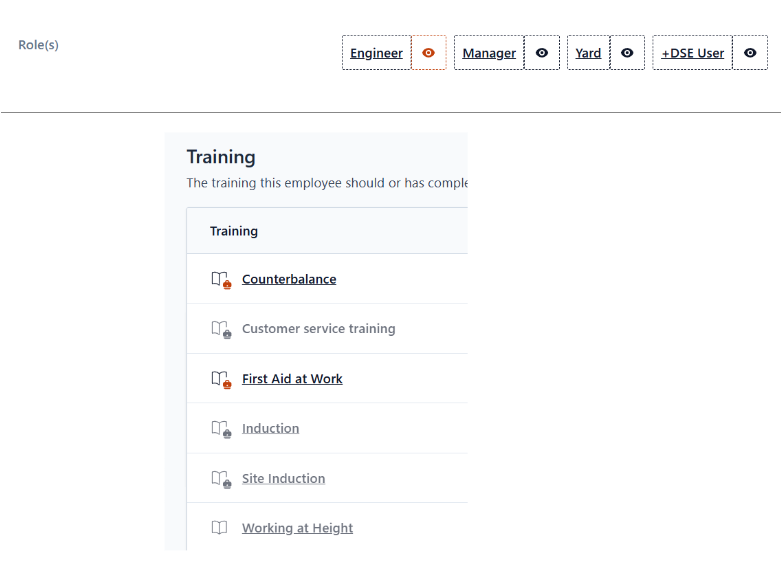
You can now click on an employee role or asset type to see which records relate to that role / type.
New addition: My Assigned Tasks - Snoozed and Resolved Filters
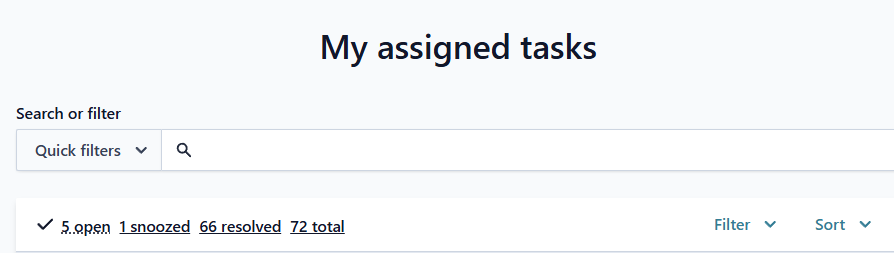
My assigned tasks now has filters for snoozed and resolved tasks to help you manage your workload.
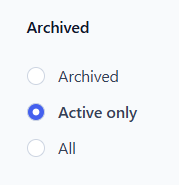
Improvement: Site Snapshot - Archived Records
You can now opt to see archived records in the snapshot pages.
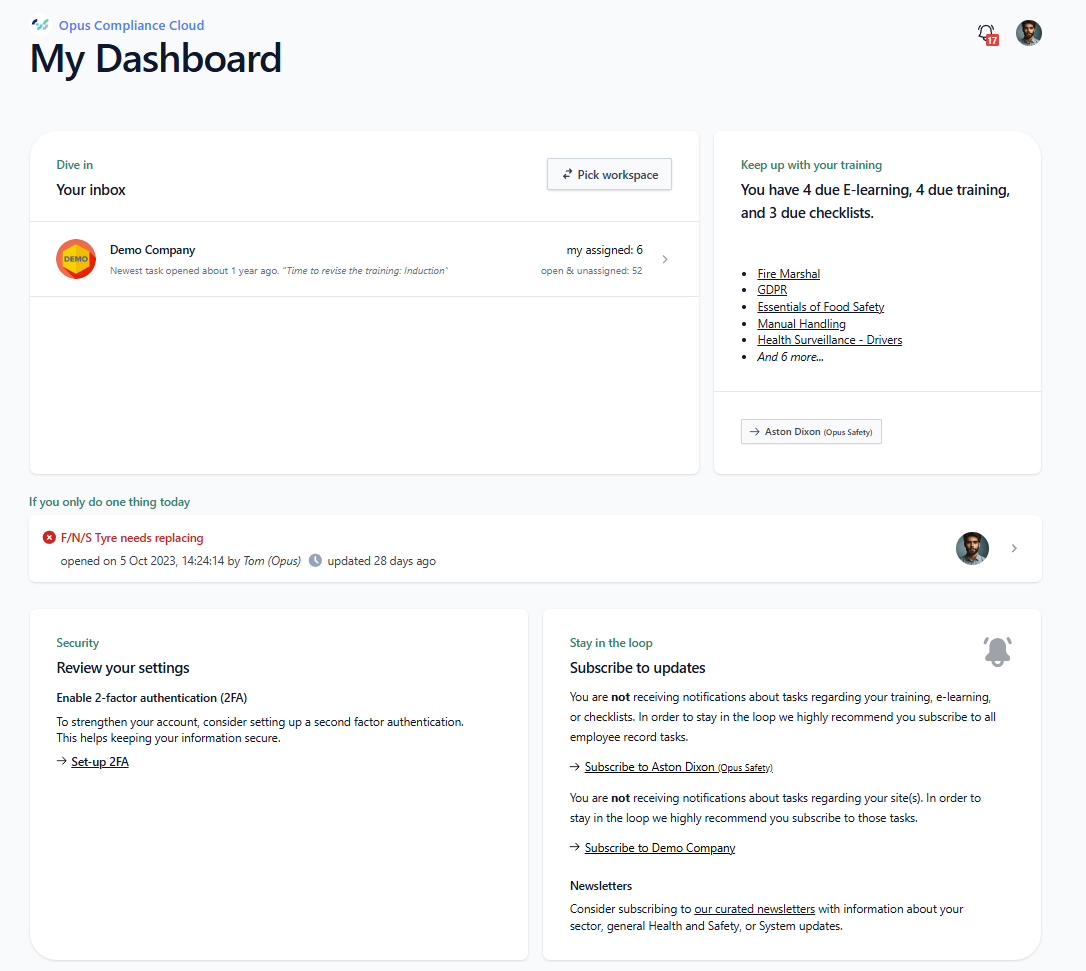
Feature release: My Dashboard Full Release
My Dashboard is where you will now land when logging in.
Designed based on feedback, it gives quicker access to your own E-learning / checklists, provides launch points to your inbox(es), highlights your top priority task, and prompts you to update your display name and add an avatar.
Thank you to the beta testers!
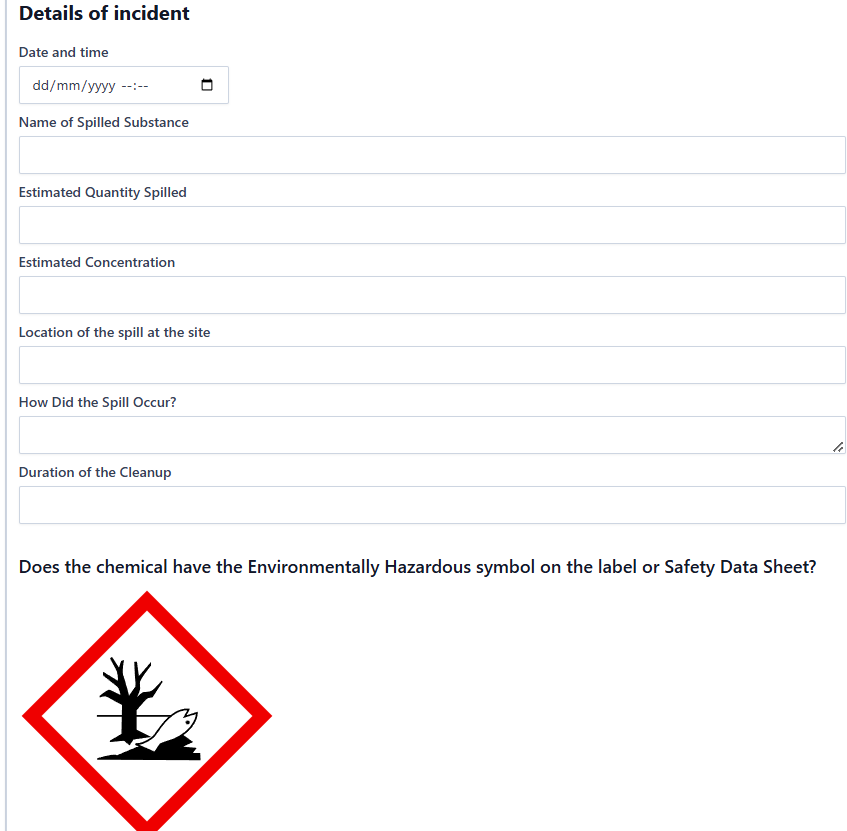
New addition: Spillage Report Type
We've added a new optional report type specifically designed for recording spillages. Particularly useful for clients who are ISO 14001 accredited and require detailed spillage documentation.
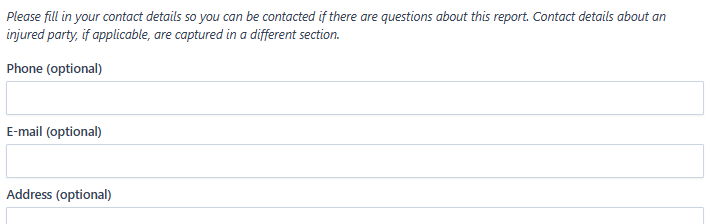
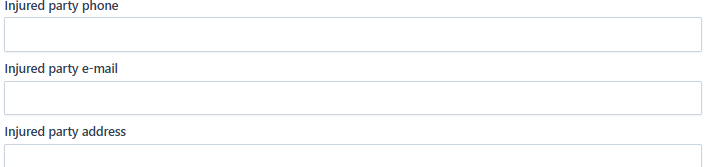
Improvement: Accident Report Template - Contact Details Tweaks
The form now has explicit separate areas for contact details for the person reporting and the injured party.
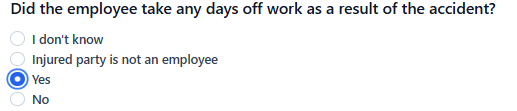
Improvement: Accident Form - 'Days off Work' Change
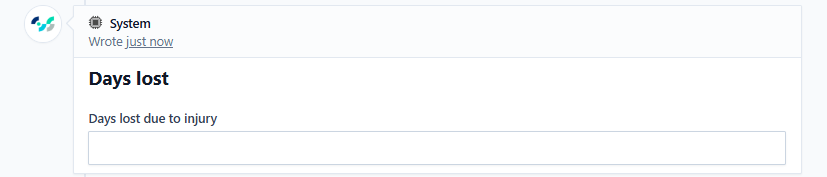
The form now asks if the employee has had time off — if answered 'Yes', a separate field appears to add the days lost.
This prevents users submitting '0' when they don't yet know if the employee has had time off, and then failing to update it later.
November 2024
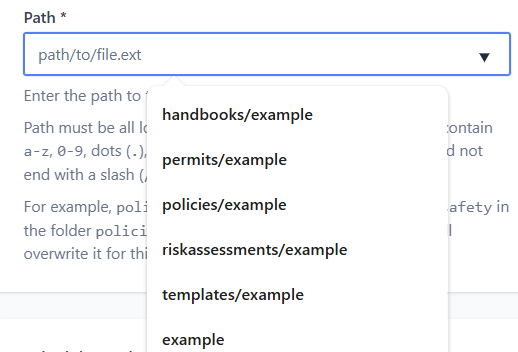
Improvement: Document Path Automation
The system now creates a file / folder path for you automatically. You can choose from existing folders. This should speed up the adding of new documents.
Improvment: Role / Asset Type Requirements - Visual Indicator
It's now easy to see whether a record is there because it was added to the asset / employee individually, or because it's a role or asset type requirement.


Improvement: Checklist Tab Tree View
It's now easier to see in one place which checklists across all sites and assets are due.
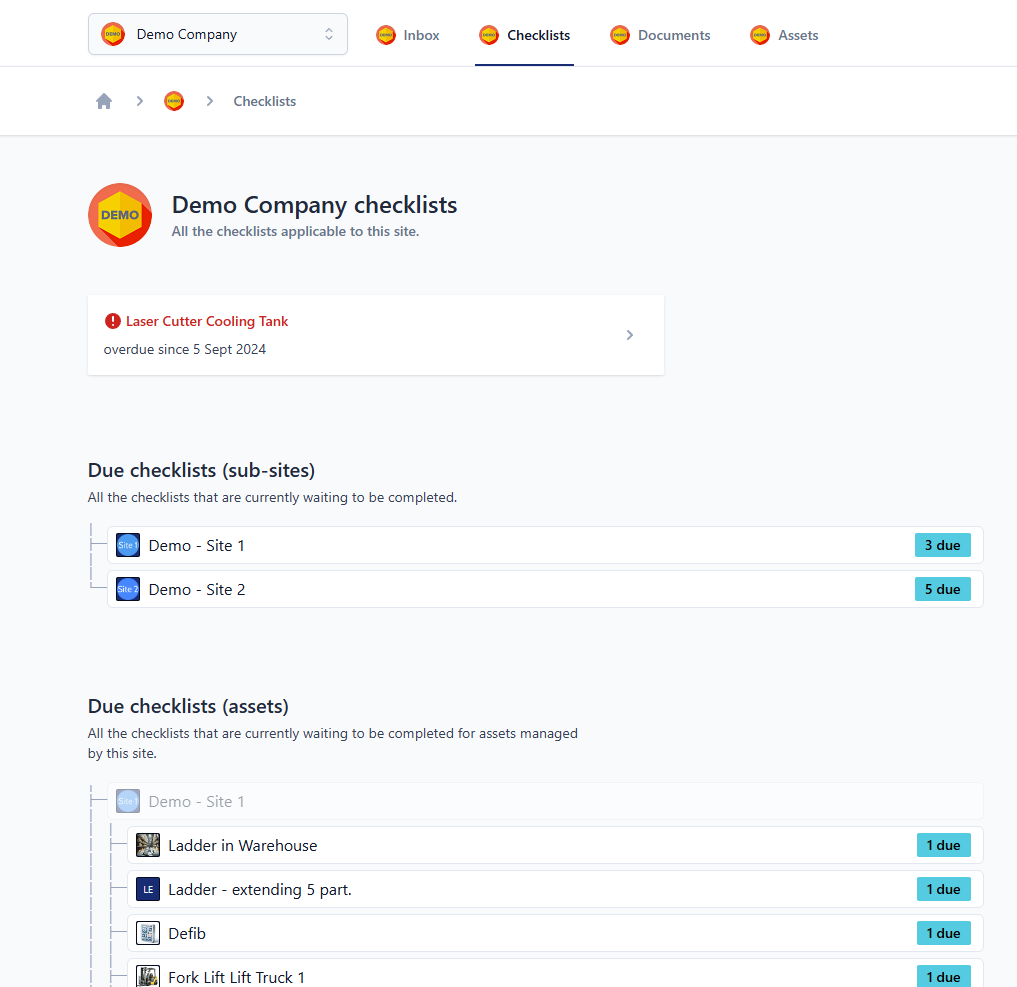
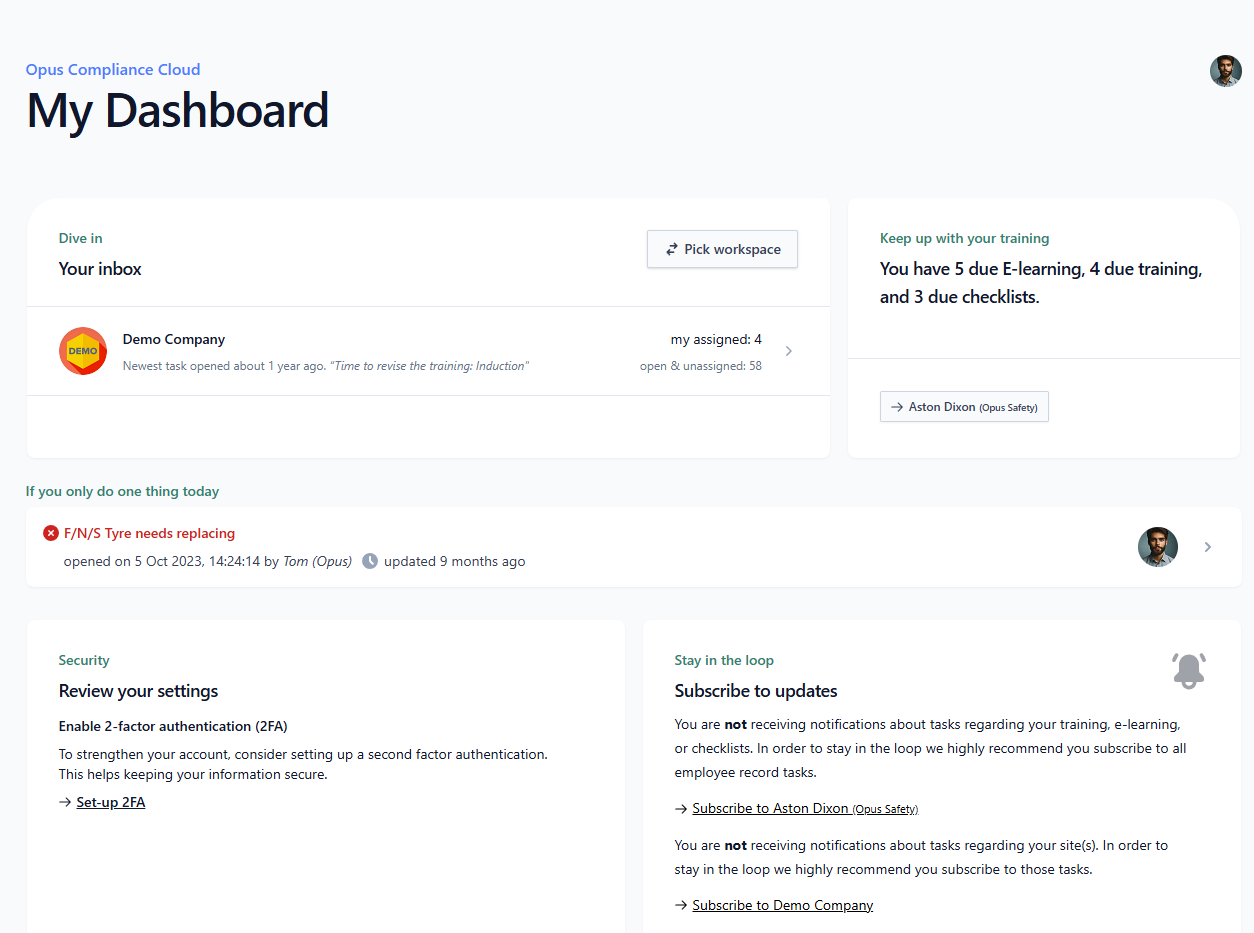
New addition: My Dashboard Beta Release
The profile settings now allow you to opt into a new landing page featuring quick links and nudges to take you to the right locations.
Opt in here and let us know your thoughts.
October 2024
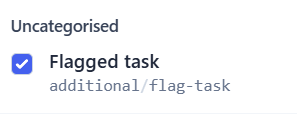
New addition: Flag Task Label
Available on all tasks across the system, you can now apply a 'Flag Task' label to highlight tasks for urgent review or escalated handling.
How to Use It: Apply the 'Flag Task' option on any task you wish to highlight.
Current Capabilities: Locate flagged tasks in Task Reports using the search query: label:additional/flag-task.
Coming Soon: Subscription options for flagged tasks — senior managers will be able to subscribe to the Flag Task label and receive notifications when tasks are marked with it.
New addition: Incident Summary Field
We've added a summary field in the incident form and updated the text in the initial report.
We encourage prompt logging — the person making the initial report shouldn't feel they need all the details before starting. The "What Happened?" field (formerly "Details of the Incident") captures what is understood to have happened at the time of reporting. Further details can be added later.
The Incident Summary field serves as a record of the circumstances surrounding the incident and appears in the Investigation section. It's included in Task Reports and the Task Reports export.
Note: This applies to incidents reported from 14:00 on 24/10/24.
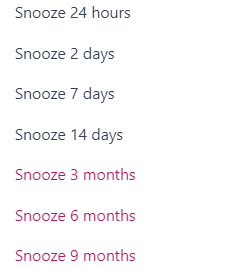
New addition: Extended Task Snooze
Opus Compliance Cloud Admins can now snooze tasks for extended periods of 3, 6, 9, or 12 months — perfect for situations like maternity leave or other long-term absences.
If you want to use this feature, please comment on the task(s) explaining why, then send us the task link(s).
Improvement: Employee Site Access Management
We have separated the management of employee site access from the employee edit page. It is now handled through a dedicated site access page, simplifying the process of managing site permissions.
See here for more guidance.

August 2024
Improvement: Ability to Add Photos or Use Camera for Document Uploads
Previously PDF only, you can now upload images or take photos on a mobile device. Helpful for users who don't have PDF versions of certificates / reports or can't scan documents.
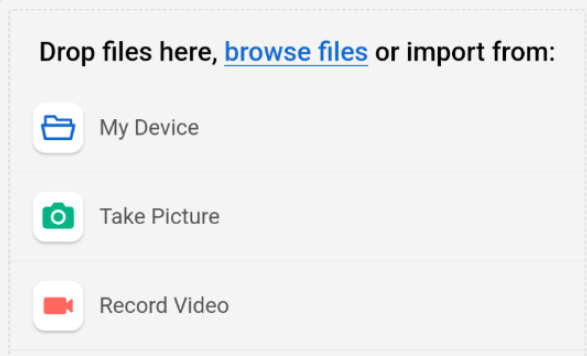
Improvement: Attach Image Multi-Select
You can now select multiple images at once when using the 'attach image' function on checklists or tasks.
July 2024
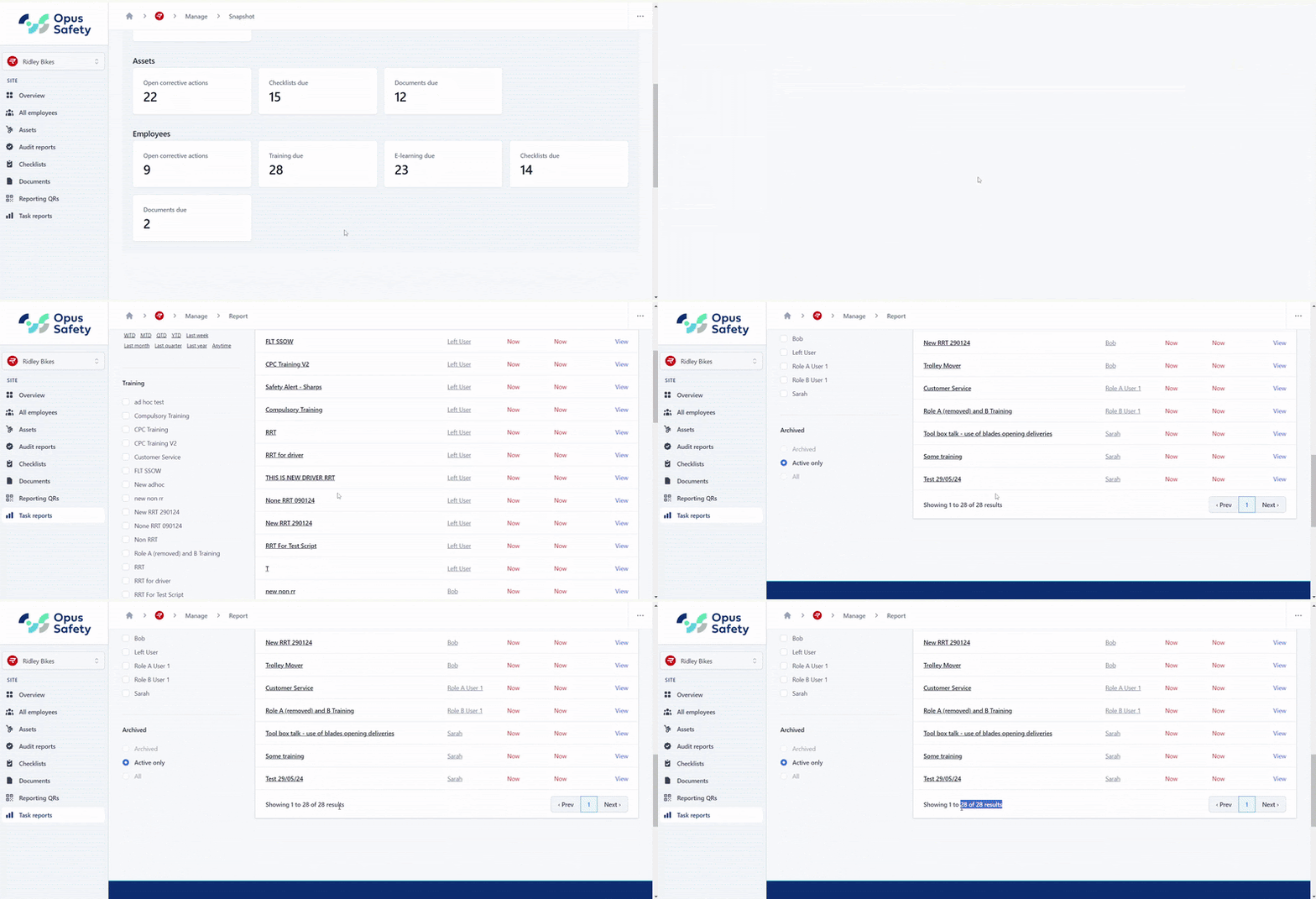
Improvement: Site Snapshot Parity Update
When clicking on a card within the Site Snapshot (e.g. Training Due), the number of items listed now corresponds to the number on the card.
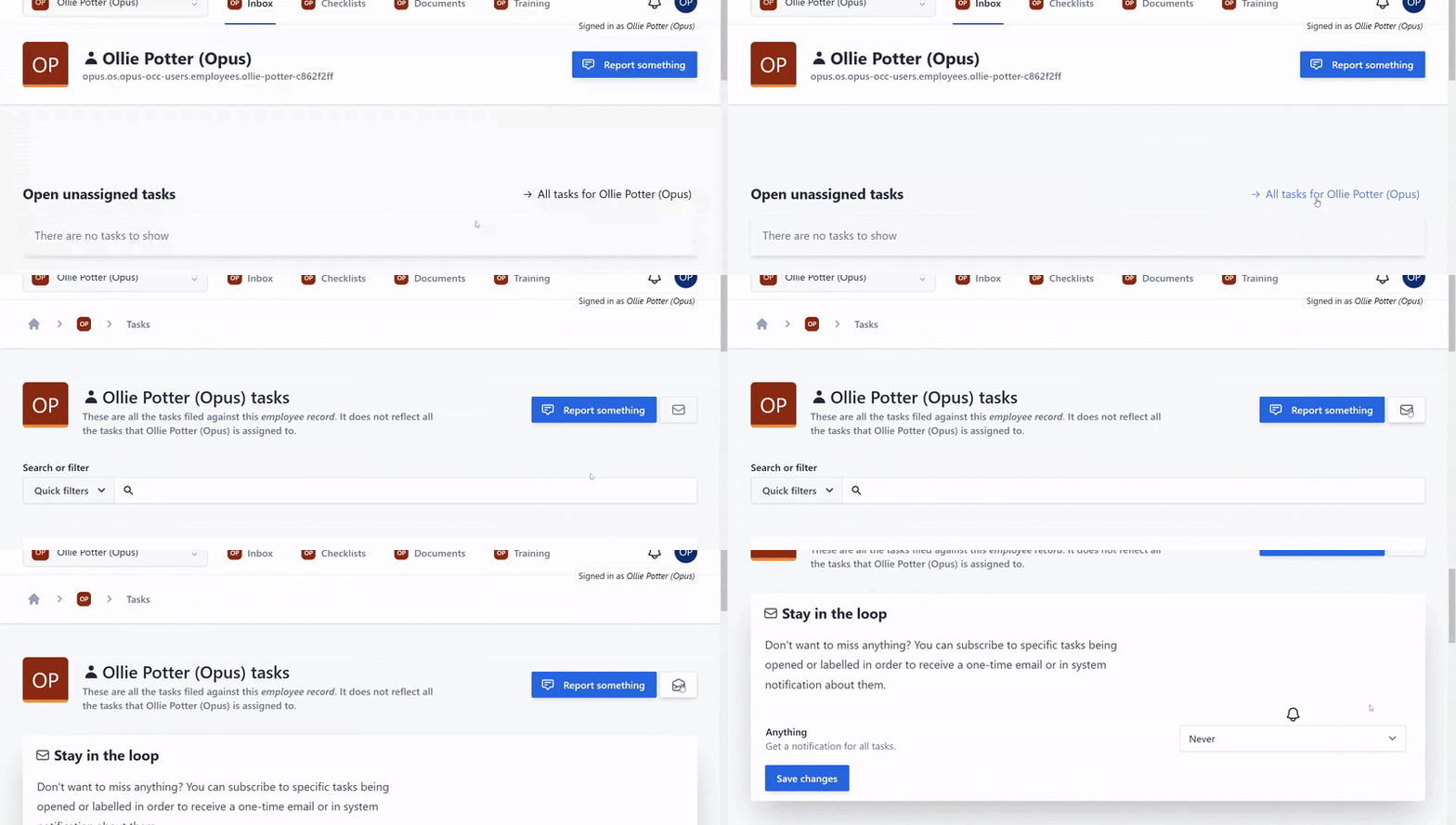
Improvement: User Inbox Subscription Button
Subscriptions button (located: User inbox > All Tasks) now functions as intended and takes you to subscriptions page.
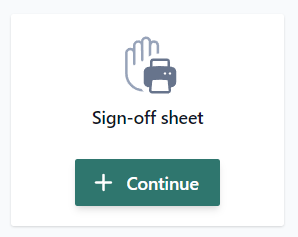
Feature release: Printable Sign-off Sheets and Briefings
You can now create a printable sign-off sheet and later turn it into a briefing. Useful for things such as toolbox talks.
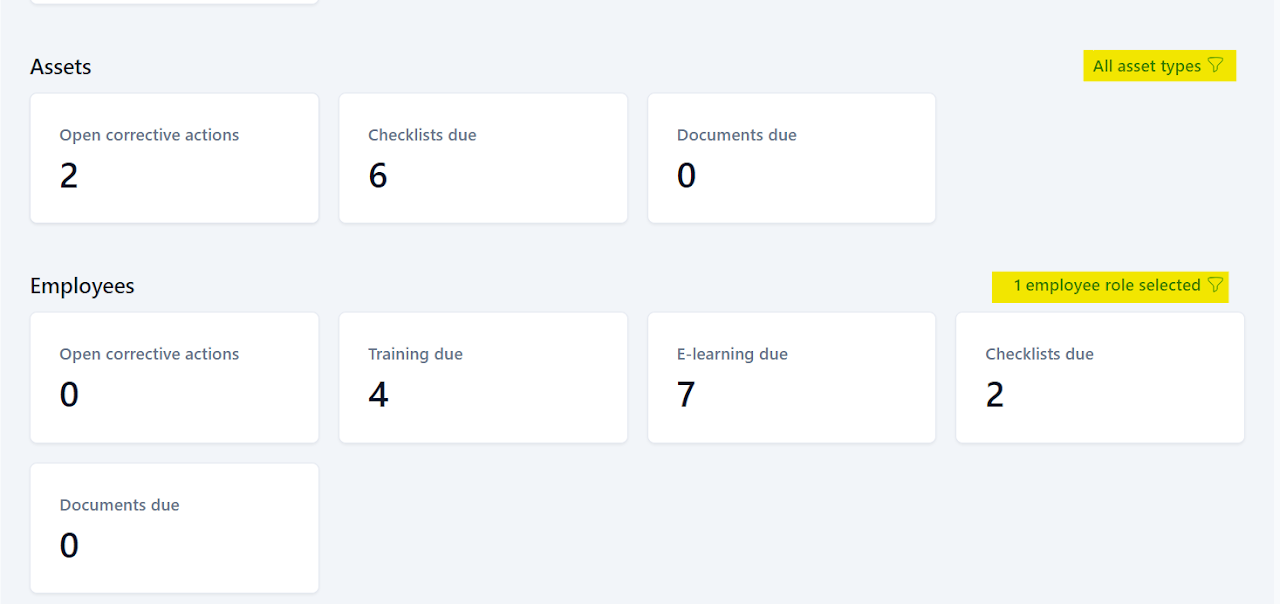
New addition: Site Snapshot - Asset Type / Employee Role Filtering
You now have the ability to filter by asset type or employee role on both the Site Snapshot page and snapshot subpages.
June 2024
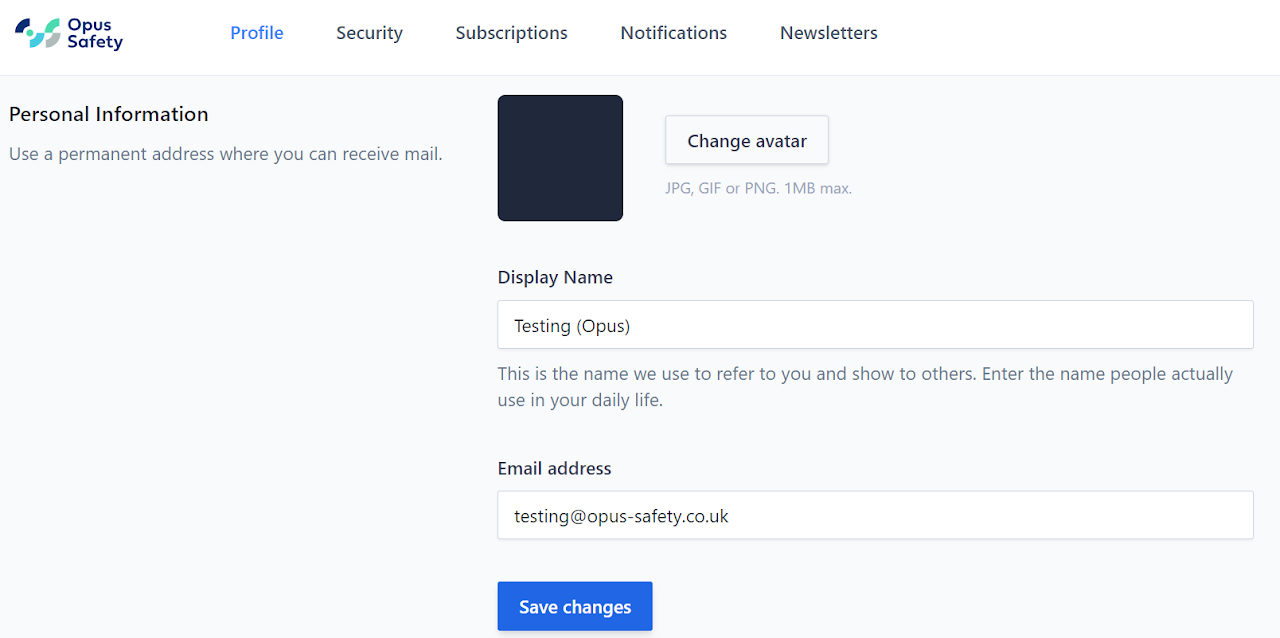
Improvement: Profile & Settings UI
The profile & settings UI has been updated to assist with user account management and ease of use. Newsletters have also been added - located on the new top bar, along with Security, Subscriptions and Notifications.
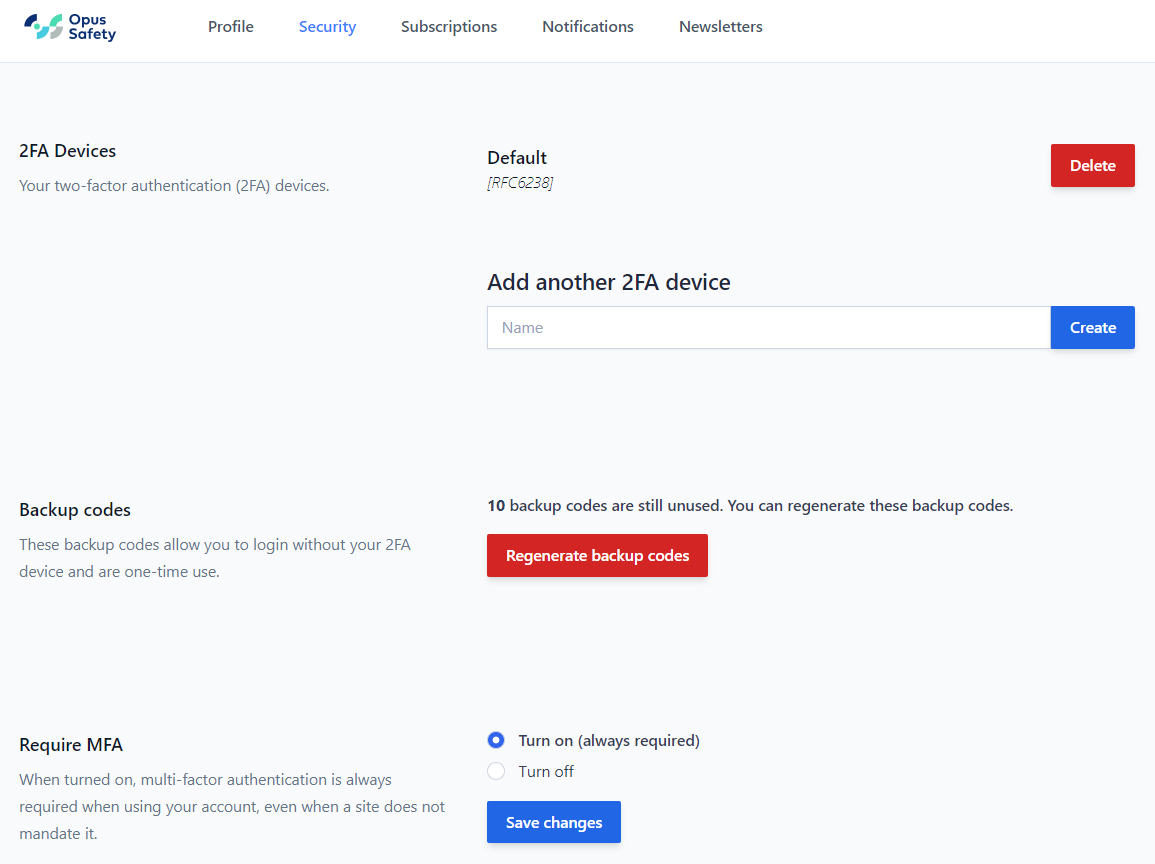
Improvement: Individual User 2FA / MFA Refinement
Following on from 7th June feature release - Setting up and maintaining 2FA on your account is now easier. Individual users can now opt to use 2FA.
This menu is now located under "Security" in the Profile & Settings UI. An updated guide has also been posted in the Knowledge Base under tips.
Improvement: Mode Button UI Update
Manage and View buttons have been recoloured and renamed to 'Switch to Manage Mode' / 'Switch to View Mode' to make it clearer to users which mode is being viewed.

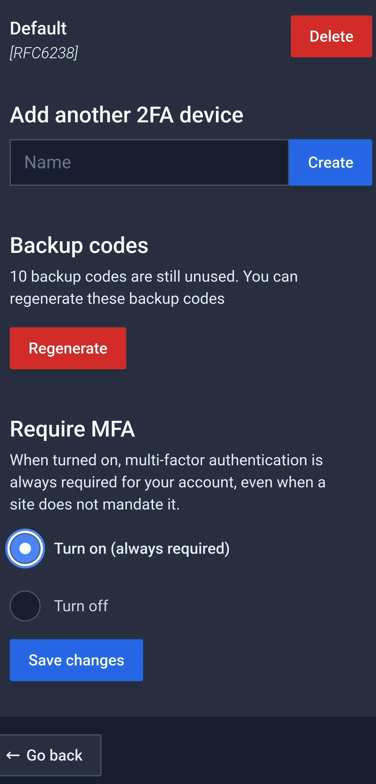
Feature release: Individual User 2FA/MFA
New feature added to allow individual users to setup 2FA/MFA on their accounts.
May 2024
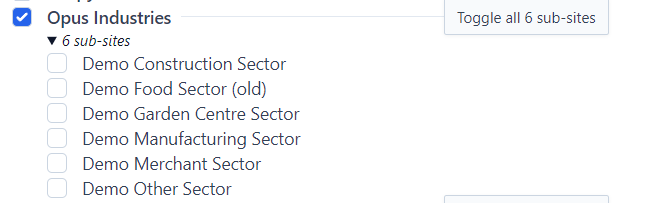
Improvement: Safety Alerts Multi-Site Selection
Added ability to tick multiple sites in one go and toggle on / off for sub sites.
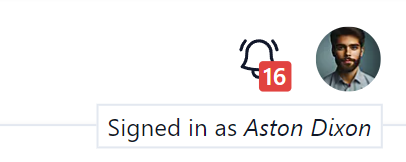
New addition: 'Signed in as' Name Display
Added for cases where user might share devices. If the name here is wrong it indicates to the user that the previous user has not logged out or that they have shared a session and the other user has overwritten their display name.
April 2024
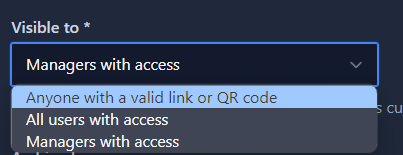
New addition: Document Access Controls
Documents now have 3 access levels:
- Anyone with a valid link or QR code (default)
- All logged in users with access
- Managers with access
We advise keeping as much documentation with the first option so that employees can read by scanning your site QR code.
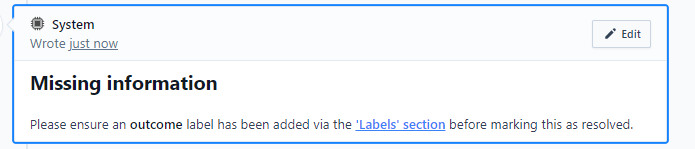
Improvement: Accident / Near Miss Report Template Tweaks
- 'Occurrence site' changed to 'Against which site should this accident be logged' and moved to the investigation section.
- New 'missing information' text changes.
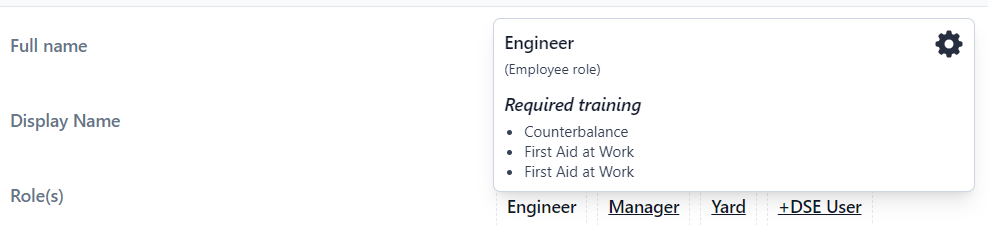
Improvement: Role / Asset Type Pop-up
Hover over role or asset types to see what Role Requirements or Asset Type Requirements are set. Also shown on adding new employees and assets via a more info ... button.
Improvement: Clear End Date
Added to more easily remove left dates on archived staff or assets.

Improvement: Reduced / Refined Notification Email
Based on client feedback we have made the notification email simpler to make it easier / quicker to read.
March 2024
New addition: Task Comment Highlighting
Comment boxes will now highlight new comments. Blue for new comments inc. system information messages. Orange / green to see task comments that others have made when you click on a notification link.



New addition: File Uploader
A new file uploader to allow larger files to be added to checklist, training and documents. This will prevent issues where larger files were timing out. Note: support for image files coming soon. For mobile devices we recommend using Camscanner or other document scanning app to convert physical files into PDFs.

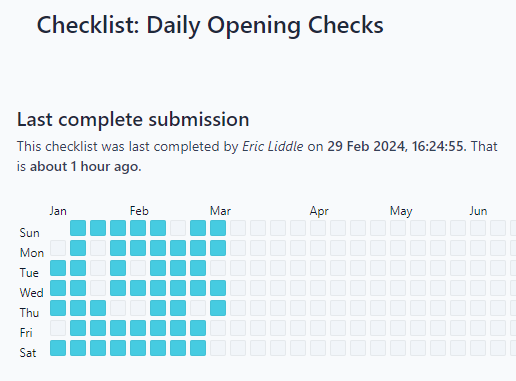
Feature release: Checklist Cadence Graph
Within "Manage Checklist" you will see the Checklist Submission Calendar / Cadence Graph which displays checklist submissions over time — a convenient snapshot to identify any gaps showing non-compliance.
Improvement: New Terminology - Sub Tasks and Parent Tasks
A small change to make the system easier to understand. Previously referred to as Delegate Tasks and Resolves Tasks.
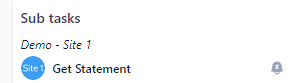
Improvement: Sub Task Snoozing
When you add sub tasks you will see a bell symbol to the right. Selecting that will snooze the parent task until the sub task is completed. Ideal for tasks that can't be progressed until sub tasks are done.
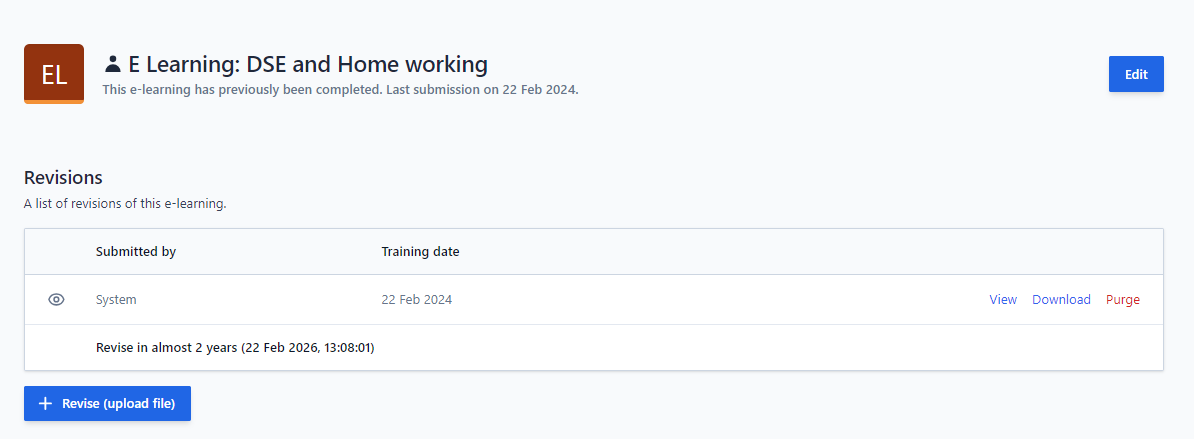
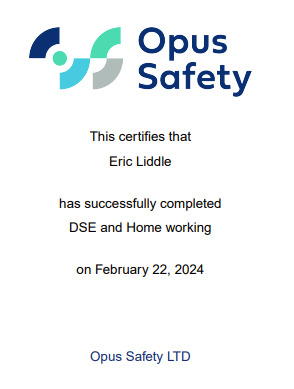
New addition: E-learning Certificates
Currently for newly taken courses. Opus can generate a certificate if you need it. Find it by clicking on the E-learning name then View.
February 2024
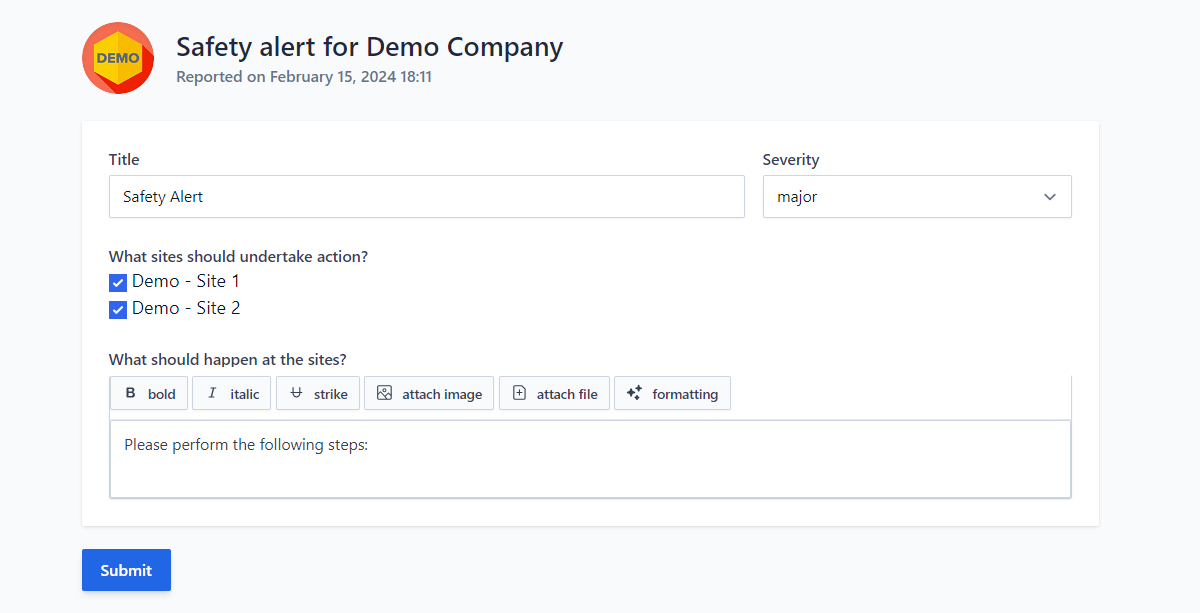
Feature release: Safety Alerts
Allows you to create tasks on multiple sites to alert to critical issues — see here for more guidance.
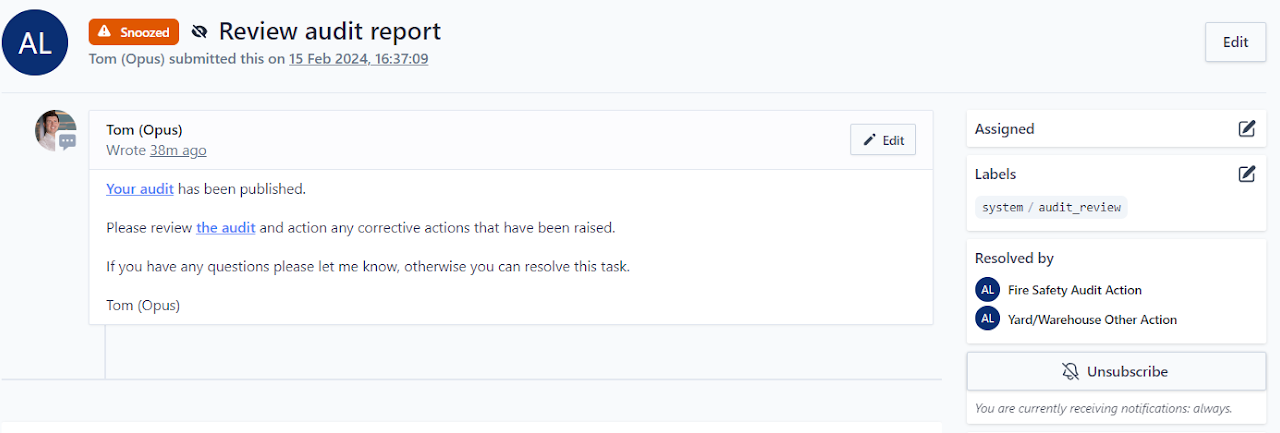
New addition: Audit Subscription
A task is now generated on the site inbox when an audit is published against your site(s) with a link to the audit report and with any audit actions listed as sub tasks. You can also now subscribe to recieve in-system/email notifications for audits being published against your site(s).
To see a list of system updates made prior to 2024 click here.