Archiving an asset
Written for Managers Administrators
Has an asset been sold or left your site? You can easily update this in the system by following the steps below.
Note
Archiving an asset will also archive all requirements applied to the asset.
Navigating to the asset
Step
From My Dashboard, click on Pick workspace and select the site where you want to remove the asset.


Step
From the site inbox, click the Switch to Manage Mode button.


Step
Click Assets on the manage sidebar.


Step
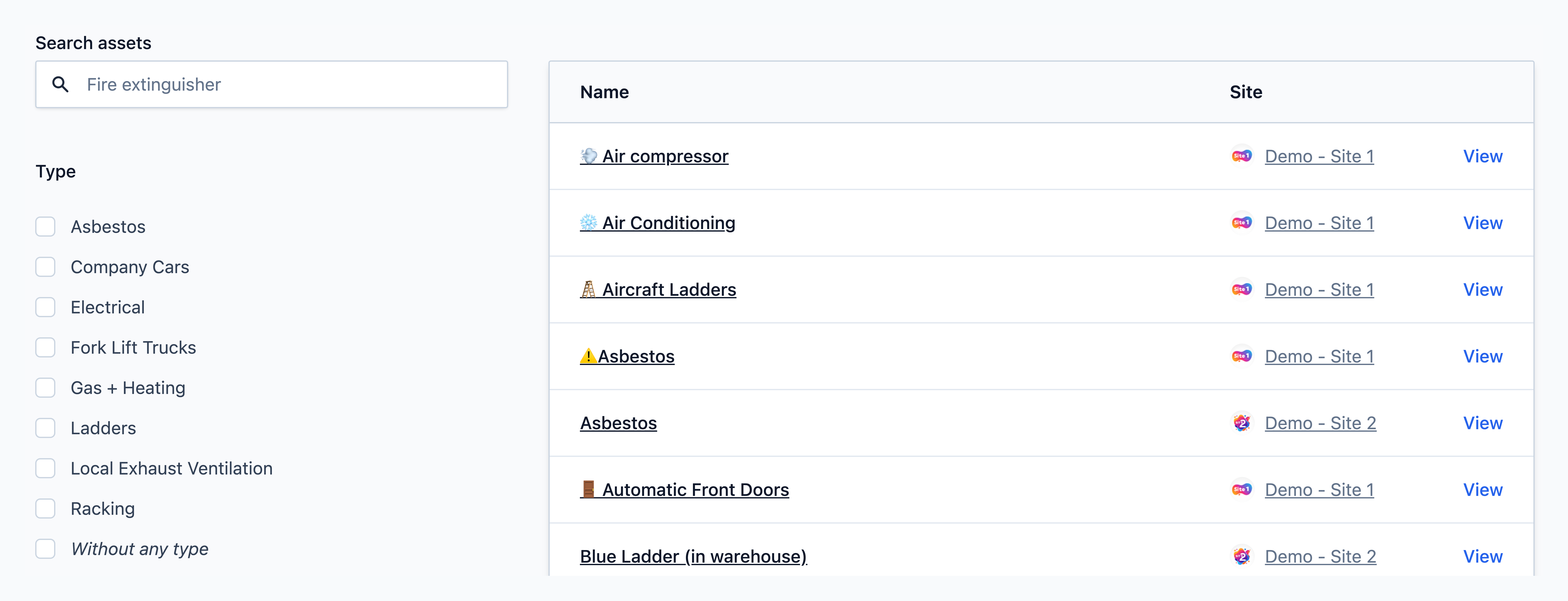
Select the asset you would like to archive from the list.
Archiving the asset
Step
Click the Edit asset button on the asset record.


Step
Select the Archive now option.


Step
Click Save asset at the bottom of the page.


Info
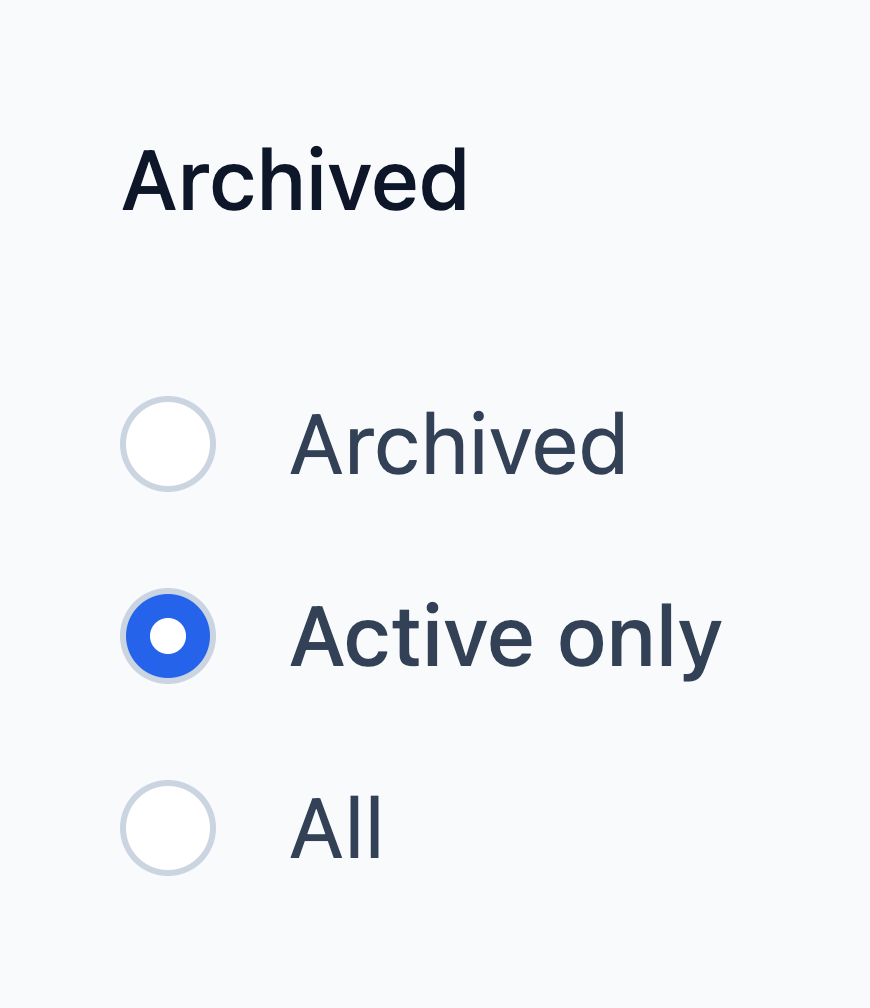
You will be able to find archived assets in future by changing the filter on the your Asset list page to Archived or All.