Types of task
Written for Users Managers Administrators
Broadly speaking, a task is anything that needs to be done. This guide will show you the different kinds of tasks you may encounter when using Opus Compliance Cloud.
Reminder Tasks
Reminder Tasks are automatically generated by the system when a requirement becomes due. They usually have a requirement to complete, such as a checklist to fill in, a document to upload or an e-learning to complete.
View the Diagram / Table below to view the different kinds of reminder tasks you will likely encounter.
---
config:
  layout: elk
---
flowchart TB
 subgraph s1[" "]
        n5(["Asset Checklists"])
        n8(["Asset Playbooks"])
        n9(["Asset Documents"])
  end
 subgraph s4[" "]
        n10(["Site Checklists"])
        n11(["Site Playbooks"])
        n12(["Site Documents"])
  end
 subgraph s5[" "]
        n13(["Employee Checklists"])
        n14(["Employee Playbooks"])
        n15(["E-learning"])
        n16(["Training"])
  end
    A["Reminder Tasks"] --> n1["Assets"] & n2["Sites"] & n3["Employees"]
    n1 --> s1
    n5 --- n8
    n8 --- n9
    n10 --- n11
    n11 --- n12
    n2 --> s4
    n13 --- n14
    n14 --- n15
    n3 --> s5
    n15 --- n16

    A@{ shape: rounded}
    n1@{ shape: rounded}
    n2@{ shape: rounded}
    n3@{ shape: rounded}
    style s1 fill:transparent
    style s4 fill:transparent
    style s5 fill:transparent
| Applied to | Reminder Type | Examples |
|---|---|---|
| Assets | Documents | Annual Services, LOLER/Thorough Examinations, Inspection Certificates, etc. |
| Assets | Checklists | Vehicle/Machinery Pre-use Checks, Ladder Checks, Racking Checks, etc. |
| Assets | Playbooks | Vehicle/Machinery Procedures, Routines, etc. |
| Employees | Documents | Licences, Personal Assessments, etc. |
| Employees | Checklists | DSE Assessments, Health Surveillance, etc. |
| Employees | Playbooks | Employee Inductions, Personal Workflows, etc. |
| Employees | E-learning | Manual Handling, Racking Safety, Fire Marshal, etc. |
| Employees | Training | First Aid at Work, Counterbalance Training, Lorry Loader Training, etc. |
| Sites | Documents | Company policies, Handbooks, Risk assessments, etc. |
| Sites | Checklists | Site Fire Safety Checks, Office Checks, Warehouse Checks, Opening/Closing Checks, etc. |
| Sites | Playbooks | Site Procedures, Step-by-step guides, etc. |
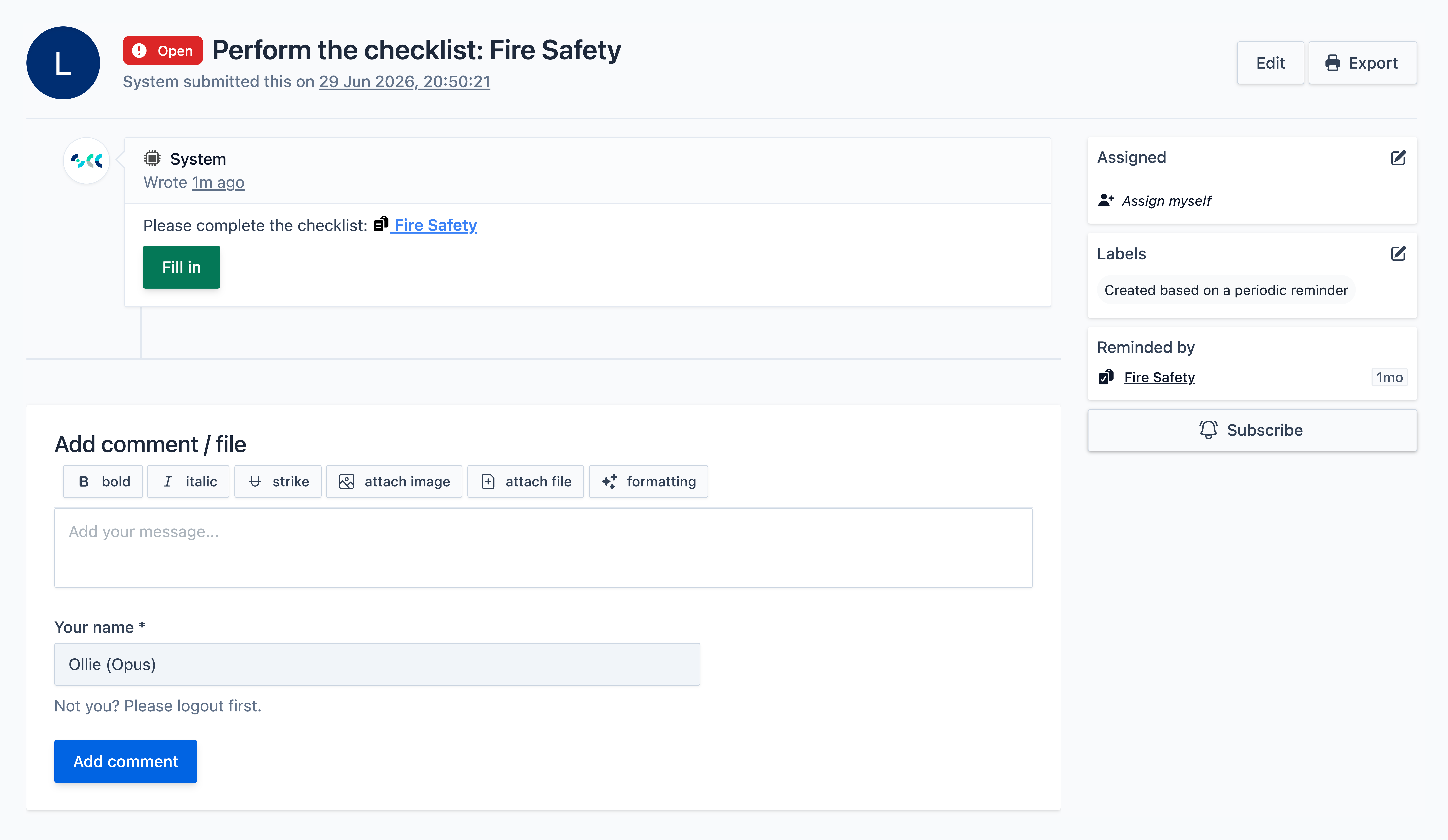
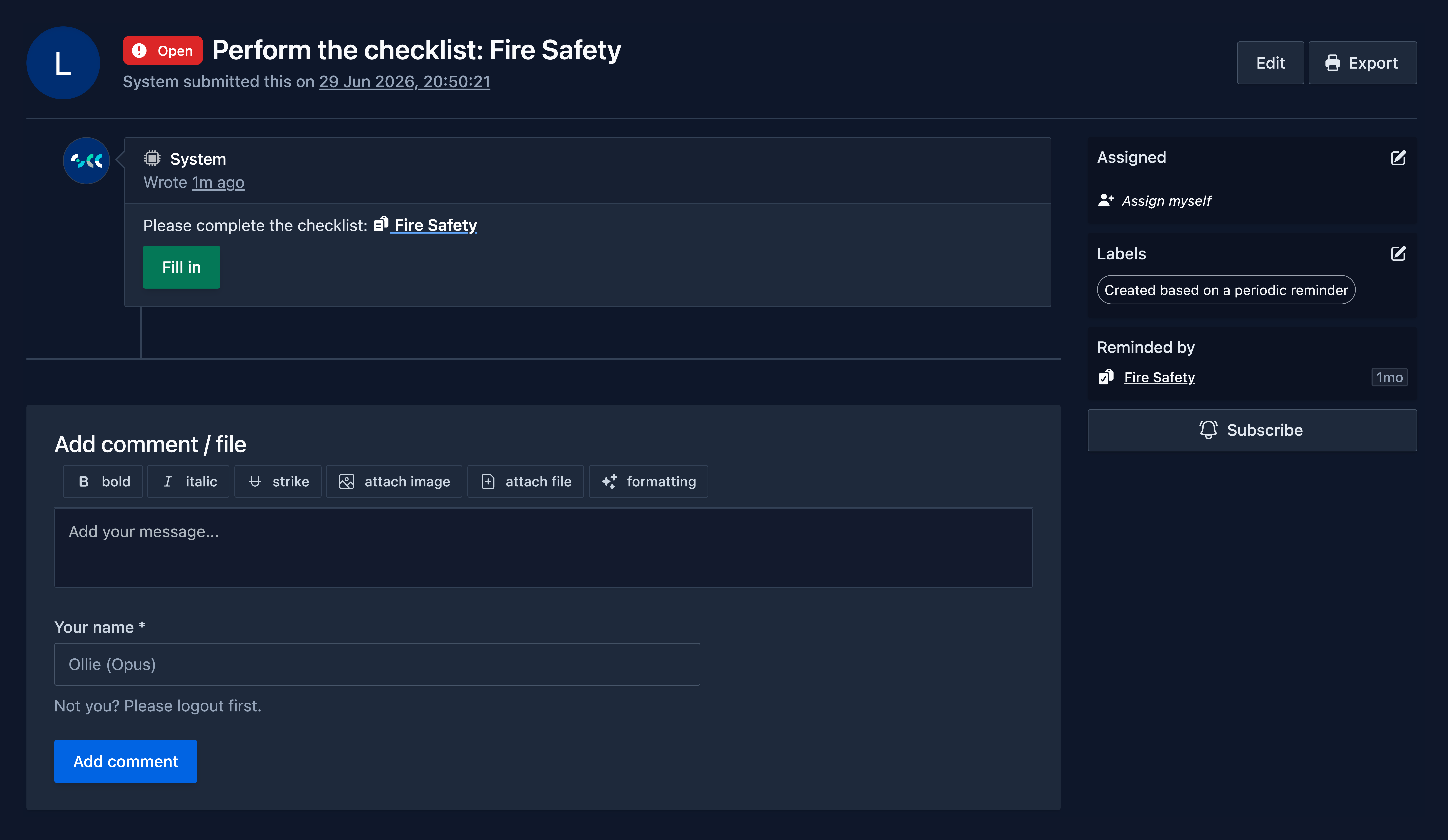
Example Reminder Task - Fire Safety
This is an example of a reminder to complete a Site Checklist task. As this is a reminder task to fulfil a requirement, you must complete the checklist to resolve it.
Corrective Actions
Corrective Actions are informative tasks that highlight where action may be required across your sites, assets, or employees. They may relate to reported defects, recommendations, or other issues that have been identified and raised.
View the Diagram / Table below to view the different kinds of Corrective Actions you will likely encounter.
---
config:
  layout: elk
---
flowchart TB
    A["Corrective Actions"] --> n1["Automated Corrective Actions"] & n2["Audit Corrective Actions"] & n3["Manually Reported Corrective Actions"]

    A@{ shape: rounded}
    n1@{ shape: rounded}
    n2@{ shape: rounded}
    n3@{ shape: rounded}
| Corrective Action Type | Description |
|---|---|
| Automated Corrective Actions | An automated corrective action is an action that is generated automatically as a result of someone completing a checklist or playbook. It is triggered when a response to a question meets a specific condition, causing a corrective action to be raised. |
| Audit Corrective Actions | An audit corrective action is an action generated as a result of an auditor or consultant carrying out an audit of a site. These corrective actions are typically bespoke, detailed, and often relate to higher-priority findings that require attention. |
| Manually Reported Corrective Actions | A manually reported corrective action is an ad-hoc action that has been raised by a user. For example, an employee may notice a defect while walking past a vehicle and report it as a corrective action immediately. |
Example Reminder Task - Fire Safety
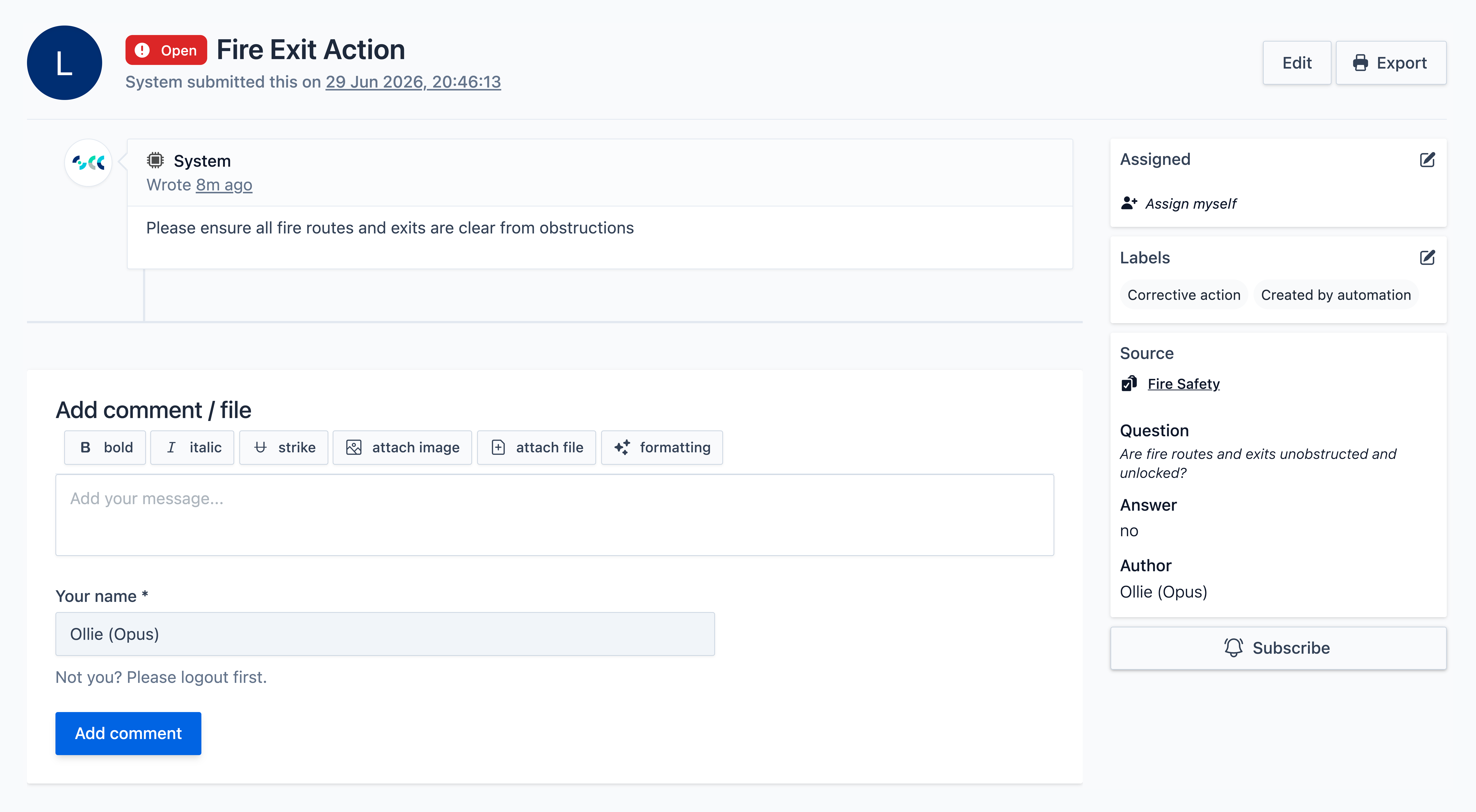
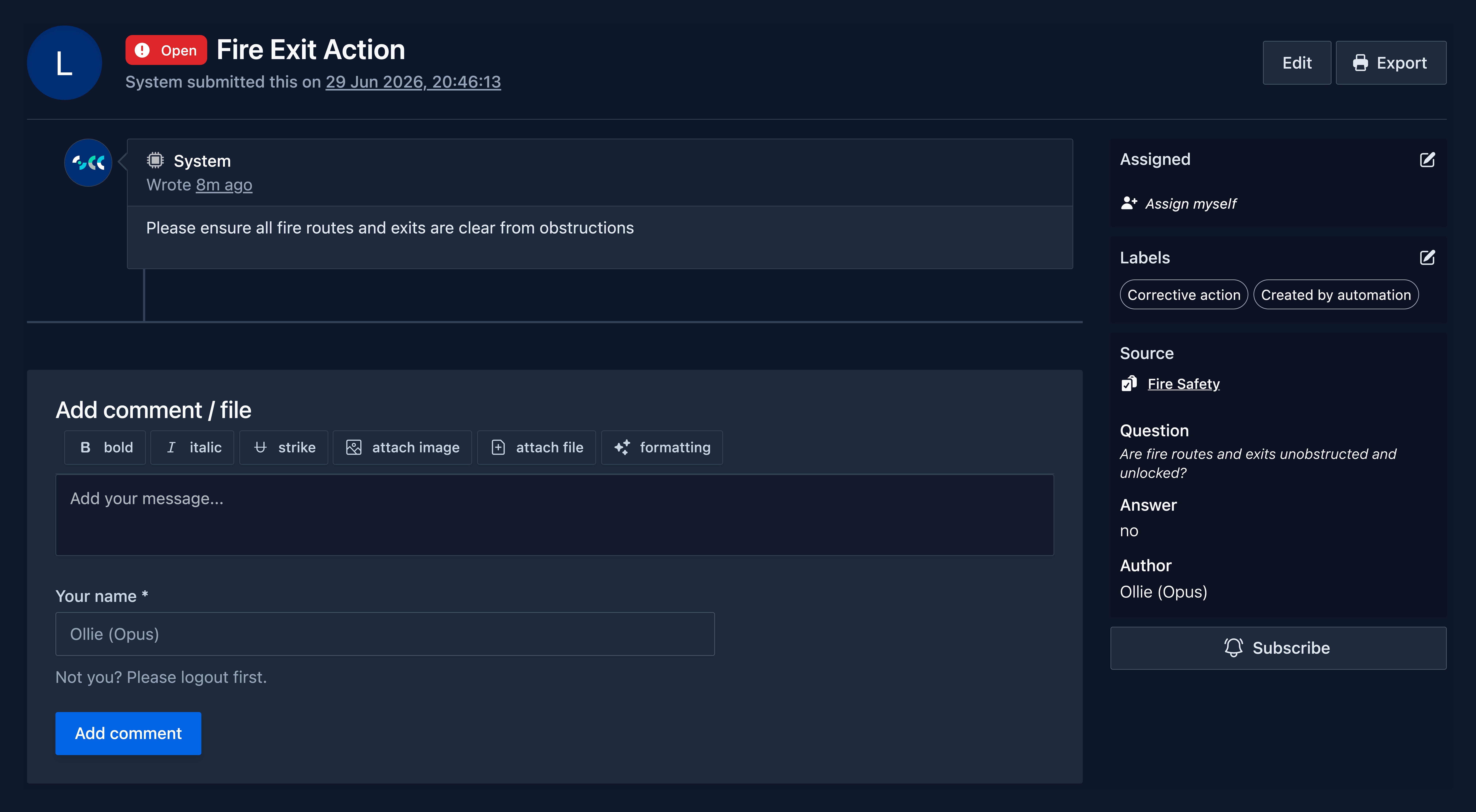
This is an example of an Automated Corrective Action task. You can see:
- The recommended action to take in the middle.
- The source of the action, in this case its from the Fire Safety checklist, on the right panel.
- The question and the answer that triggered the action also on the right panel.
Reported Events
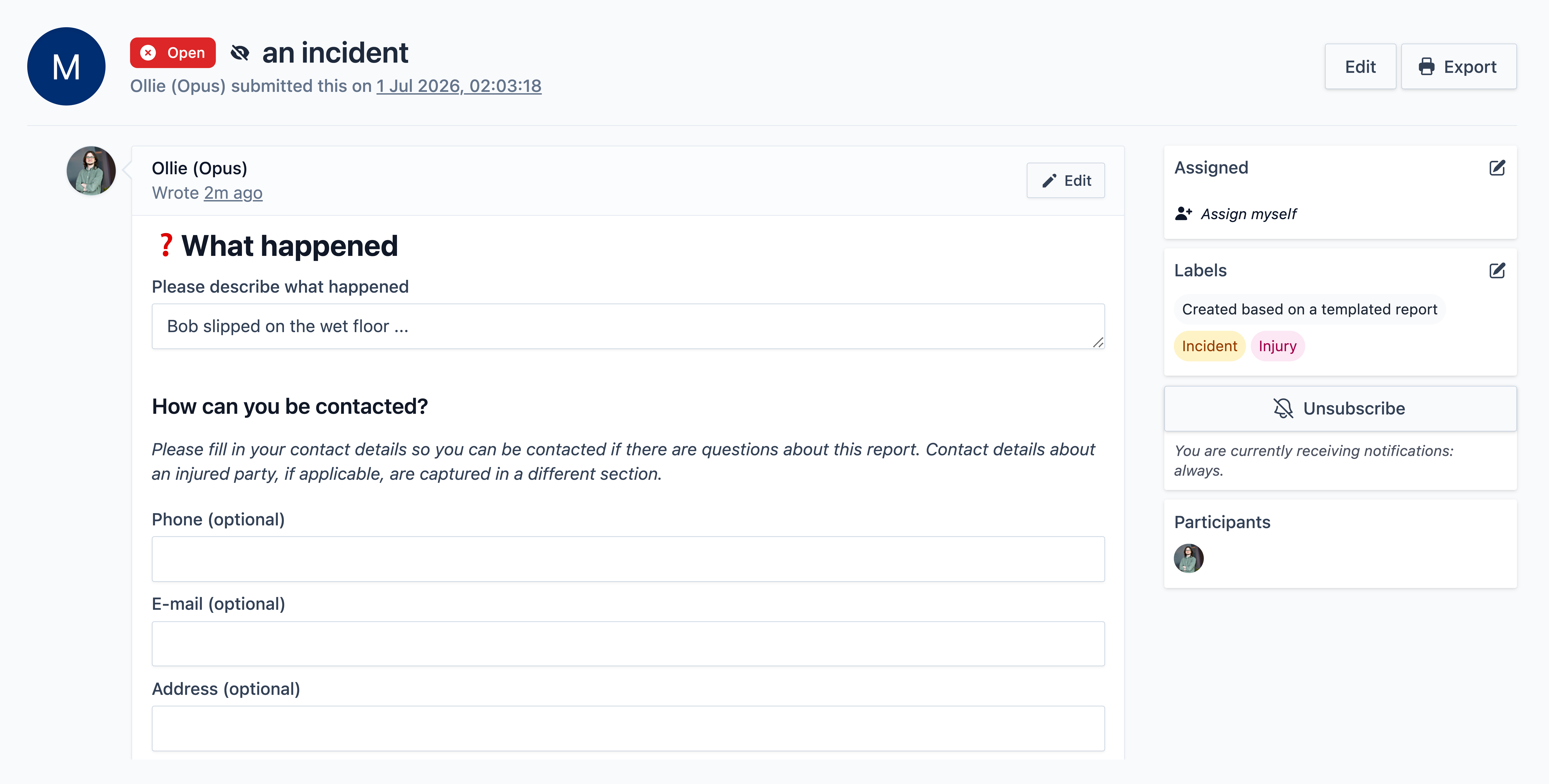
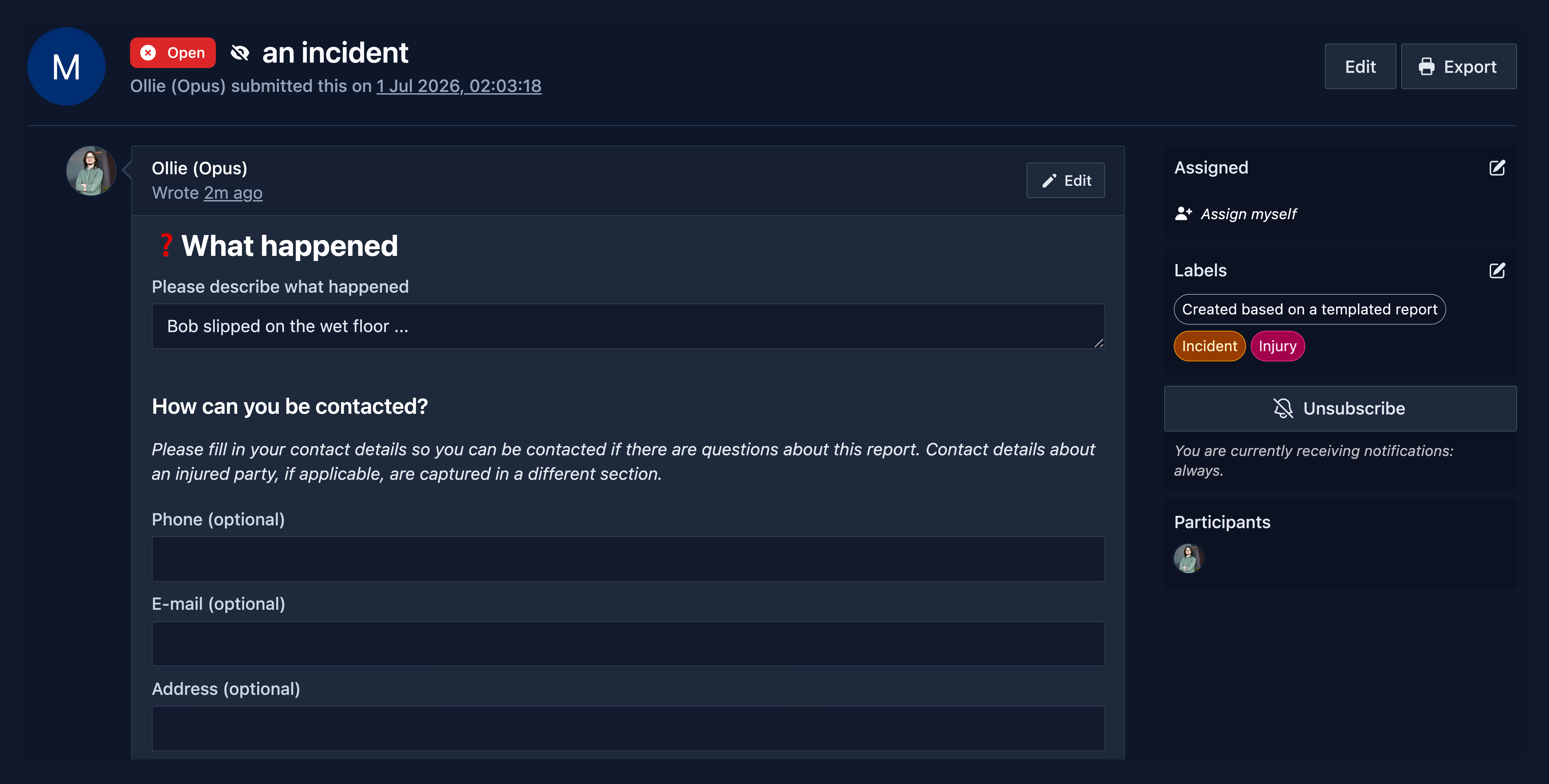
Reported Events are tasks that have been manually reported by someone.
View the Diagram / Table below to view the different kinds of Reported Events you will likely encounter.
---
config:
  layout: elk
---
flowchart TB
    A["Reported Events"] --> n1["Incidents (Injury / Near miss)"] & n2["Road Traffic Collision"] & n3["Safety Observation"] & n4["... and more"]

    A@{ shape: rounded}
    n1@{ shape: rounded}
    n2@{ shape: rounded}
    n3@{ shape: rounded}
    n4@{ shape: rounded}
This is an example of a Reported Event task - specifically an Incident with Injury. Reported Event tasks will typically have certain fields that need to be filled in to complete the task.