Archiving an employee
Written for Managers Administrators
If someone's left your workplace, you'll need to archive their employee record.
Follow the guide below on how to do this.
Steps


Step
From the site inbox, click the Switch to Manage Mode button.


Step
Click Employee records on the manage sidebar.


Step
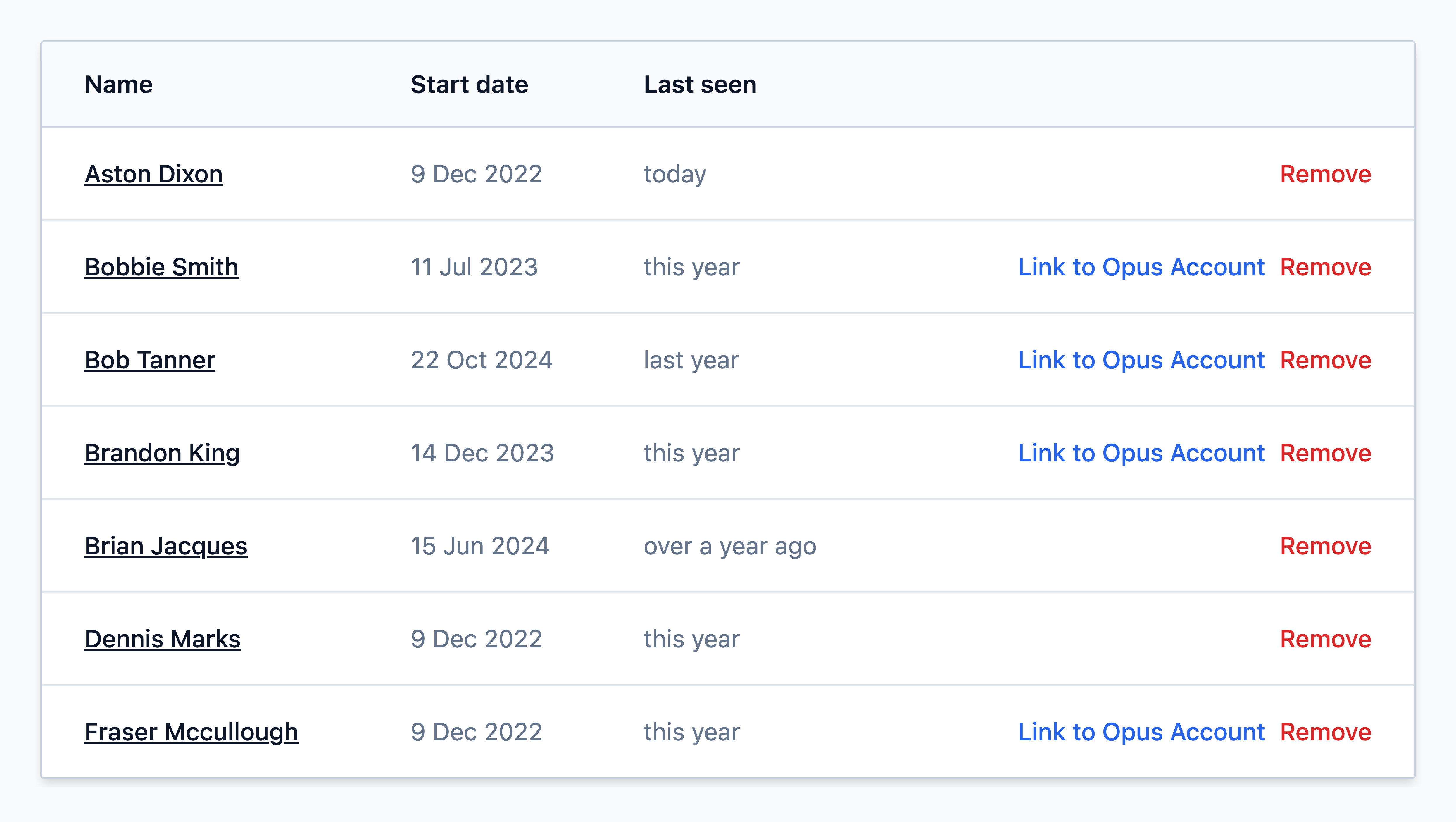
Find the employee from the list and click on their name
Shortcut!
If you see the red Remove button next to the employee’s name in the list, you can click this instead to schedule the employee to be archived at the end of the day. You can then skip the remaining steps.
If you need to set a specific end date for the employee (for example, if their leaving date is in the future or was in the past), continue with the steps below.
Step
Click Edit employee on the record


Step
Select/type employee's leaving date in the End day field.


Info
The end day is the last day of working - the system will consider them as current up to midnight (UTC).
If you want an employee to be archived and their reminder tasks resolved immediately, set their End Day to yesterday or before.
For short-term contracted staff, you can pre-populate the End Day field in advance.
Step
Then click Save employee at the bottom of the page.


Info
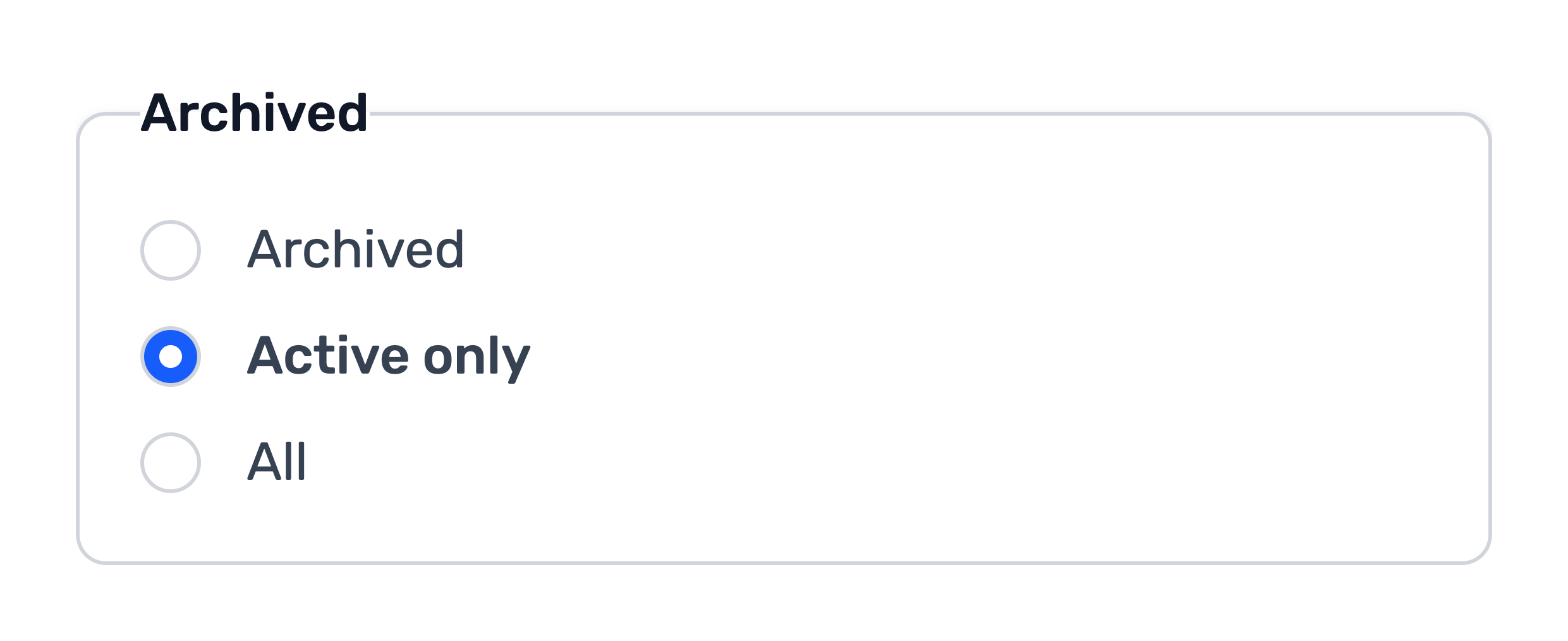
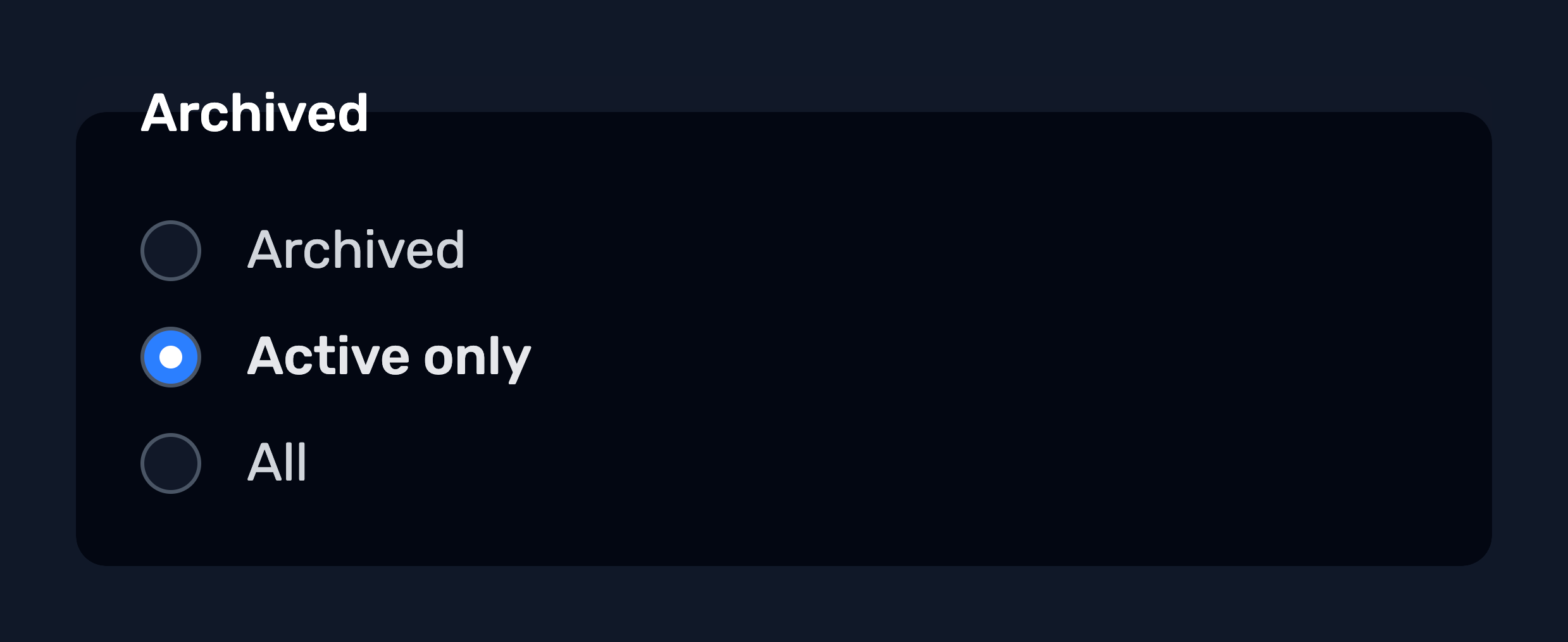
You will be able to find archived employees in future by changing the filter on the your Employee list page to Archived or All.
Open tasks related to the employee
After archiving an employee, you may still have open tasks linked to their record.
Reminder tasks
These will be handled automatically by the system and will resolve the day after the employee's end date.
Raised actions
Open employee corrective actions, such as those raised following Health Surveillance or DSE assessments, will not automatically resolve when an employee is archived. These actions will remain open and must be manually resolved for the following reasons:
- Maintaining a clear evidence trail: This ensures there is a complete record of any outstanding issues and follow-up actions should they need to be reviewed after the employee has left, which is particularly important in the case of contentious leavers.
- Identifying wider trends: Corrective actions may contain information that contributes to broader trends or recurring issues across the existing workforce.
- Informative on working environment: Corrective actions may indicate potential issues with the workplace environment that could affect other employees and may require further investigation or action.
Assigned tasks
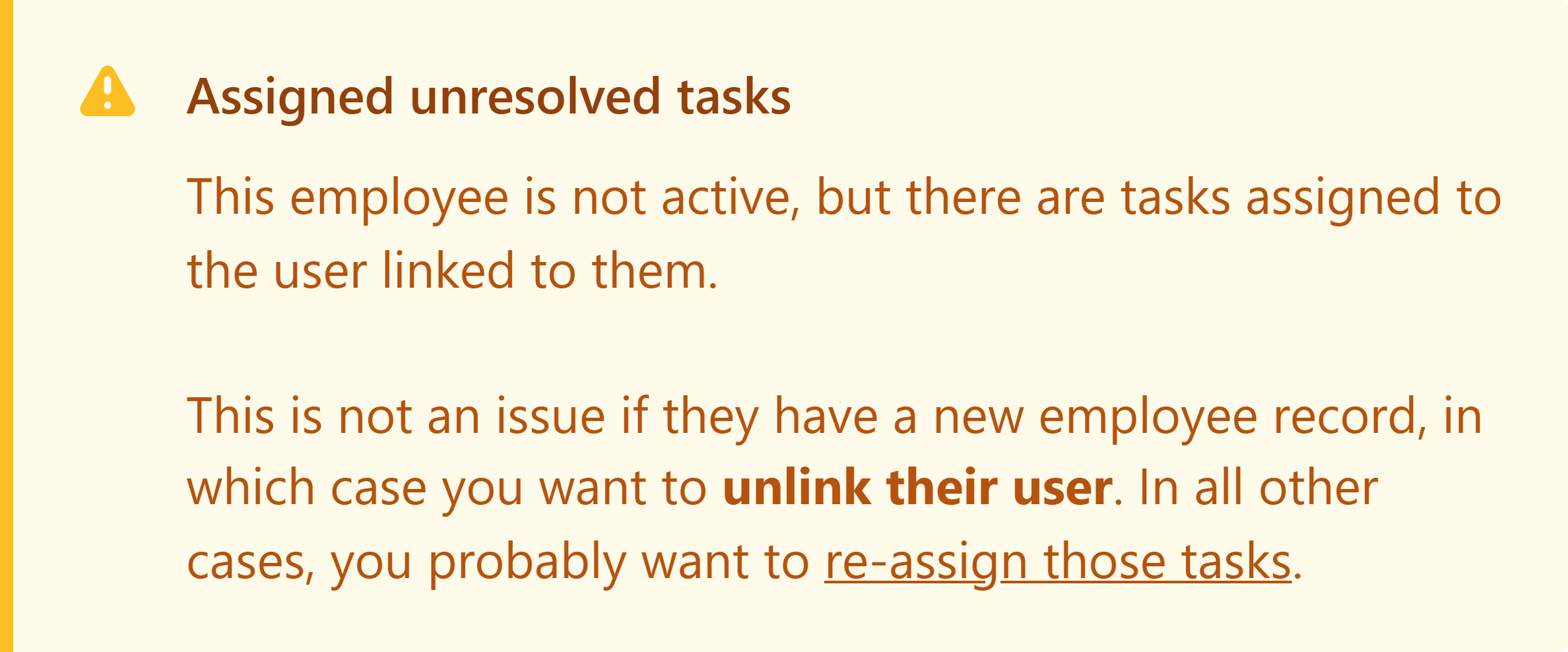
If a departing employee has any assigned tasks, an on-screen alert will appear when you enter their end day, with a direct link to those tasks.
To prevent these tasks from being 'dumped' back to the site inbox, they will remain assigned to the archived employee's record. This allows you to reassign and hand them over in a controlled manner. The notification will stay on the employee's profile until all tasks are reassigned.