Creating a sign-off sheet
Written for Managers Administrators
A printable sign-off sheet can be generated in-system which can be used for briefings/toolbox talks.
Follow the steps below to create a sign-off sheet.
Creating the sign-off sheet
Step
From My Dashboard, click on Pick workspace and select the site where you wish to create the sign-off sheet.


Tip
If the employees you wish to include cover multiple sites - select the highest common parent site, such as a regional or company parent.
Step
From the site inbox, click the Switch to Manage Mode button.


Step
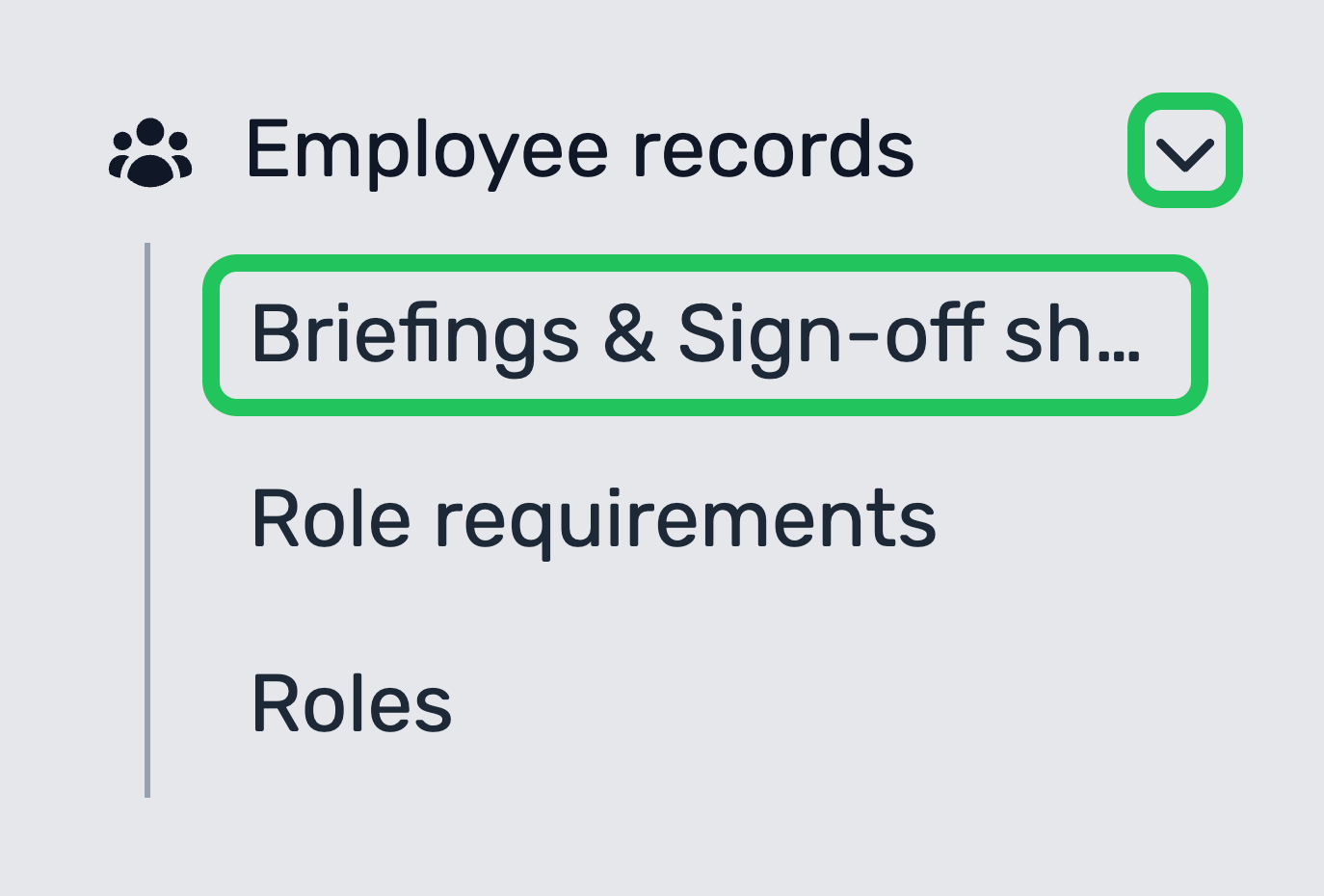
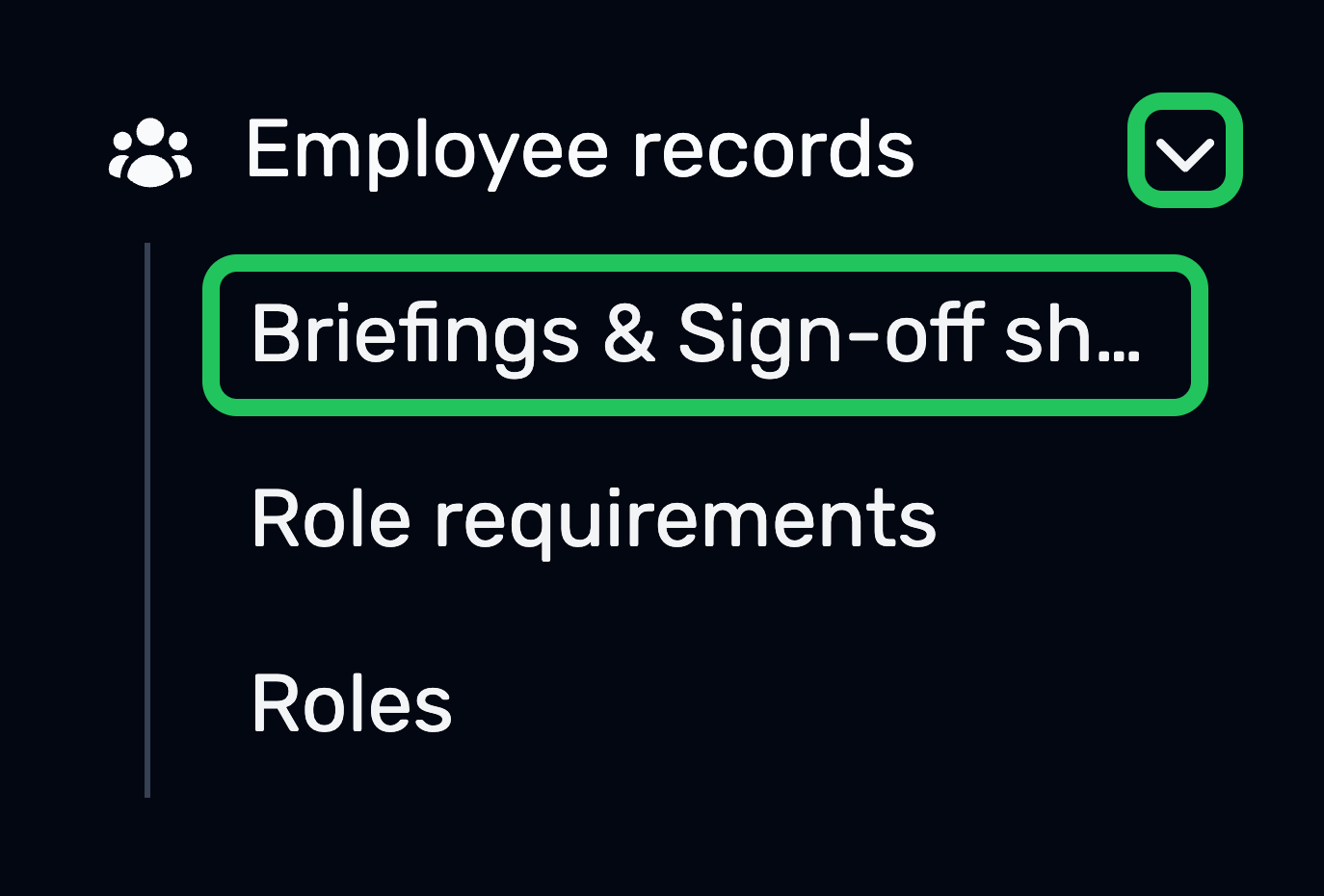
Expand the Employee records drop-down in the manage sidebar and select Briefings & Sign-off sheets.
Step
Click New briefing.


Step
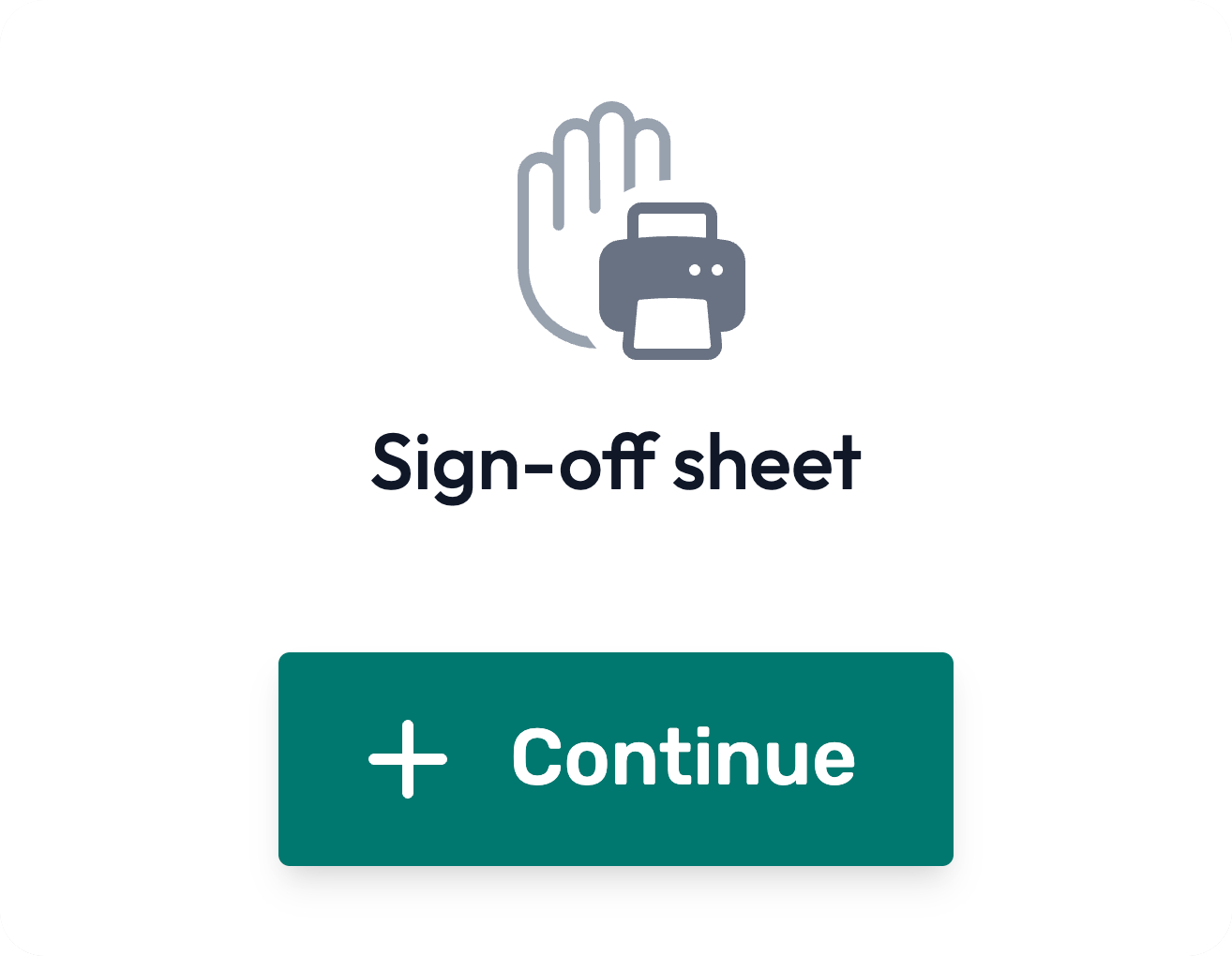
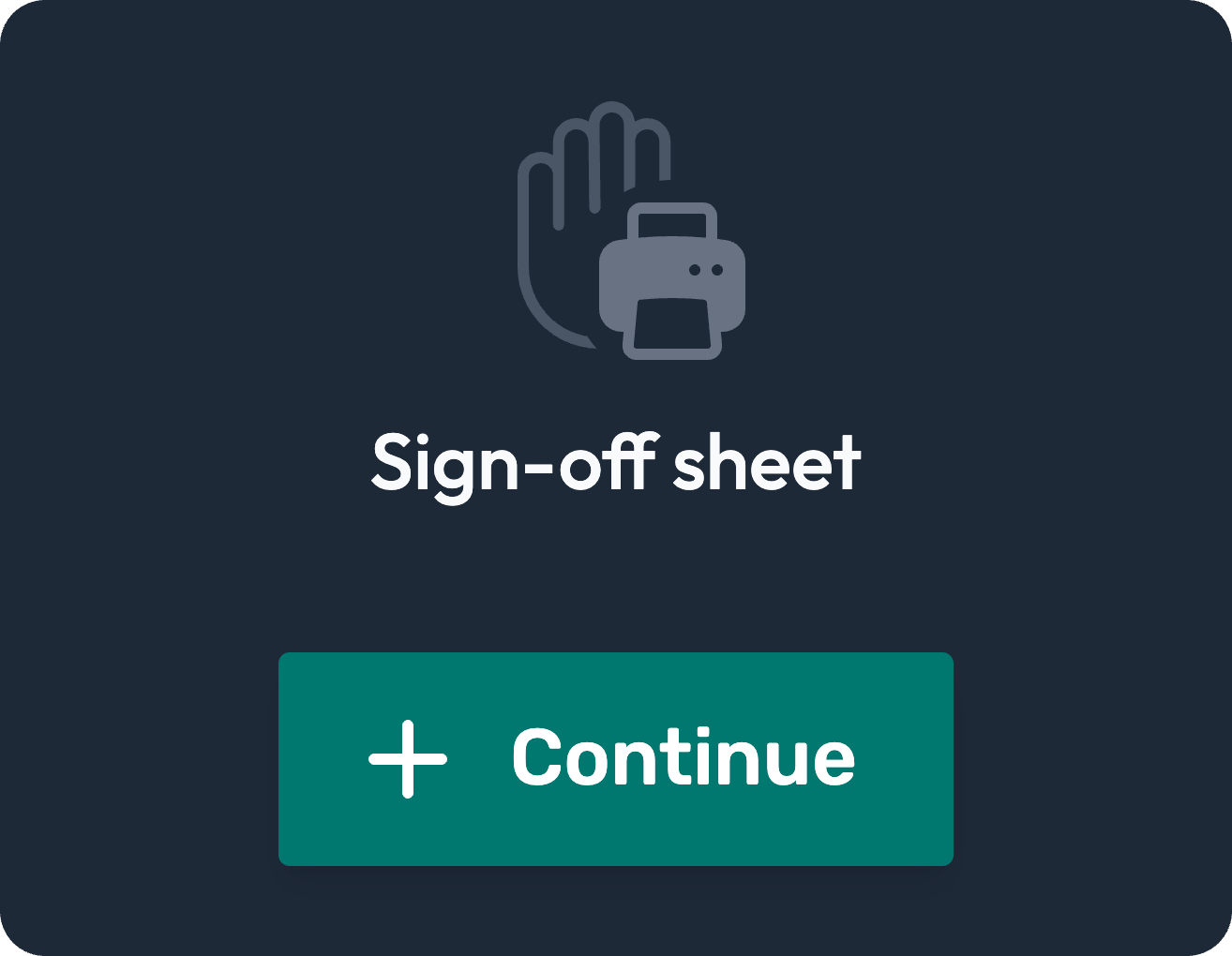
Click Continue under Sign-off sheet.
Step
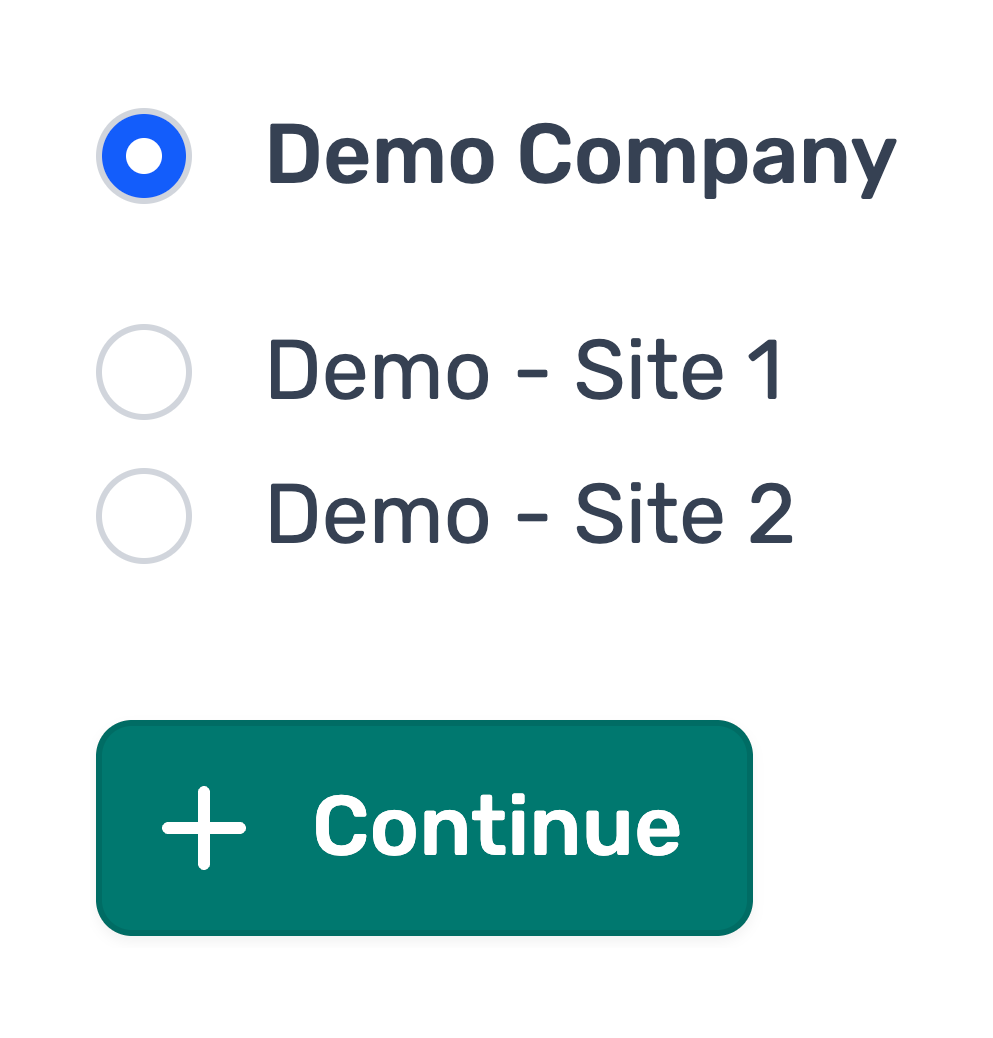
If applicable, re-select where you would like to create this sign-off sheet.
Click Continue.
Step
Enter a title for the sign-off sheet.
This is typically the name of the briefing / training / toolbox talk you're looking to give.


Step
Select the employees that will be taking part in the briefing / training / toolbox talk and therefore to include on the sign-off sheet.
You can select via roles, or per employee.


Step
Click Generate sheet


Step
On the following page, you can print off the sign off sheet by clicking Print


Converting to a briefing
Sign-off sheets can be converted into Briefings within 10 days of creation by selecting Convert to briefing on the sign-off sheet page.