Uploading a briefing
Written for Managers Administrators
A briefing is a record of an ad-hoc training, such as a toolbox talk, given to your employees.
Follow the steps below to upload a briefing record.
Warning
This guide assumes the briefing / toolbox talk has already taken place and explains how to upload the record to Opus Compliance Cloud.
If it hasn't taken place yet and you need to create a printable sign-off sheet first, follow the guide below.
Creating a new briefing
Step
From My Dashboard, click on Pick workspace and select the site where you wish to create the briefing.


Tip
If the briefed employees cover multiple sites - select the highest common parent site, such as a regional or company parent.
Step
From the site inbox, click the Switch to Manage Mode button.


Step
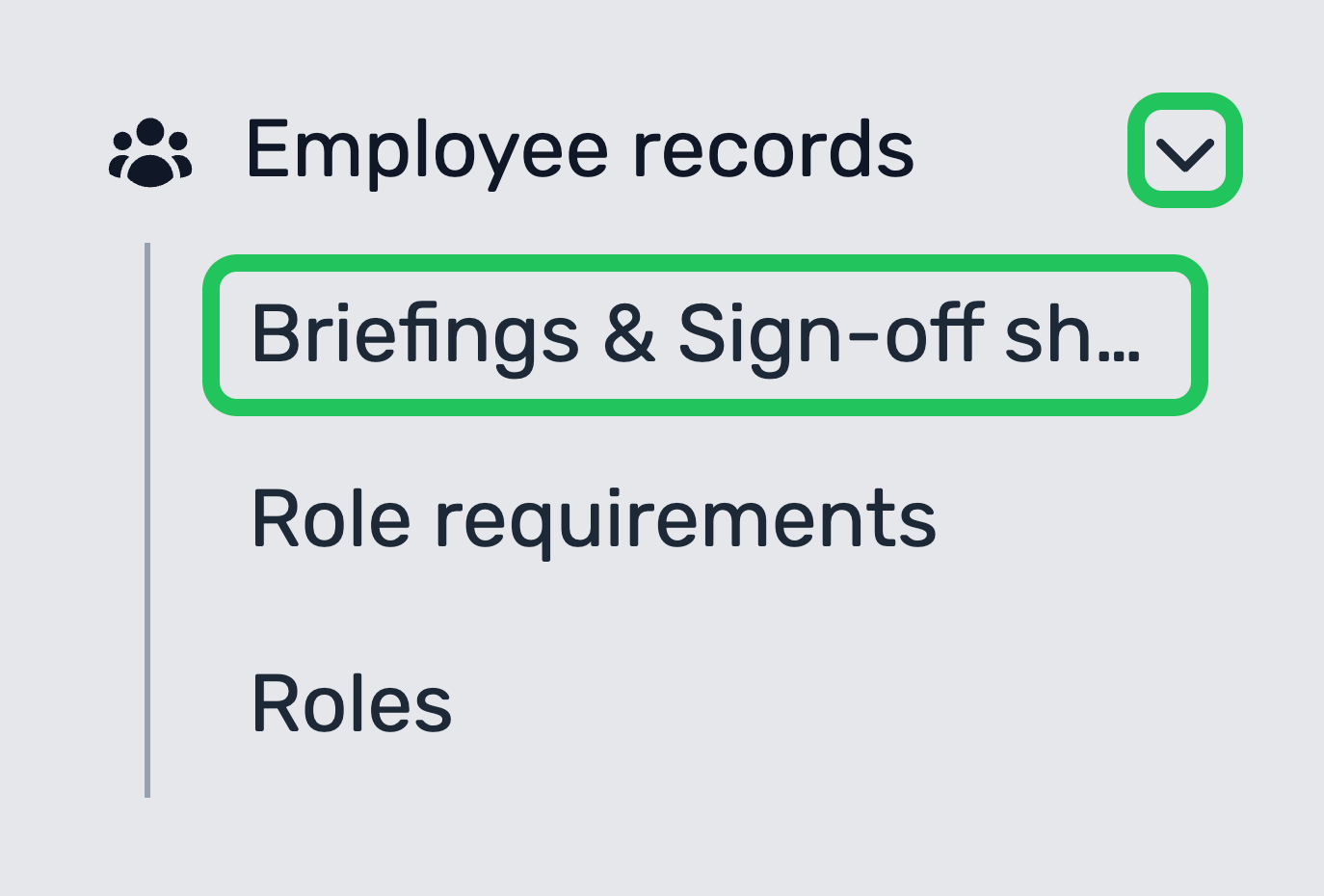
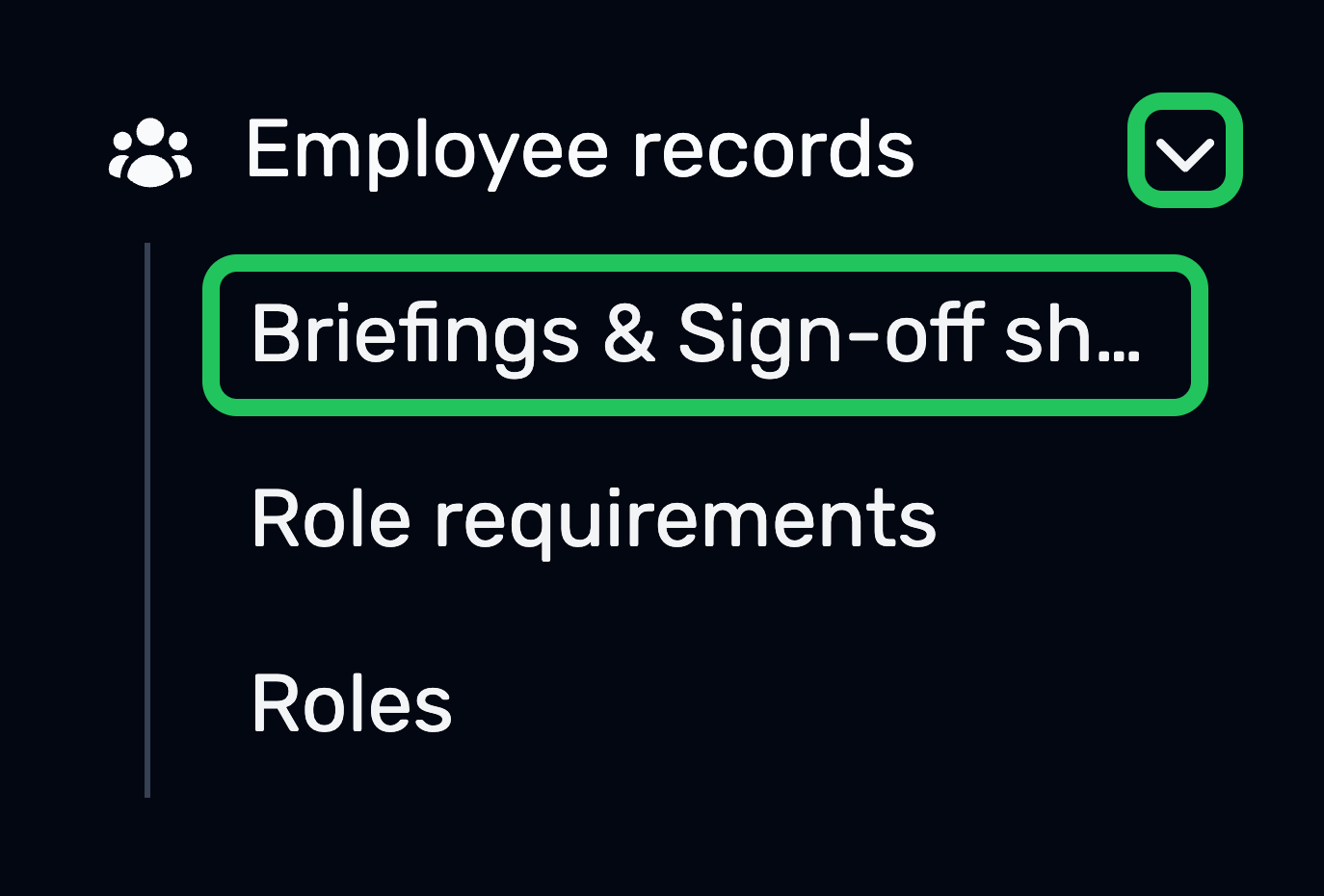
Expand the Employee records drop-down in the manage sidebar and select Briefings & Sign-off sheets.
Step
Click New briefing.


Step
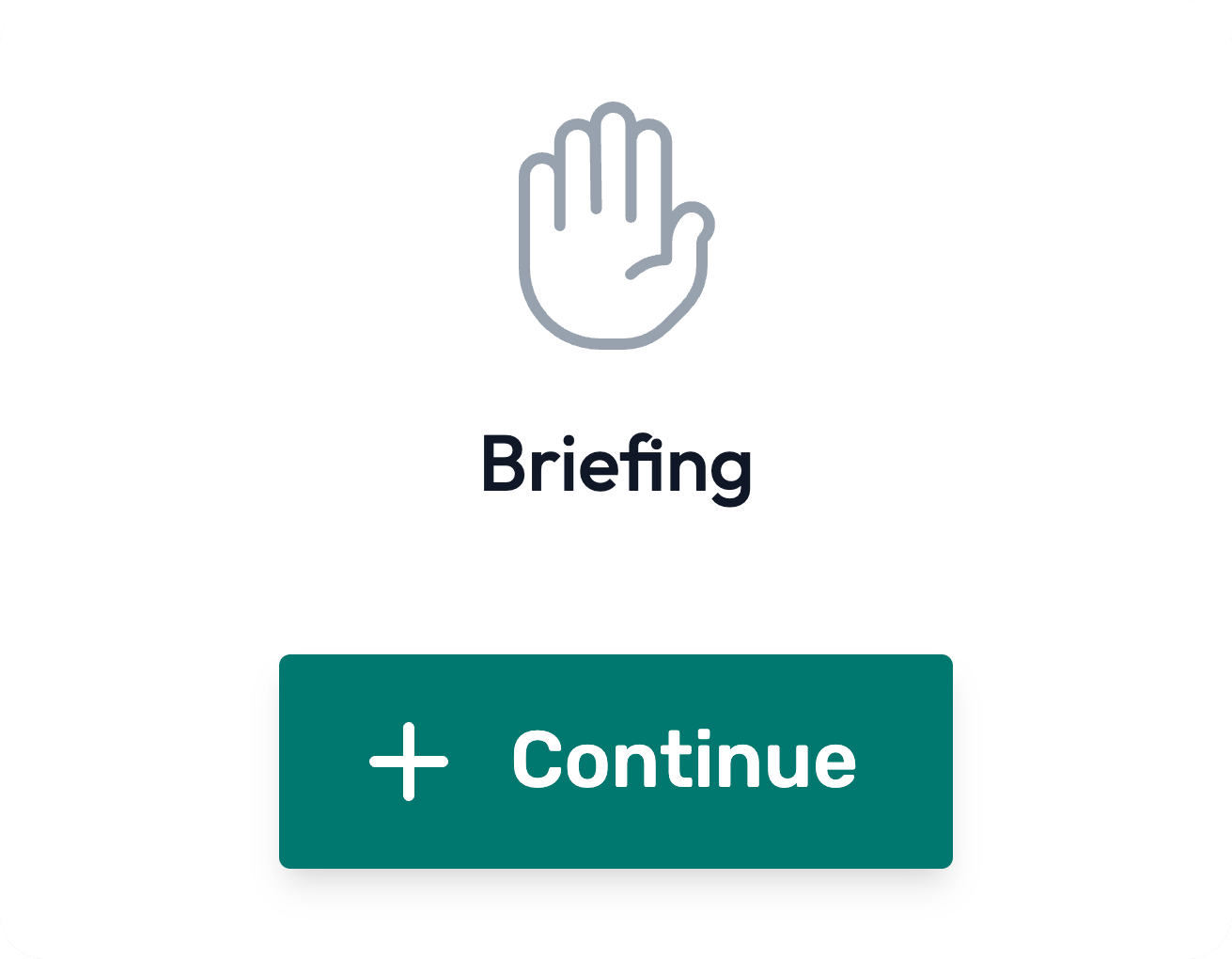
Click Continue under Briefing.
Configuring the briefing and uploading the record
Step
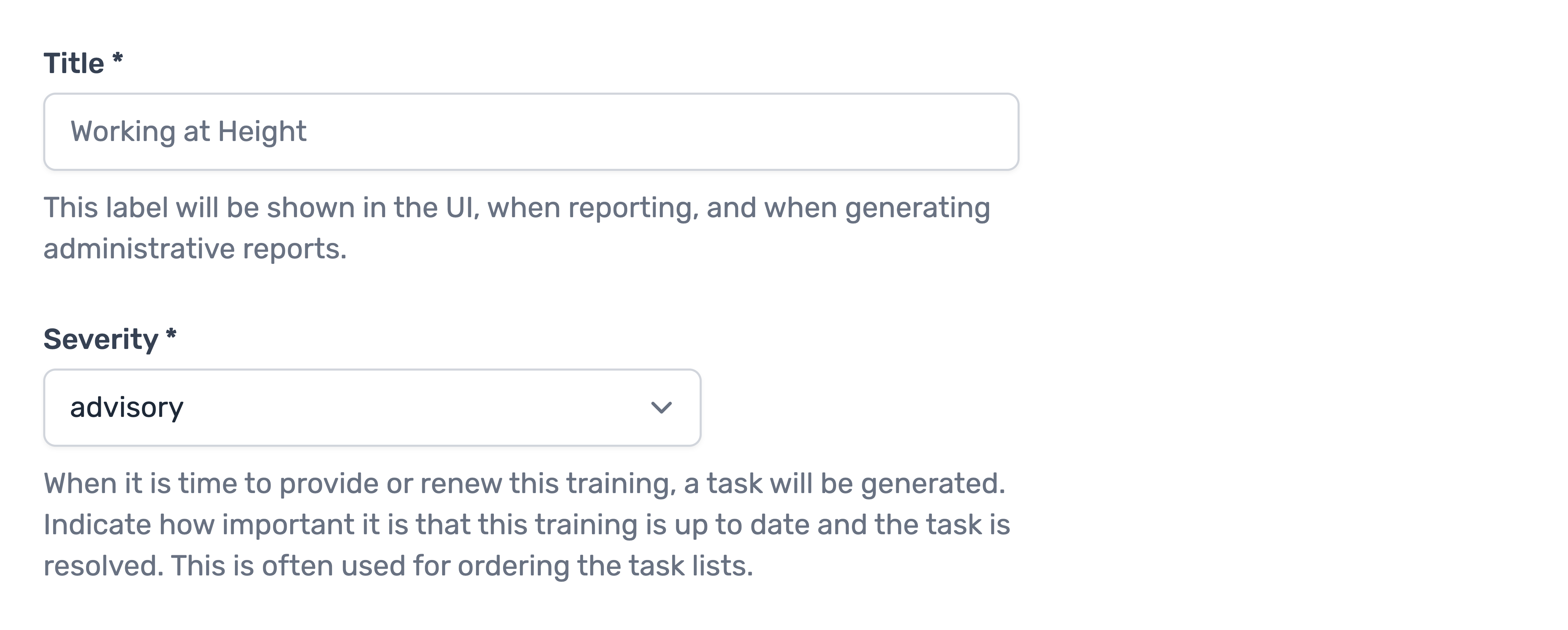
Give the briefing a title and configure the rest of the options.
Step
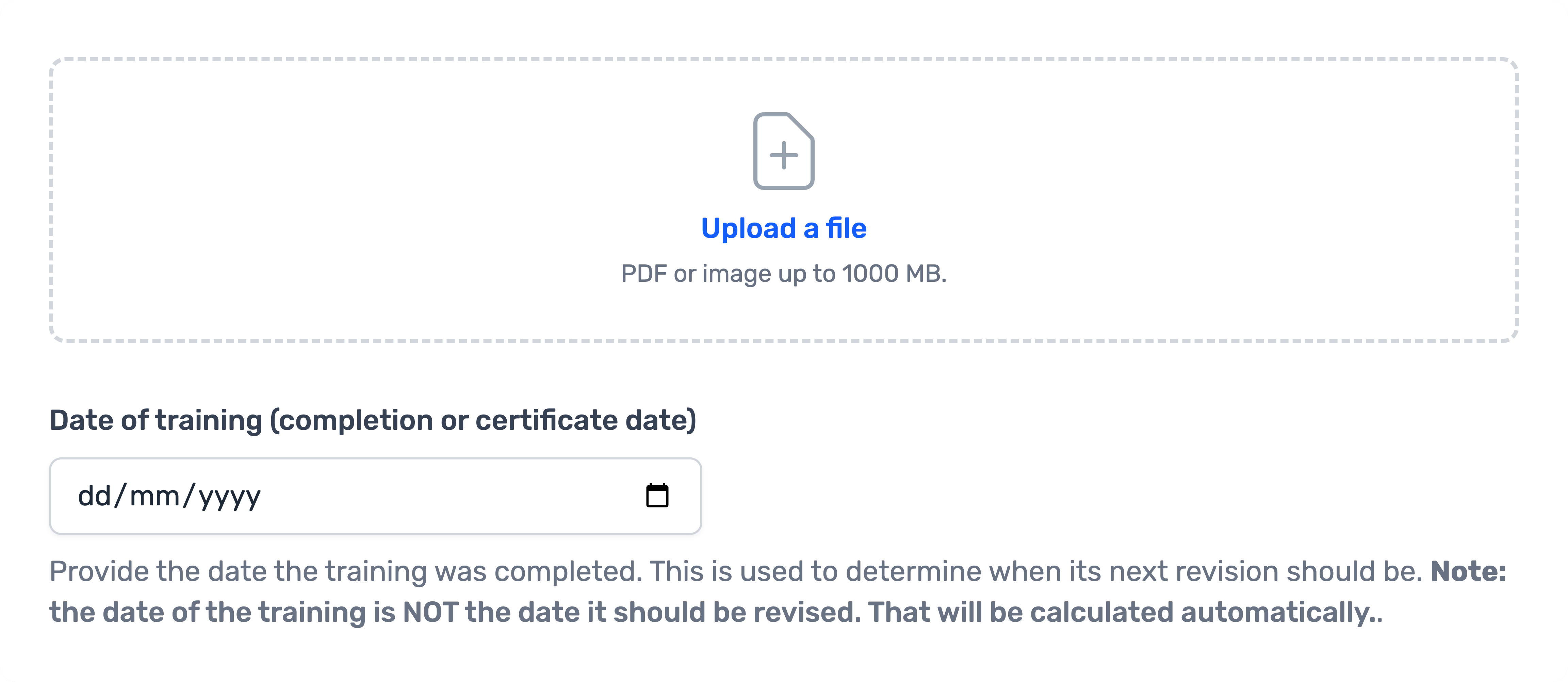
Upload the briefing / training / toolbox talk record and input the date of the training
Important!
Date of training (completion or certificate date) is the date the the briefing / training / toolbox talk was given.
Step
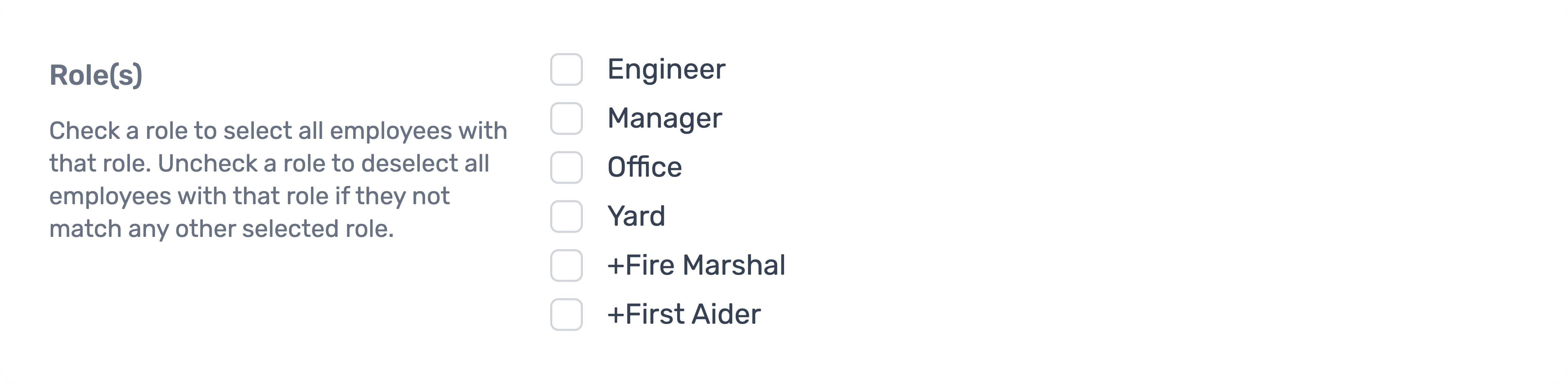
Select the employees that took part in this briefing.
You can select via roles, or per employee.
Step
Click Save briefing