Employees Overview
Compliance via collaboration
Employees Overview
Employees in Opus Compliance Cloud enables you to add, track and manage your workforce digitally, while also giving you the opportunity to have them participate in compliance related activities across your organisation.
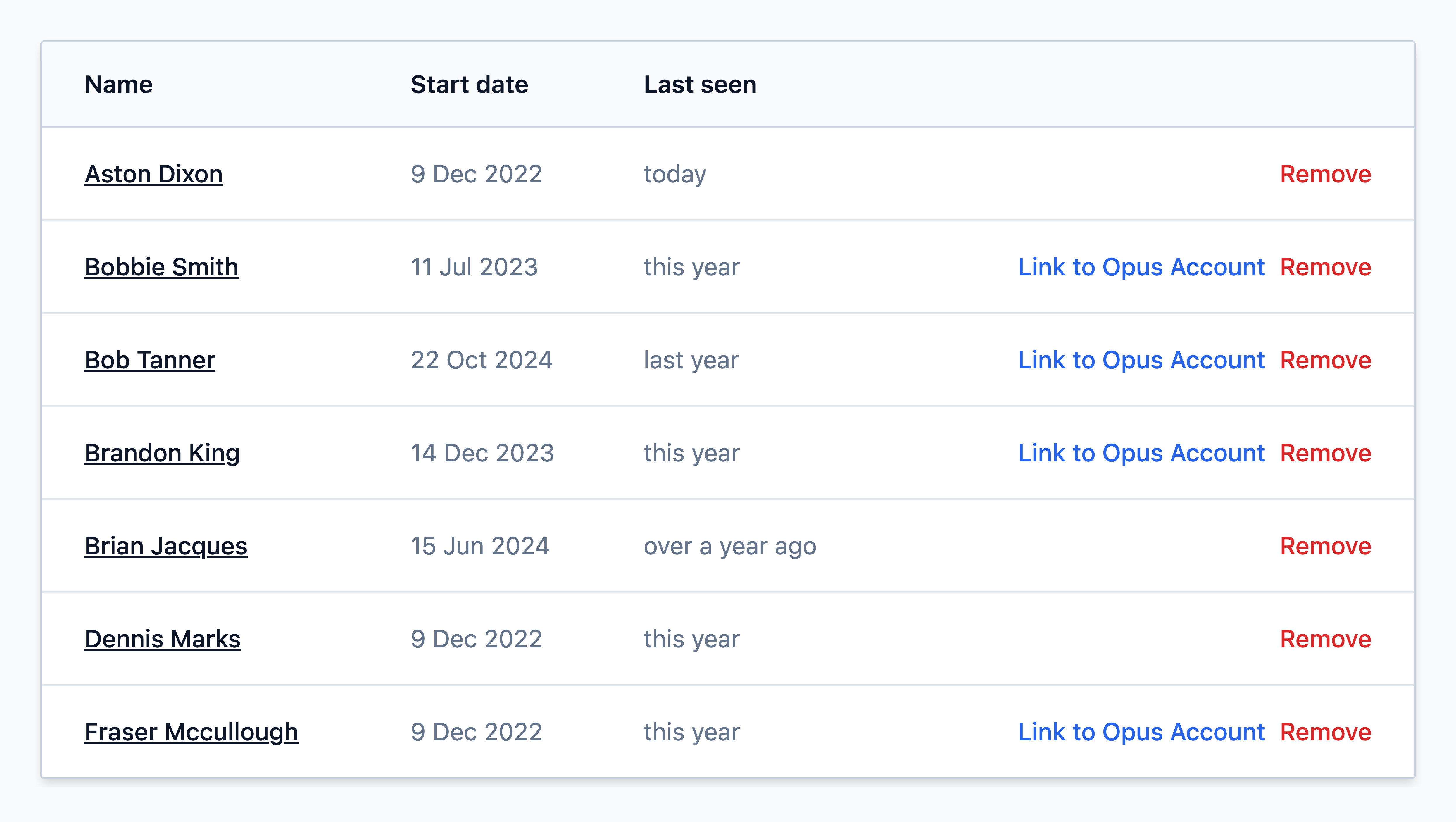

-
What are employees?
Employees are records that you create within Opus Compliance Cloud to represent individuals in your organisation. These digital records help managers and administrators stay organised by being the place to store an employee's requirements such as e-learning, training, checklists, and more.
What do employee records do?
Employee records are digital representations of employees that contain relevant information about the individual, such as:
| Information | Description |
|---|---|
| Name | Full name of the employee. |
| Photo | Optional photograph of the employee to assist with identification. |
| Start & End Date | Defined start and end of employment, allowing you to add future starters or schedule leavers ahead of time. |
| Requirements | Required e-learning, training, checklists and more can be installed on employee records to allow them to complete employee compliance requirements. |
| Role(s) | Roles allow you to easily manage and apply requirements to employee records in bulk. They can be tailored to suit your organisation’s specific needs. |
| Location | Employees can be assigned to specific locations or sites within the system, allowing you to organise them by region, location, department, or other organisational structures. |
| Access & Authorisations | Specific access permissions and authorisations can also be granted to employees. For example, you can provide access to particular regions or sites, or authorise employees to view specific types of sensitive data. |
Learn more